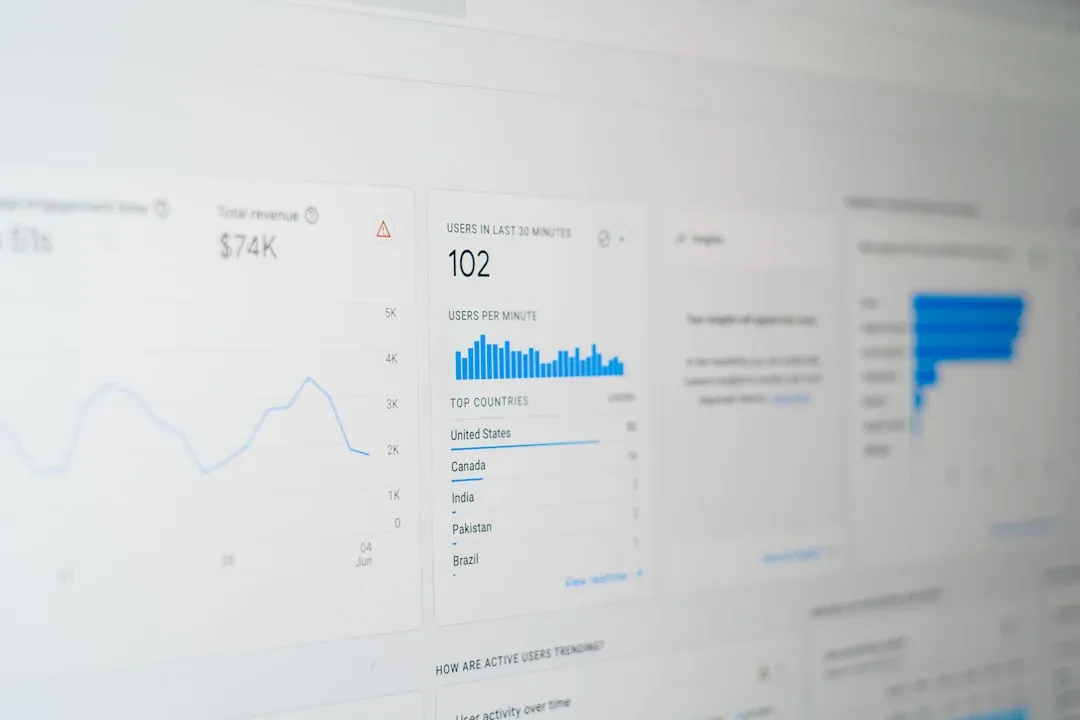
Every week we meet business owners staring at page view counters and smiling. Then comes the real question: 'How much does it cost you to acquire a customer?' Silence. The problem isn't a lack of data — it's picking the wrong metrics. At Meteora Web, we've been working with real numbers for years. We come from accounting: balance sheets, double-entry bookkeeping, VAT. So when we talk about marketing, we think in terms of cost and return, not likes. This guide shows you which KPIs actually matter and how to monitor them without drowning in useless dashboards.
Vanity vs Actionable: The First Filter
A KPI (Key Performance Indicator) tells you if you're heading in the right direction toward a business goal. Not every metric is a KPI. Vanity metrics — page views, followers, unique users — feel good but don't drive decisions. Actionable metrics — conversion rate, cost per acquisition, lifetime value — let you take action.
Real example: an e-commerce client had 50,000 visits per month but a conversion rate of 0.8%. The vanity metric said 'popular site.' The KPI said 'you lose 99.2% of visitors.' We worked on CRO and optimized images (60% weight reduction with no quality loss, as we did for another client). Result: conversion rate went to 2.3%. Revenue doubled with the same traffic.
Rule of thumb: if a metric cannot be directly tied to a cost or revenue, it's probably vanity.
Choose the Right KPIs for Your Business Model
There's no universal list. KPIs depend on how you make money. Here are the most important ones for three common models.
E-commerce
- ROAS (Return On Ad Spend) — revenue / ad spend. A ROAS of 4 means €4 for every €1 spent. Minimum target? Depends on margin. We always start from net margin: if margin is 30%, ROAS of 3 breaks even.
- CAC (Customer Acquisition Cost) — total marketing & sales expenses / new customers. Include everything: ads, tools, salaries. Many SMBs forget to include internal hours.
- AOV (Average Order Value) — total revenue / number of orders. A high AOV can offset a high CAC. Upsell and cross-sell strategies increase AOV.
- Conversion Rate (CR) — orders / sessions. No universal benchmark: 2-3% is typical for fashion e-commerce, 5-10% for high-intent niches.
Lead Generation (B2B services, consulting, real estate)
- CPL (Cost Per Lead) — total spend / leads generated. Caution: a lead is not a customer. Better segment by quality.
- MQL-to-SQL Rate — percentage of marketing leads that become qualified opportunities. The true indicator of message effectiveness.
- Lead-to-Customer Rate — customers / total leads. If low, the problem may be price, sales process, or lead quality.
- Customer Acquisition Cost (CAC) — same as above, but calculated on final customers, not leads.
SaaS / Subscriptions
- MRR (Monthly Recurring Revenue) — monthly recurring revenue. The baseline for any subscription business.
- Churn Rate — lost customers / total customers in a period. A 5% monthly churn means losing half your customers in a year.
- LTV (Lifetime Value) — average revenue per customer × average relationship duration. If LTV < 3× CAC, the business is not sustainable.
- LTV/CAC Ratio — the key ratio. Above 3 is considered healthy.
How to Set Up Tracking
KPIs are only valuable if measured correctly. Here's how to set up two fundamental tools.
Configure Conversions in Google Analytics 4
GA4 tracks events, not sessions. To monitor a purchase, implement the purchase event. Here's example code to place on the thank-you page (or via Google Tag Manager):
gtag('event', 'purchase', {
  transaction_id: 'T12345',
  value: 49.99,
  currency: 'EUR',
  items: [
    {
      item_id: 'SKU123',
      item_name: 'T-shirt',
      price: 29.99,
      quantity: 1
    }
  ]
});
Then, in GA4 Admin, go to 'Events' and mark the purchase event as a conversion. Now you can see ROAS directly in the 'Traffic Acquisition' report.
Implement Meta Pixel for Key Events
Meta's Pixel should track not just page views, but purchases and leads. Use the Purchase event with value and currency parameters. Example with base Pixel (without CAPI):
fbq('track', 'Purchase', {
  value: 49.99,
  currency: 'EUR'
});
Caution: many plugins handle this automatically, but always verify that value parameters are passed correctly. We've seen cases where the Pixel tracked a purchase but with zero value — making Meta reports useless.
The Dashboard We Use
Collecting data is useless if you don't review it regularly. We recommend a weekly dashboard with 5-7 KPIs max. Example for an e-commerce store:
- ROAS by channel (Google Ads, Meta, organic)
- CAC total and by channel
- Conversion rate overall and by device
- AOV and its trend
- Total revenue vs previous period
Don't overload. Every KPI should have a target and a trigger — when it crosses a threshold, an action fires. For example: if ROAS drops below 3, reduce budget on that channel and analyze creatives.
In Summary — What to Do Now
- Eliminate numbers you can't translate into actions. Audit your dashboard and remove every metric that doesn't answer “how can I improve it?”.
- Calculate your real CAC including all cost items (hours, tools, subscriptions). If you never have, that's step one.
- Pick 3-5 KPIs for your business model (e-commerce: ROAS, CAC, AOV, CR; lead gen: CPL, Lead-to-Customer, CAC; SaaS: MRR, Churn, LTV/CAC).
- Implement tracking in GA4 and Meta Pixel with correct conversion events. Verify with preview mode or test purchase.
- Schedule a weekly 30-minute meeting to review the dashboard. Don't check more often — you risk reacting to noise, not signal.
If you want to dive deeper into measuring returns from affiliate marketing, we have a dedicated guide. For now, focus on these KPIs and start making decisions based on numbers — not gut feelings.
Sponsored Protocol