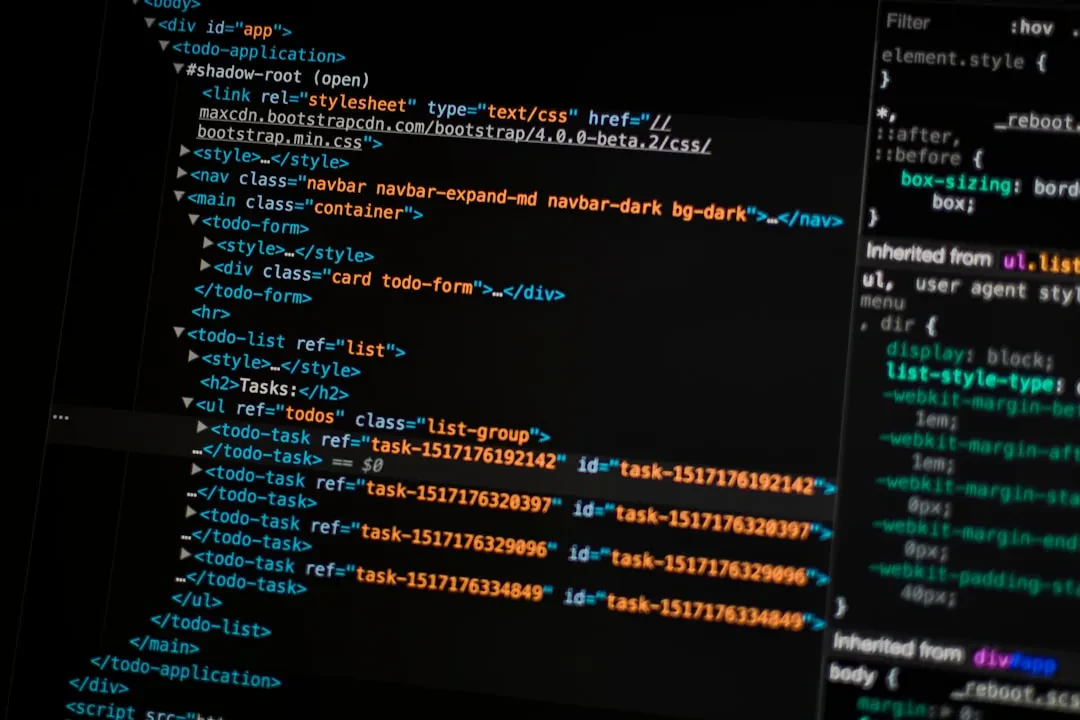
Has your WordPress site been hacked yet? Maybe not, but if you've never done hardening, it's only a matter of time. We see it every day in projects that land on our desk: outdated plugins, admin users with weak passwords, file permissions set to 777, missing backups. Small oversights that open the door to ransomware, defacement, or data theft. We, at Meteora Web, treat security as an investment, not a cost. This guide gives you a complete operational checklist to lock down WordPress, with real commands and concrete decisions.
Why Hardening Is Not Optional
WordPress powers over 40% of the web. It's a huge target. The most exploited vulnerabilities aren't zero-day bugs: they're loose configurations. An outdated plugin, a nulled theme, an 'admin' user with password 'admin123'. We've seen clients lose months of work because of an unprotected form. Hardening isn't paranoia: it's routine maintenance.
1. Updates: The First Wall
Keep everything up to date: core, plugins, themes. Known vulnerabilities are patched every week. If you don't update, you leave the door open.
Immediate actions:
- Should you enable auto-updates for critical plugins? Better to manage manually to test compatibility. Enable auto-updates only for security plugins (e.g., Wordfence).
- Use
wp-clito update from the terminal:wp plugin update --allandwp theme update --all. - Review your list of installed plugins: if it's deactivated but still present, delete it. An inactive plugin can still be vulnerable.
2. Users and Permissions: Less Is More
Never use the 'admin' username. Too many brute force attacks start there. Create a user with a hard-to-guess name and assign minimal privileges.
Checklist:
- Delete the 'admin' user if it exists. Assign its content to a new user.
- Use strong passwords (min 16 characters, alphanumeric plus symbols). To manage them, read our guide on password managers.
- Limit login attempts: plugins like Limit Login Attempts Reloaded block IPs after N attempts.
- Enable 2FA for all administrators. Without it, the password is the only barrier.
3. File System: Permissions and Configuration
File permissions are often the weak link. On Linux servers, wp-config.php must be readable only by the user serving the site.
Commands to run (via SSH):
# Standard WordPress permissions
find /path/to/wp -type d -exec chmod 755 {} \;
find /path/to/wp -type f -exec chmod 644 {} \;

# Protect wp-config.php
chmod 440 wp-config.php

# Block access to wp-content/uploads (do inside .htaccess)
Edit wp-config.php for stronger security:
// Disable file editing from admin
if ( ! defined( 'DISALLOW_FILE_EDIT' ) ) {
    define( 'DISALLOW_FILE_EDIT', true );
}

// Force SSL in admin
if ( ! defined( 'FORCE_SSL_ADMIN' ) ) {
    define( 'FORCE_SSL_ADMIN', true );
}

// Disable debug (not on production)
if ( ! defined( 'WP_DEBUG' ) ) {
    define( 'WP_DEBUG', false );
}
4. Database: Change the Default Prefix
The wp_ prefix is the most common. SQL injection attacks know it. Change it before installing the site (or via a post-install plugin).
How to do it:
-- Manual prefix change (caution: backup first)
RENAME TABLE wp_users TO yourprefix_users;
RENAME TABLE wp_usermeta TO yourprefix_usermeta;
-- ... repeat for all tables
Then update wp-config.php with $table_prefix = 'yourprefix_';.
5. .htaccess and Server Security
Block direct access to sensitive files and disable directory listing.
# .htaccess in WordPress root
# Block access to wp-config.php

    order allow,deny
    deny from all


# Disable directory listing
Options -Indexes

# Block PHP execution in uploads

    php_flag engine off


# Protect .htaccess itself

    order allow,deny
    deny from all
6. Security Plugins: Choose Wisely
Don't install 10 security plugins. One or two, well configured, are enough. We recommend:
- Wordfence: Firewall and malware scanner.
- iThemes Security (or Solid Security): Complete hardening.
- Sucuri Security: Audit logging and monitoring.
Configure the firewall to block malicious IPs and enable brute force protection. Caution: a misconfigured plugin can slow down the site. Always test performance.
7. SSL and HTTPS: No Excuses
Without SSL, data travels in plaintext. Today Let's Encrypt offers it for free. We, when a server's automatic SSL renewal broke, we fixed and automated it. You should too.
Actions:
- Obtain an SSL certificate (Let's Encrypt via Certbot).
- Set up automatic renewal with a cron job:
0 0 * * * certbot renew. - Force HTTPS in
.htaccessor via a plugin. - Verify all media is served over HTTPS (no mixed content).
8. Backups: First Things First
A secure site without backups is not secure. If compromised, the only solution is restoration. Automate backups of database and files.
Tools:
- UpdraftPlus for backups to cloud (Google Drive, Dropbox).
- VaultPress (Jetpack) for real-time backups.
- Custom cron script for raw backups.
Test restoration at least once a month. A backup that cannot be restored is useless.
9. Monitoring and Logging
You can't defend if you don't know what's happening. Enable WordPress error logs and server logs.
In wp-config.php:
define( 'WP_DEBUG_LOG', true ); // writes to wp-content/debug.log
// Remember: disable it in production if not debugging
Use a plugin like Activity Log to track user changes, failed logins, updates.
10. Security Headers
Send HTTP headers that prevent XSS, clickjacking, MIME sniffing. Add these lines to your .htaccess or via Nginx:
# .htaccess
Header always set X-Frame-Options "SAMEORIGIN"
Header always set X-Content-Type-Options "nosniff"
Header always set X-XSS-Protection "1; mode=block"
Header always set Referrer-Policy "no-referrer-when-downgrade"
Header always set Content-Security-Policy "default-src 'self'; script-src 'self' 'unsafe-inline'; style-src 'self' 'unsafe-inline'; img-src 'self' data:;"
In Summary — What to Do Now
- Update core, plugins, and themes. Delete unused ones.
- Remove the 'admin' user and enable 2FA for all administrators.
- Fix file permissions and protect
wp-config.php. - Configure .htaccess to block direct access and directory listing.
- Set up automatic backups and test restoration.
You don't need to become a cybersecurity expert: a few systematic actions are enough. If you want to dive deeper into the most common vulnerabilities, check out our guide on the OWASP Top 10. And remember: security in Italian SMEs is systematically undervalued. We see it every day. Start now.
Sponsored Protocol