Every app we use every day has gone through, at some point, a phase where it wasn't code yet but just sketched screens and hypothesized flows.
App prototyping is precisely this intermediate moment when ideas leave documents and become tangible experiences on screen, before developers write a single line.
What app prototyping really is
App prototyping refers to the creation of
simulated versions of a mobile application's interface and flows. They can be low-fidelity prototypes resembling grayscale wireframes, or high-fidelity prototypes that already look like the final app, complete with colors, typography, and icons.
Tools like
Figma,
Sketch, or
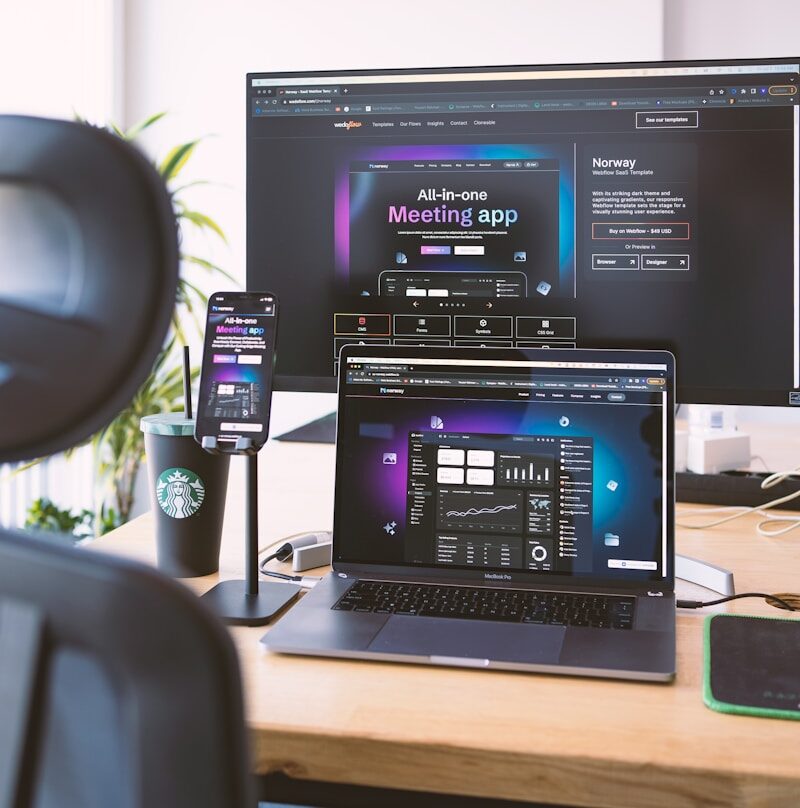
Adobe XD allow you to create these interactive versions by linking screens and components together. Instead of describing with words how a path within the app should work, you put a phone with a prototype in someone's hand and observe what happens.
From wireframes to high-fidelity prototypes
Prototyping is not a single act, but a journey. In the early stages, work often involves essential
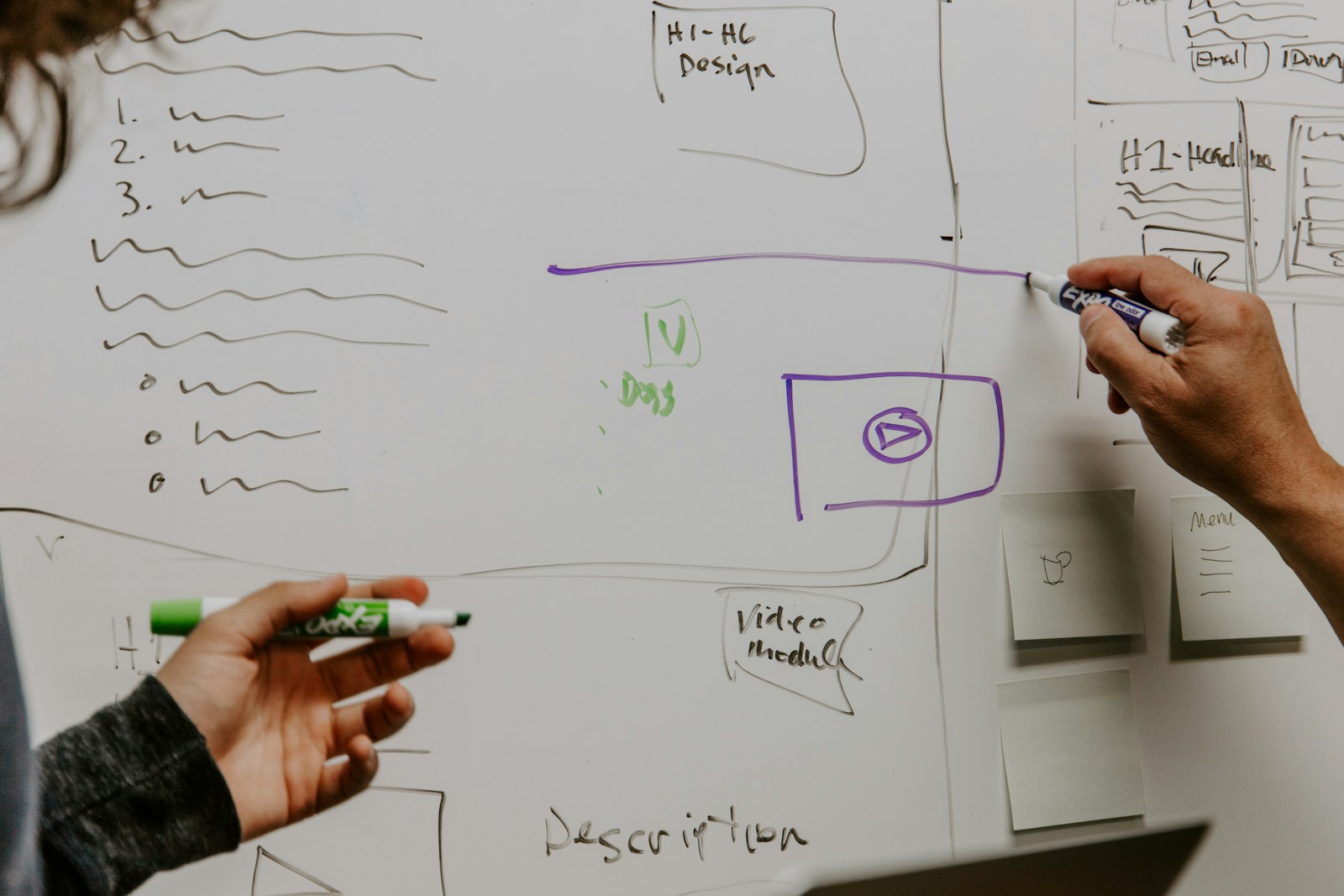
wireframes, almost skeletons of the screens, where only hierarchies, positions, and flows matter. No obsessive care for colors and borders, total focus on what appears, in what order, and with which main actions.
When the structure holds, fidelity increases. Prototypes begin to resemble the final app, introducing color palettes, fonts, icons, and components closer to the official patterns of
Apple Human Interface Guidelines and
Material Design. This step helps not only to validate the experience but also to align aesthetic expectations among the team, stakeholders, and client.
How a prototype works in the hands of users
A prototype is not a simple sequence of static images. Modern tools allow you to define
interactions, transitions, and different states for the same component. A button can change appearance when pressed, a list can scroll, a menu can appear and disappear consistently with the expected behavior in a real app.
This makes
user testing possible even in the early stages. You observe how people representative of the target audience move between screens, where they hesitate, which labels they don't understand, which spontaneous paths they choose to reach a goal. Feedback is no longer theoretical but anchored to concrete actions on an object that, at least in appearance, works.
Prototyping and the dialogue between design and development
App prototyping also serves to reduce the gap between those who design the experience and those who implement it. A well-built prototype becomes a
visual contract between designers, developers, and stakeholders. It doesn't rely solely on textual specifications but on an artifact that clarifies micro-interactions, animation timings, loading states, and error messages.
Many prototyping tools offer developer handoff features, with inspection of measurements, styles, and exportable assets. This doesn't replace front-end work, but it reduces ambiguity and unwanted creative interpretations. In practice, it shortens the number of clarification rounds and prevents the developed app from being different from what someone had in mind.
Why prototyping truly accelerates development
The idea that prototyping wastes time is one of the hardest myths to kill. In reality, app prototyping saves weeks of corrective work because it shifts mistakes to a moment when fixing them costs very little. Modifying navigation in a design file is a matter of hours; correcting the same choice in advanced development means redoing views, calls, and tests.
Prototyping allows you to
fail small, on a pixel base, instead of on a code and release base. It enables teams to converge more quickly on shared solutions and reduces the chance of reaching the end of the development cycle only to discover that the app is not intuitive or doesn't truly meet the initial needs.
Tools, design systems, and consistency over time
In organizations that develop multiple apps or frequently update the same one, prototyping increasingly relies on codified
design systems. Libraries of reusable components, typographic guidelines, and shared palettes allow for building prototypes consistent with the brand and, at the same time, close to what will later be implemented.
Tools like Figma offer advanced features for components and variants, while official resources from mobile operating systems provide interface kits adhering to platform standards. This shortens the distance between prototype and final product and makes it easier to evolve the app over time without starting from scratch with every new feature.
App prototyping between team culture and business expectations
Prototyping is not just a design practice but a
way of working. It imposes short feedback cycles, space for testing with real users, and a willingness to question ideas that seemed brilliant on paper but work less on screen. For more mature teams, it becomes a shared decision-making tool, not just an aesthetic exercise for the graphics department.
From a business perspective, app prototyping helps align expectations with reality. Seeing immediately how an onboarding, a purchase process, or a support flow looks allows those investing in the project to understand what they are buying in terms of experience, not just a functional list. In a crowded mobile market, where users abandon at the first friction, this early clarity is a concrete competitive advantage.

 Ing. Calogero Bono
4 min read
Ing. Calogero Bono
4 min read