In the
App, Mobile & Smartphone ecosystem, the
Google Play Store is much more than just a storefront. It's the point where billions of Android users search for apps, install them, update them, and decide, often within seconds, whether or not to trust a product. For developers, it's the place where the work done with Kotlin, Java, or cross-platform frameworks finally meets the real world.
Google summarizes the official vision of its marketplace on the pages dedicated to developers and policies, accessible from
play.google.com and the
Play Console. On one hand, there's the promise of global distribution and analytics tools; on the other, a system of rules and controls that tries to balance security, privacy, and quality.
Understanding how the Play Store works and what it takes to actually see an app published means entering the logic of a structured ecosystem, where every screen of the marketplace is the tip of a process that begins long before uploading the .aab file.
What is the Google Play Store
The Google Play Store is the
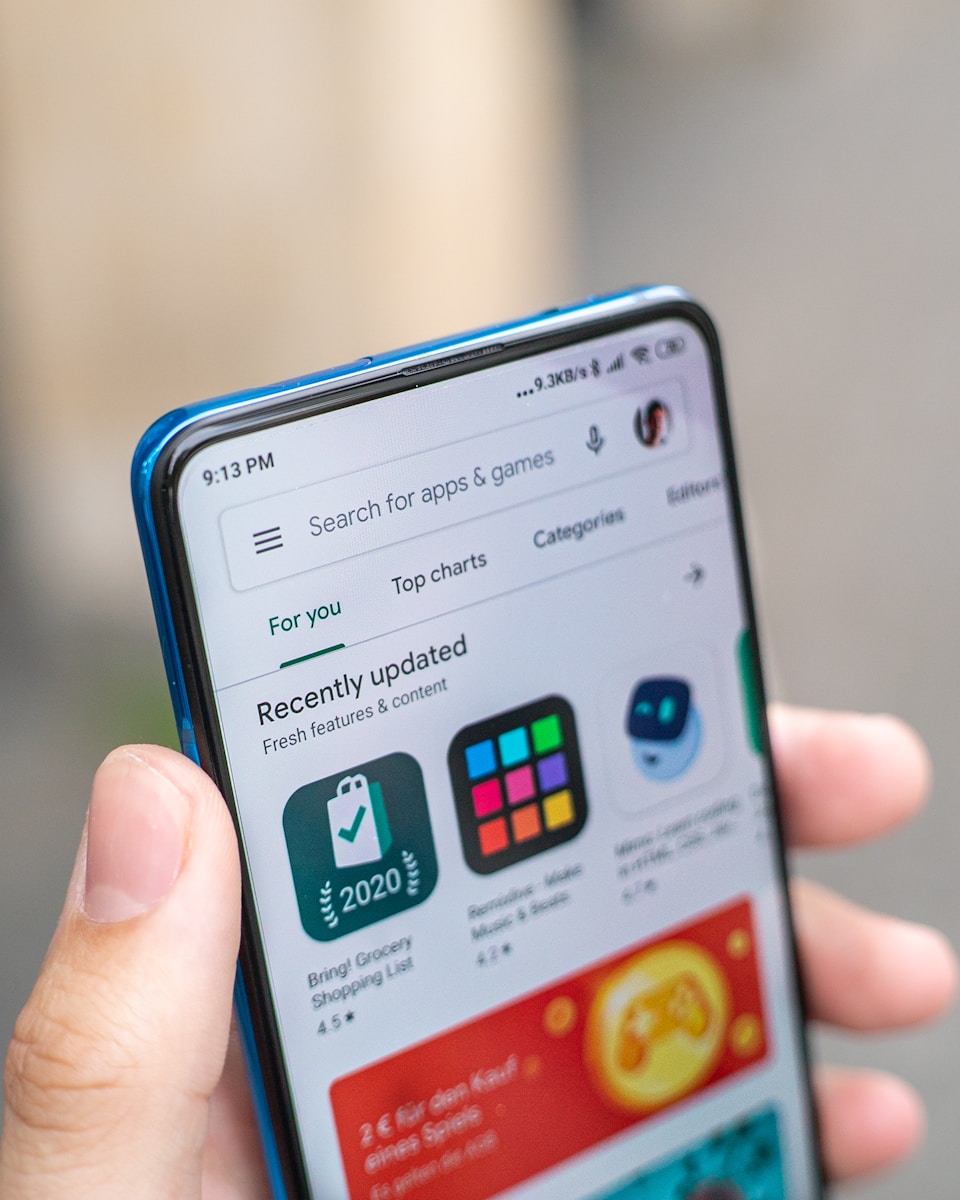
official Google digital store for Android. Here you can find apps, games, books, movies, and other content, but the heart of the platform remains app distribution. For the end user, it's a pre-installed app on most Android smartphones, with a personalized home, rankings, recommendations, reviews, and detailed cards for each product.
For developers, it's a publishing and updating channel that offers tools to reach users in almost all countries, with control over pricing, supported countries, monetization models, staged rollouts, and testing. Every app on the Play Store is described by a
store listing that includes name, icon, screenshots, video, description, rating, and mandatory information about privacy and permissions.
The Play Store is not just a catalog. It integrates a
content rating system, automated checks, human review, and a ranking engine that decides which apps to show in searches and recommended sections. Therefore, publishing is not just a technical act, but also an exercise in communication and adherence to guidelines.
How it works between Play Console, bundles, and policies
The entry point for developers is the
Google Play Console, accessible from play.google.com/console. To use it, you need a developer account, obtained through registration and a one-time fee payment. Once inside, each app is managed as a separate project, with its own listings, releases, reports, and settings.
Since 2021, Google has required publishing via
Android App Bundle (.aab), a format that allows the Play Store to dynamically generate APKs optimized for different devices. This reduces the download size for the user and simplifies variant management for the developer. The bundle is uploaded via the Play Console, associated with a version number and a release channel, which can be internal testing, closed testing, open testing, or production.
Alongside the app file, there's the entire editorial part. Title, short description, full description, categories, graphic assets for different resolutions, video elements. Information on
privacy and data collection must also be provided, which is increasingly central to Google's guidelines. The official policies, detailed at
support.google.com, define clear limits on permissions, content, advertising, in-app payments, and the use of sensitive APIs.
The Play Console also offers tools for
staged rollouts. You can publish a version only to a percentage of users, observe crashes, ratings, and usage metrics, and then expand distribution. This approach reduces the risk of problematic releases immediately impacting the entire installed base.
How to get an app approved
The question everyone asks during their first publication is how complicated it is to get approval on Google Play. The answer is that the process has become more structured over the years, but remains accessible to those who follow the rules carefully.
The journey begins long before the upload. During development, it's advisable to already think in terms of
content and permission policies. Many rejections come from unjustified requests for access to contacts, location, SMS, or other sensitive data, or from unclear descriptions of how this data is used. The data safety page, introduced in the app listing, should be treated as an integral part of the project, not as a formality filled in hastily.
Once the build is uploaded to the Play Console and all required sections are completed, you submit the publication request. At that point, Google's
review system comes into play, combining automated analysis and human checks. Content, permissions, consistency between description and actual behavior, and the presence of protected or non-compliant material regarding minors, hate, violence, or spam are verified.
If everything is in order, the app is approved and made available according to the chosen settings. Otherwise, a notification arrives in the Play Console with the reasons for rejection. These can be obvious violations, but also less intuitive details, such as the use of no-longer-permitted APIs or login flows that don't follow best practices. In these cases, you need to intervene on the code or configuration, update the app, and submit a new version for review.
Approval is not a definitive finish line. Compliance with policies is continuous. Changes in content, libraries used, or monetization models can lead to new checks, especially if the app gains visibility. This is also why Google regularly updates its guidelines and encourages developers to follow their evolution through the documentation at
developer.android.com/distribute.
For those thinking in terms of product, all of this should not be seen as a series of bureaucratic obstacles. A serious approval process helps build user trust, reduces the presence of malicious apps, and raises the bar for minimum quality. Moving with awareness within the Google Play Store means learning to design not only for the device but also for the marketplace that will serve as the bridge between the app and people.