In the daily practice of the modern web, the
CMS is so widespread that we often even forget it exists. Articles are published, pages are updated, images and layouts are changed without touching a single line of code. Behind the scenes, however, there is almost always a Content Management System coordinating everything. Without CMS, the web would still be populated by manually updated sites, with HTML files modified one by one.
When talking about CMS, names like
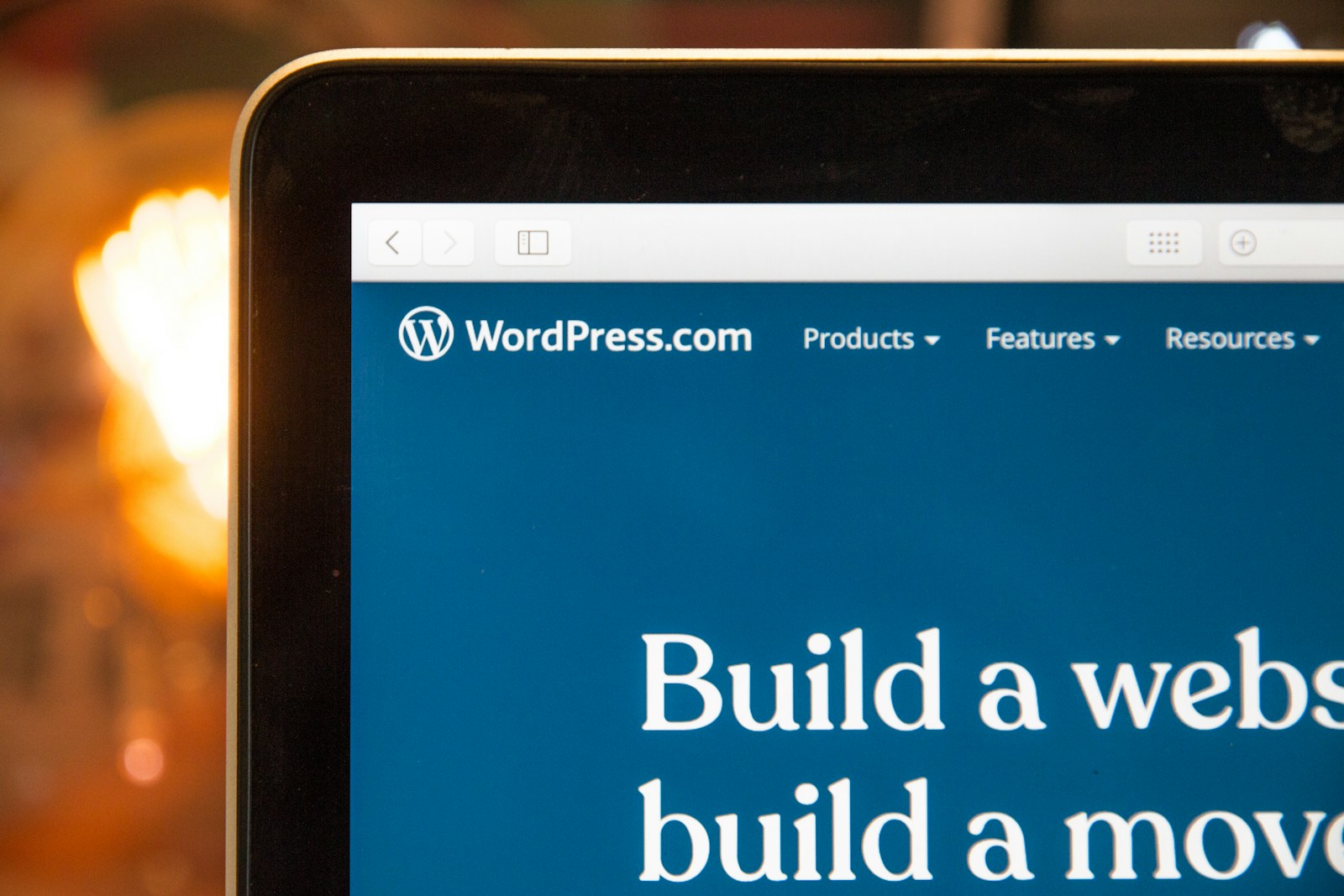
WordPress,
Drupal, or
Joomla immediately come to mind. These are platforms that have enabled editorial teams, companies, public institutions, and individual professionals to manage their own sites independently. The code stays in the background, the work shifts to interfaces designed for content creators.
What is a CMS and why it changed the web
CMS stands for
Content Management System. In practice, it is a server-side software that allows creating, organizing, and publishing content on the web through an administration panel. The core is the backend, where texts are written, images are uploaded, and pages and menus are structured. The result is then served to users through the frontend, i.e., the actual website.
A typical CMS is composed of three main elements. A database that stores content and settings. An application layer that manages logic, permissions, workflow. A theme or template system that defines the visual appearance. This separation between content and presentation is one of the key points, in line with how resources like
MDN Web Docs describe website structure.
Writing an article once and seeing it adapt to different layouts, mobile and desktop versions, and theme changes means being able to evolve the site without having to rewrite everything from scratch. The content remains stable, the form around it can change over time.
How it works between backend, templates, and roles
From the perspective of those who use it daily, a CMS is a kind of digital editorial office. You authenticate into the administration panel, enter a dashboard, create new pages or articles via visual editors, manage categories, tags, navigation menus. Media files end up in a shared library, ready to be reused on multiple pages without duplicating anything.
The
roles and permissions system is one of its most powerful tools. Administrators who control global settings and plugins. Editors who review and publish. Authors who write but do not touch the structure. Contributors with limited access. This granularity allows modeling processes similar to those of traditional editorial offices, but brought into the digital realm.
On the visual front, themes and templates come into play. In WordPress, for example, the theme defines layout, typography, block positioning, while the content remains in the database. Changing the theme means changing the skin of the site while keeping what has been written intact. In Drupal, the logic is similar, with separate layers for structure, presentation, and data, as explained in the official documentation.
To this, add the world of plugins and modules. E-commerce, advanced forms, private areas, SEO, newsletter integrations, multilingual translations. Before reinventing the wheel, one almost always checks if there is a ready-made extension, installable and configurable without writing code. This is one of the reasons why many common needs find an answer in a few hours instead of weeks of development.
In recent years,
headless CMS have also emerged, such as
Strapi or Contentful. In these systems, the CMS manages content, roles, and workflow but does not directly handle the frontend. Data is exposed via APIs and can be consumed by static sites, mobile apps, internal panels. It is an approach that works well when the same content needs to live on different channels.
Why it's truly needed for building modern websites
One might think that a CMS is just a shortcut for those who don't know HTML or CSS. In reality, it is the natural tool for all projects where content changes over time. A corporate site that frequently updates services and case studies, an online magazine, a technical blog, an informational platform. Whenever someone will need to regularly work on texts, having a CMS changes the quality of the work.
A first advantage is
continuity. The site is not tied to the availability of a single person who knows the code. Editors and managers can intervene directly from the panel, following clear review and publication processes. The technical team focuses on security, performance, new features, instead of spending days making micro-changes on request.
The second advantage is
organizational scalability. When languages, authors, and sections increase, a site made only of static files quickly becomes unmanageable. With a CMS, however, content types, taxonomies, permissions, and workflows are defined, allowing growth without descending into chaos.
Then there is the ecosystem. Around platforms like WordPress, Drupal, or Joomla, there is a huge amount of documentation, forums, themes, plugins, examples. This lowers the entry barrier for those starting from scratch and allows those with more experience to build complex solutions while maintaining a fundamentally standard base.
Naturally, there are cases where a traditional CMS is not the ideal answer. Extremely customized web applications, radical graphic experiments, projects requiring extreme performance may prefer other paths. But for the vast majority of sites that need to inform, tell stories, convert, a good CMS remains the most balanced choice between control, flexibility, and long-term sustainability.
In this sense, the CMS is not just a technical tool. It is the infrastructure that allows content, design, and digital strategy to grow together. When chosen and configured carefully, it becomes the meeting point between those who write, those who design, and those who develop, reducing friction and gaining speed in everything related to online presence.