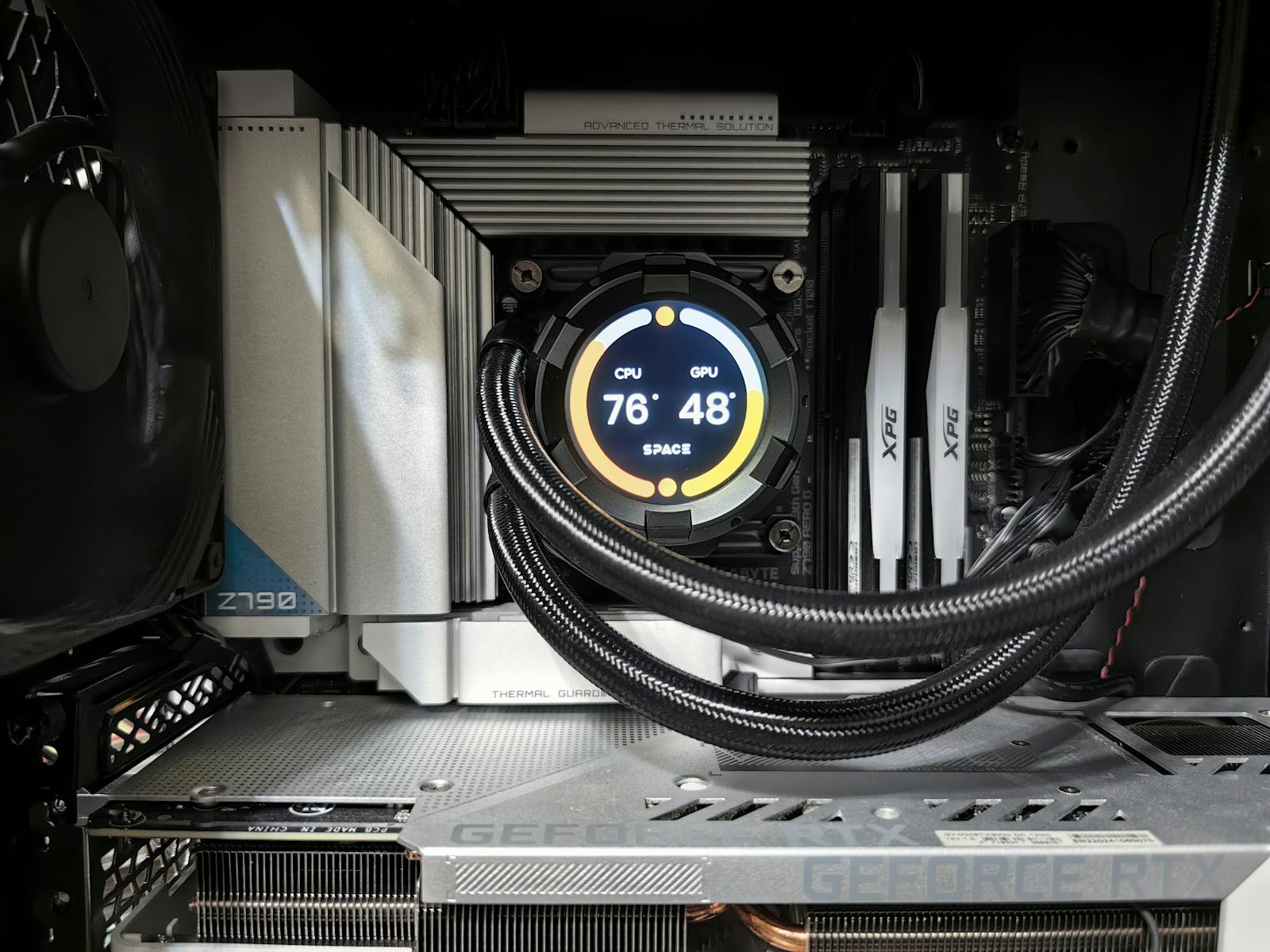
In the imagination of those who are well-versed in hardware,
overclocking is that somewhat romantic and somewhat crazy practice of squeezing a processor beyond its official specifications. For some, it's a way to squeeze out a few extra frames in games. For others, it's an almost sporting discipline, made of benchmarks, scores, and screenshots shared on forums. In all cases, the promise is always the same. Making CPUs, GPUs, and RAM run
faster by forcing frequencies and voltages.
The theoretical basics are simple and are even explained in manufacturers' guides, from Intel with its unlocked K processors described on
intel.com, to AMD's overclocking guidelines detailed on
amd.com. Every chip works at a certain frequency, measured in hertz. Increasing that frequency means executing more operations in less time. The price to pay is always in heat, power consumption, and stability.
To truly understand what overclocking is, however, means going beyond the myth of the magic button and looking at how clock, voltage, and cooling work in a real system.
What is overclocking in practice
Overclocking refers to the operation of making a component work at a
higher frequency than its factory setting. The most common target is the CPU, but overclocking exists for GPUs, RAM, and even monitors. In the case of processors, the base clock or internal multipliers are increased, depending on how the platform is structured.
Manufacturers define a guaranteed frequency that takes into account power consumption, temperatures, production yield, and long-term durability. Some chips have margin to climb without issues, others are already close to their limit. Overclocking tries to exploit that hidden margin, accepting the risk of instability if pushed too far.
Modern practice is less artisanal than one might think. Official tools like Intel XTU or AMD Ryzen Master, described on their respective websites, allow adjusting frequencies and voltages from the operating system. In the GPU world, software like MSI Afterburner or tools integrated into drivers offer similar controls for graphics cards.
How it works between clock, voltage, and temperature
The heart of overclocking is the relationship between three variables.
Frequency,
voltage,
temperature. Increasing the clock makes the chip faster but also more demanding. To keep the signal stable, it's often necessary to slightly increase the voltage. However, every voltage increase significantly raises the heat produced. If the cooling is not up to par, the component starts to overheat.
When temperatures exceed certain thresholds, protection mechanisms come into play. Many modern CPUs and GPUs apply
thermal throttling. They automatically reduce frequency to prevent damage. The paradox is that excessive and poorly cooled overclocking can lead to worse performance compared to factory settings, because the chip spends its time ramping frequency up and down.
This is why those who practice sensible overclocking never start from the theoretical maximum. They increase the clock in small steps, test stability with prolonged benchmarks, monitor temperatures and power consumption, and seek a point of equilibrium where gain and safety coexist. It's a fine-tuning job, closer to calibration than pure pushing.
The role of the platform should not be forgotten. The motherboard, VRM, power supply, RAM, and especially the cooling system make a difference. A stock air cooler has very different margins compared to an AIO liquid cooler or a custom loop. Similarly, a motherboard with robust power delivery sections handles high voltages and currents better.
Why it can truly increase performance (and when it risks destroying it)
In an ideal scenario, a well-done overclock leads to
measurable gains. Extra frames in CPU-bound games, reduced rendering times in software that utilizes all cores, greater responsiveness in certain heavy workloads. In some cases, a ten percent increase in effective frequency translates into a similar gain in applications most sensitive to the CPU.
The problem is that the real-world scenario is more complicated. Many software applications never truly saturate the processor, or are limited by other bottlenecks. In those cases, overclocking produces better numbers in synthetic benchmarks and minimal differences in everyday life. It's a satisfaction for those who love graphs, but it doesn't always change how you use the machine.
On the other hand, there are risks. An aggressive overclock can lead to crashes, freezes, data corruption, especially if pushing extreme voltages or underestimating the role of power delivery. In the long term, consistently high temperatures accelerate component aging. It's difficult to measure the precise impact, but those who design systems for professional use tend to prioritize stability and longevity at all costs.
This is why many manufacturers distinguish between supported scenarios and out-of-spec usage. Under factory conditions, responsibility is clear. When you alter the intended behavior, you assume part of the risk. In some cases, overclocking voids warranties, in others it is tolerated within declared limits. Reading the official terms is never a waste of time.
In the end, overclocking remains a practice that also says a lot about the person using it. It can be an intelligent way to extend the life of a platform without immediately changing hardware. It can be an act of technical curiosity to understand how a system reacts under stress. It can also be a style exercise pushed to the absurd, with extreme liquid nitrogen cooling setups featured in videos and leaderboards.
As often happens in hardware, the difference is made by the plan. A reasoned, tested, and controlled overclock can gift a few extra percentage points of performance without drama. A blind race for megahertz, however, risks turning a stable machine into an endless source of problems. Reminding us that extra power is never truly free, not even when you extract it by just tweaking a few settings in the BIOS.