When a computer becomes slow, almost everyone points the finger at
RAM. Often instinctively, as if it were a magical solution. In reality, RAM is truly one of the components that most affects the feeling of system speed, because it is the place where the computer keeps everything it needs at this moment, ready to use. The larger and faster that space is, the less the system is forced to search for data on the disk, and the more everything seems instantaneous.
What is RAM and what role does it play in the system
The acronym RAM stands for
Random Access Memory. It is a
volatile memory: when you turn off the computer, its content is reset. Unlike hard drives and SSDs, designed to store data over time, RAM is the short-term work area where the operating system and programs load code and information to be processed.
A complete technical description is available on the dedicated
Wikipedia page, but the idea can be summarized like this: the disk is the archive, RAM is the workbench. When you open a program, files are read from storage and copied into RAM, because from there the CPU can read them with infinitely lower latencies than any storage unit.
How RAM works in practice
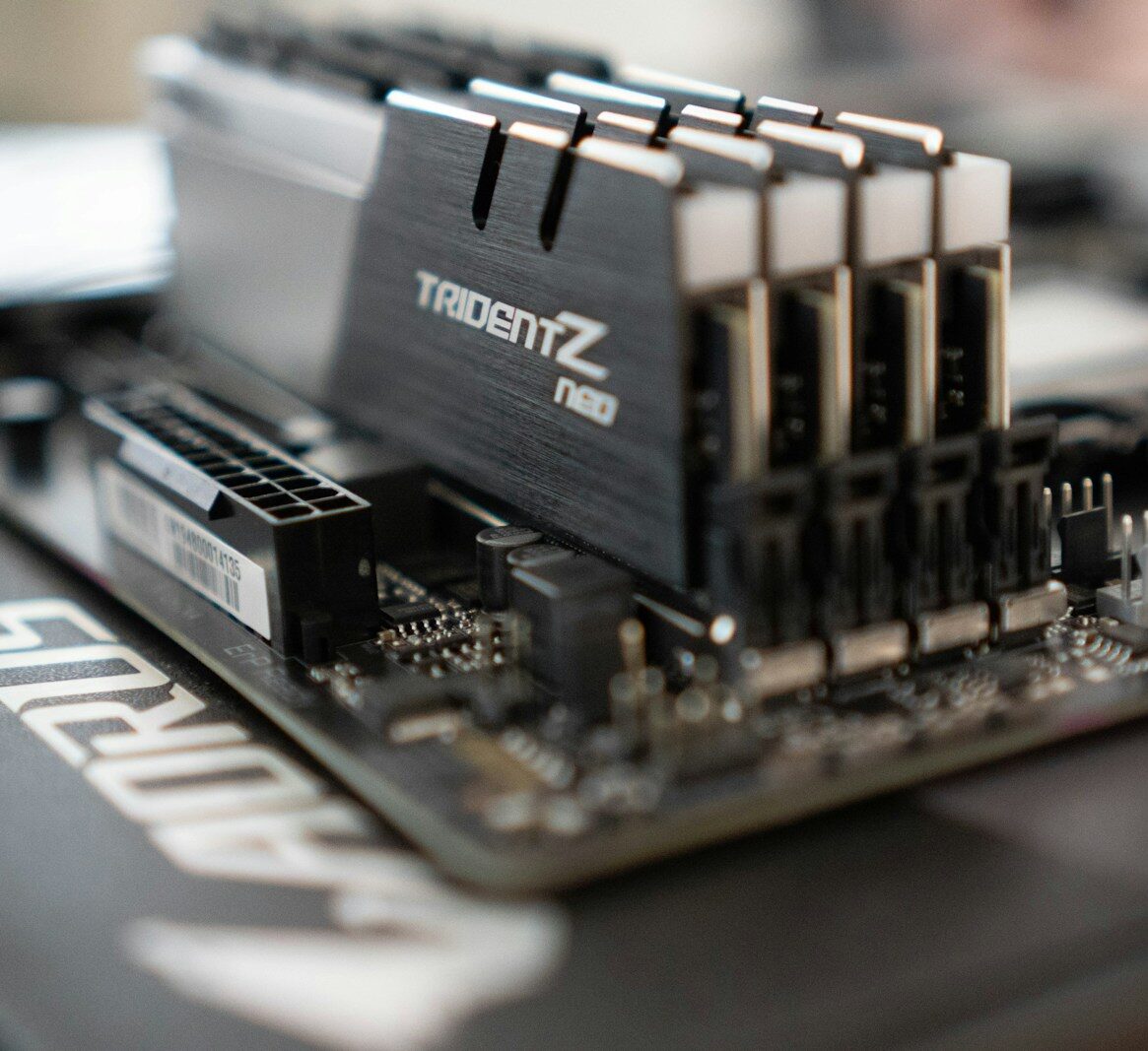
In modern PCs and notebooks, RAM consists of physical modules, the classic sticks that are inserted into the motherboard slots. The most widespread families today are
DDR4 and
DDR5, evolutions of DDR (Double Data Rate) memory that increase operating frequencies and bandwidth. Manufacturers like
Corsair,
Kingston, or
Crucial show well in their guides how performance and usage change between different capacities and generations.
From a logical point of view, the operating system sees RAM as an address space on which to load memory pages. Each process has its own virtual area that the kernel maps onto physical memory. The CPU accesses this data through the memory controller and the internal cache hierarchy, designed to further reduce access times to the most frequently used information.
When available memory is sufficient, the system can keep the operating system code, open programs, and a good portion of the data in use in RAM, minimizing transfers to and from the disk. When RAM fills up, however, the system is forced to use the disk as a memory extension via swap or paging files, with an immediate impact on responsiveness.
Why RAM really speeds up the system
The phrase that increasing RAM makes the computer faster is not just a slogan. RAM does not make the processor more powerful, but it prevents it from constantly waiting for data from storage. If the system can keep in memory everything needed by the programs you are using, it reduces the number of disk accesses, which even in its best version, a modern NVMe SSD, remains orders of magnitude slower than RAM.
The effect is evident in concrete scenarios: many open browser tabs, graphics or editing software, heavy development environments, virtual machines. Each application keeps libraries, internal caches, and intermediate data in memory. When space is insufficient, the system is forced to continuously free up areas of RAM and move blocks of data to the disk. It is at that moment that small slowdowns appear, windows that open with a moment's delay, sudden loading when switching from one program to another.
In a well-thought-out configuration, the amount of RAM is sized based on the type of use. For a pure office machine, it is less critical than in a video editing workstation or a server handling many simultaneous requests. But almost always, once adequate CPU and storage are chosen, it is the RAM that determines the feeling of smoothness day to day.
Capacity, frequency, and latencies: what to really look at
When talking about RAM, the first number everyone reads is the capacity in gigabytes. It is the parameter that most affects real life: moving from 8 to 16 GB on a laptop used with many programs open, or from 16 to 32 GB on a machine for development, rendering, or virtualization, radically changes how the system handles multitasking.
Alongside quantity, however,
frequency and
latencies also matter. Frequency, expressed in MHz or MT/s, indicates how many operations the memory can perform in a second; latencies (the classic CL values, like CL16 or CL18) describe the number of cycles needed to respond to certain requests. The technical guides from Crucial and other manufacturers show how these parameters influence frame rates in games, application response times, and professional workloads.
In most non-extreme contexts, however, the most noticeable qualitative leap comes from moving to an adequate capacity. Working on frequencies or latencies makes sense especially in areas like competitive gaming or overclocking, while for those who use the computer for work, the priority is to prevent the system from starting to use swap.
When RAM becomes a bottleneck
Understanding if RAM is the real limit of a machine is relatively simple. Operating systems offer tools to monitor memory consumption in real time: Windows Task Manager, Activity Monitor on macOS, the various integrated tools in Linux. If RAM is constantly near 100 percent usage and the paging file is being used heavily, it means the system is compensating for the lack of memory with continuous disk accesses.
In these cases, it is no longer just about comfort, but about productivity and reliability. Excessive use of swap slows down every operation, increases the number of writes to the SSD, and makes the system more prone to freezes when applications request memory that isn't there. It is the moment when a RAM upgrade, designed correctly and with modules compatible with the motherboard, becomes one of the most effective interventions you can make.
For those who build or manage infrastructures, workstations, or simple workstations, RAM is not a box to fill randomly in the technical specifications. It is a structural element of the machine's architecture. Understanding how it works and why it speeds up the system is the starting point for configurations that remain responsive over time, exactly the type of approach that guides hardware choices in projects followed by Meteora Web.