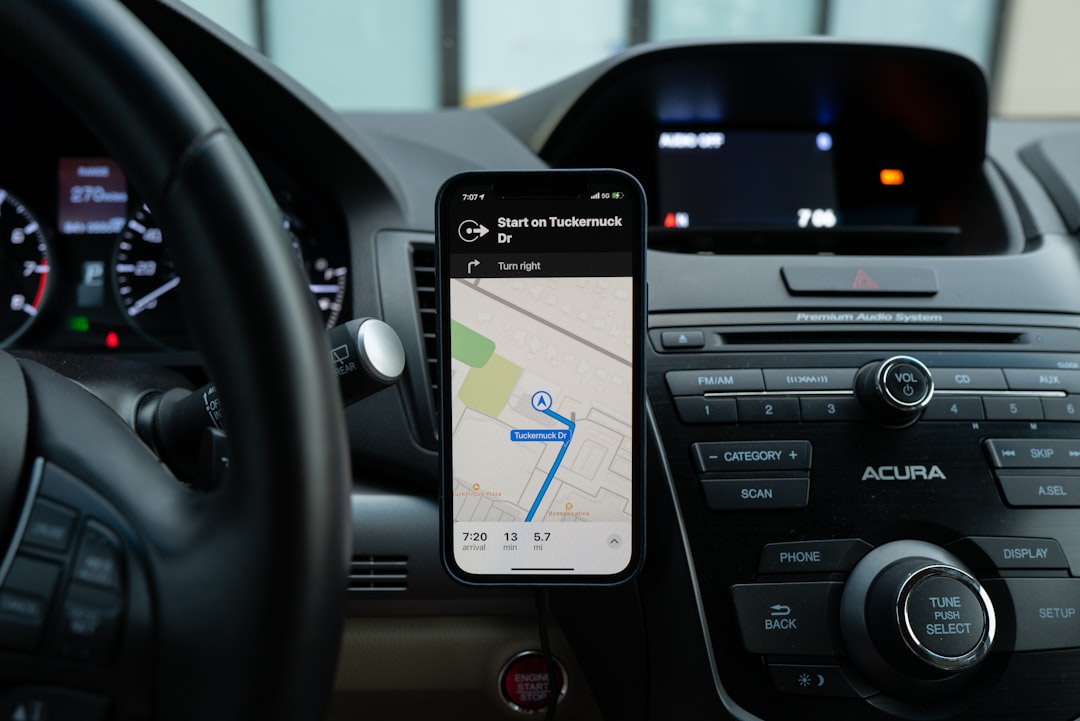
When you think of Android Auto, your mind immediately goes to GPS navigation, music streaming, and call management. However, there is a hidden feature that few know about and that Google does not advertise openly: sideloading third-party applications. While the official interface limits available apps to those approved by the Play Store, it is possible to install software from external sources, unlocking a much wider range of possibilities.
This discovery was recently shared by enthusiasts and advanced users, who demonstrated that with a few tweaks, you can expand the Android Auto ecosystem well beyond its standard boundaries. It is not a complex hack, but a legitimate procedure that leverages the operating system's developer settings. The key lies in enabling developer options and allowing installation from unknown sources, a path already familiar to those with experience in Android devices.
Sponsored Protocol
Sideloading on Android Auto requires enabling developer options and an alternative launcher app
To start, go to Android Auto settings and enable developer mode by tapping the version number multiple times. Once activated, a new section with various options appears. Among them, the ability to allow app installation from external sources. At this point, download an APK file of an Android Auto launcher, such as CarStream or AA Mirror, to your phone and install it manually. The next time you connect to the car, the launcher will appear among available applications, allowing you to launch any app installed on the phone, even those not optimized for the dashboard.
This technique opens the door to services like Waze with advanced features, video players, web browsers, and even unofficial messaging apps. Of course, caution is mandatory: installing APKs from unverified sources can expose you to security risks, such as malware or privacy breaches. Google itself discourages this practice, preferring to maintain a controlled environment to ensure system reliability.
Sponsored Protocol
The risks of sideloading on Android Auto involve security and system stability
Despite the potential, sideloading is not without drawbacks. Google provides no support for apps installed this way, and you may experience sudden crashes, compatibility issues with the car display, or conflicts with other applications. Moreover, some cars may completely block the use of non-certified apps, especially while driving. It is important to note that the user assumes all responsibility and any damage to the system or vehicle is not covered by warranty.
Nevertheless, the developer community has created dedicated tools to simplify the process, such as AAAD (Android Auto Apps Downloader), which provides a list of tested and safe sideloadable apps. For those wishing to explore this hidden side of Android Auto, the advice is to proceed with caution, sticking to reliable sources like XDA Developers or official developer repositories. A concrete example of how third-party apps can enrich the in-car experience is the success of applications like Retro Music Player or VLC, which turn the car into a personalized entertainment center.
Sponsored Protocol
To delve deeper into the topic of unofficial applications on Android devices, read the article about a $5 app that turns an old Android phone into an iPod Classic, an example of how sideloading fuels the analog revival. For more on the Android Auto ecosystem, check the Wikipedia page for Android Auto.
Source: https://www.androidauthority.com/sideload-apps-android-auto-hidden-feature-3681820