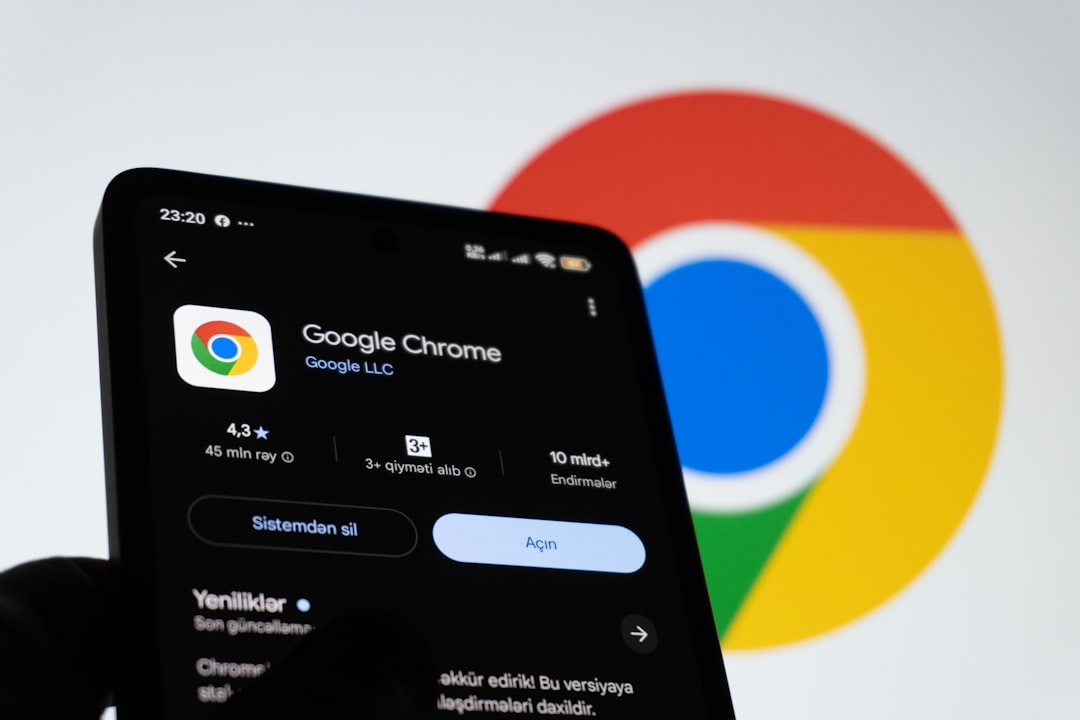
Google has released version 150 of Chrome for Android, bringing a long-awaited feature: a dedicated back button in the toolbar. The update is rolling out today via the Play Store and aims to simplify navigation by offering an alternative to system gestures or the standard navigation button.
Dedicated Back Button Finally Arrives on Android, Following iOS Experience
Until this release, the three-dot menu on Chrome for Android only displayed a forward button in the top row. With Chrome 150, users now have a dedicated back button, a feature already available on Chrome for iOS for some time. On desktop, users can remove the forward button by customizing the toolbar via Customize Chrome from the New Tab Page. This change responds to frequent community requests for more immediate tactile control without relying on system gestures.
Info Button Removed and New Site Controls in Overflow Menu
With this update, the info button has been removed. In its place, a new Site controls item has been added to the overflow menu, enriching it with a useful option for managing permissions and domain-specific settings. This addition follows the introduction of Reading mode in February. To accommodate these changes, the bookmark star and download button have moved to the right, a shift that may disrupt muscle memory for some users. The reorganization aims to optimize space and make frequently used functions more accessible.
Sponsored Protocol
Additionally, Google has changed the wording of Add to Home screen to Install and create shortcut, now located further down the menu. This linguistic update reflects the growing integration between progressive web apps and native installation.
Impact of the Update and Broader Context
The arrival of a dedicated back button on Android represents a usability improvement, especially for users who prefer a traditional interface. Despite the availability of system gestures, many appreciate having a visual and immediate touchpoint. This change aligns with Google's recent innovations in artificial intelligence applied to its products: for instance, Google Photos introduced Video Remix, leveraging Gemini Omni for automatic video editing. Chrome benefits from this ecosystem, albeit indirectly.
Sponsored Protocol
For insights on optimizing user experience in digital contexts, refer to this article on e-commerce SEO. Additionally, to understand the regulatory framework for digital platforms, read the analysis of the AI Act for SMEs.
Google Chrome remains the most popular browser worldwide, and updates like this demonstrate attention to user feedback. For more details on Chrome features, visit the official page.
Source: https://9to5google.com/2026/07/08/chrome-back-button-android