Giving a smartphone to a child is a tough decision. Parents want their kids to have a way to call for help or be tracked, but they also want to delay access to the internet, social media, and digital distractions. At the same time, more adults are voluntarily switching to dumb phones to curb their own phone addiction. Apple announced major parental control upgrades in iOS 27, but there is already a built-in, free solution to turn any iPhone into a dumb phone: the Assistive Access feature.
Assistive Access transforms an iPhone into a stripped-down phone at no extra cost
Assistive Access is an accessibility feature that lets you customize the interface and allowed apps. Once activated, you can create a locked-down environment where the user can only open selected apps, with no web browsing or unauthorized installations. No third-party subscriptions are needed, as everything is handled by native iOS settings. As reported by Jeremy White on Wired, he used this exact method to give his son an iPhone without Safari access and with full control over permitted apps.
Sponsored Protocol
Quick setup: how to enable Assistive Access and restrict apps
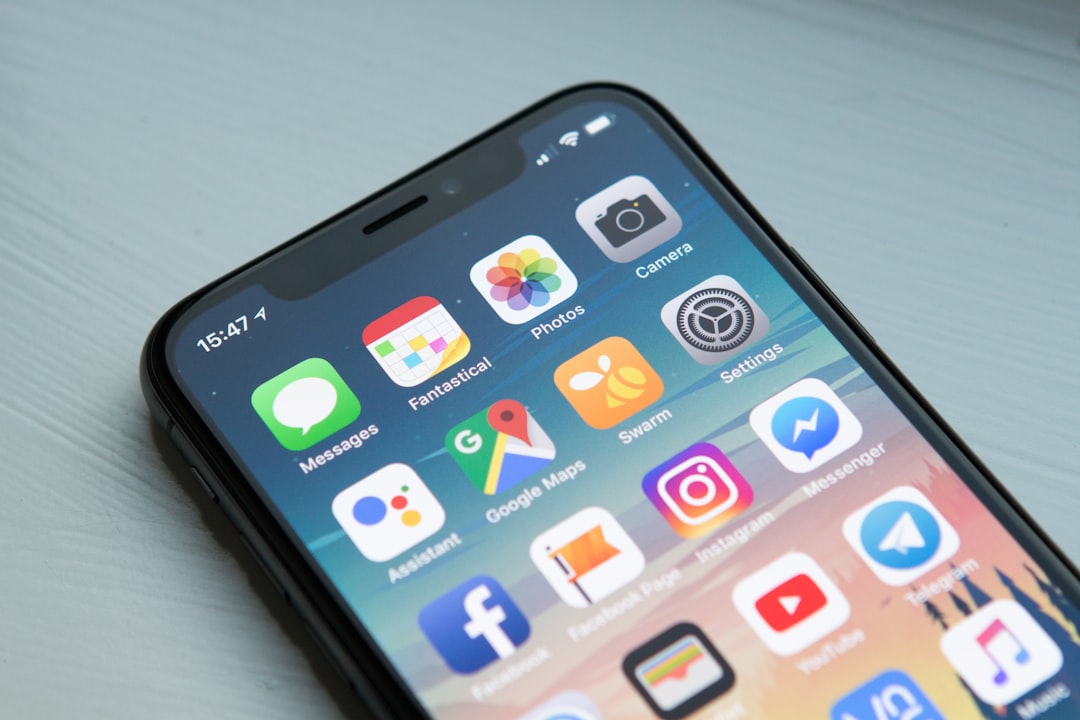
Setting it up is straightforward. Go to Settings, tap Accessibility, scroll to the General section at the very bottom, and tap Assistive Access. Then select Set Up Assistive Access and tap Continue. You will be asked to choose between rows or a grid layout. For the large tile interface reminiscent of a dumb phone, choosing the grid is recommended. Next, iOS displays a list of installed apps; tap the green + icon next to the ones you want to allow. If you omit Safari, the user will have no web access, even if someone sends a link. This provides impressive control, similar to a dedicated children's phone, but without extra hardware.
Sponsored Protocol
Granular control over calls, messages, and music
After adding apps like Messages or Phone, you can decide whether the user can contact or be contacted by everyone, only their contacts, or a select few favorites. Notification behavior is also adjustable. The Music app, for instance, can be restricted to pre-approved playlists. This flexibility makes Assistive Access suitable not only for children but also for adults seeking to minimize distractions. In a landscape where WhatsApp beta adds a green dot for online status and Android Auto struggles with update 17.2, having a native and stable parental control solution is a valuable bonus for iPhone users.
Sponsored Protocol
For more details, Apple provides an official guide on how to set up Assistive Access. The feature is available on iPhones running iOS 17 or later, so most users can try it now. Whether for parents or for those pursuing a digital detox, Assistive Access offers a practical, free way to repurpose an old iPhone into an essential phone.
Source: https://9to5mac.com/2026/07/06/heres-how-to-turn-any-iphone-into-a-dumb-phone-for-you-or-your-kids