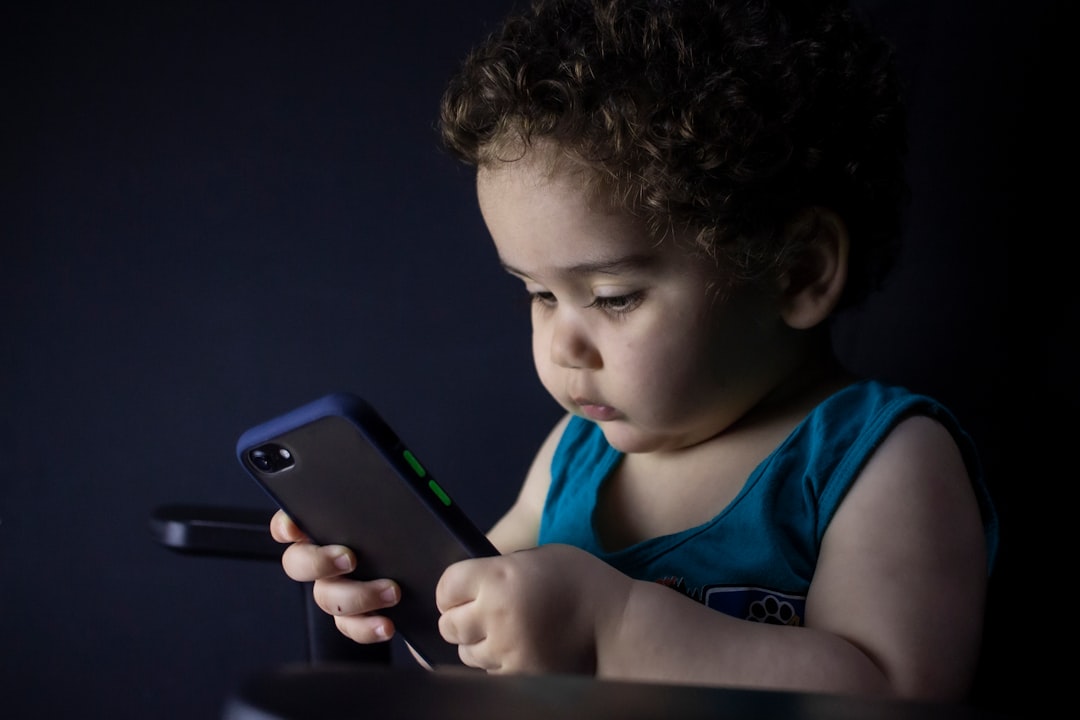
Many parents want to give their children a phone for safety and communication but worry about unrestricted internet access. Apple's Assistive Access, introduced in iOS 17, is a hidden accessibility feature designed for people with cognitive disabilities that inadvertently creates the perfect dumb phone for kids. It blocks web browsing entirely and limits the device to only the apps you approve.
Assistive Access blocks Safari and prevents accidental web navigation
Unlike standard Screen Time restrictions, which children can bypass through links sent by friends, Assistive Access completely disables internet browsing. If you do not add Safari, Chrome, or any other browser to the allowed apps, the phone treats all links as plain text, making it impossible to navigate away from the simplified interface. This turns an iPhone into a true dumb phone without any subscription fees.
Sponsored Protocol
Simple setup with large grid icons and limited apps
To enable Assistive Access, go to Settings, tap Accessibility, scroll to the General section at the bottom, and select Assistive Access. Tap Set Up Assistive Access, choose a grid appearance for large tiles, then select the allowed apps by tapping the green plus icon. You can restrict Messages and Calls to contacts only or a few favorites. You can also decide whether to show the time on the lock screen, disable the mute switch, and control notification appearance. Set a four digit passcode to exit the mode by triple clicking the side button.
No browser, no distractions, only the apps you choose
Once configured, the child can only use the apps you have permitted. They cannot install new apps, browse the web, or change system settings. The Music app only plays preapproved playlists. The experience is streamlined with large buttons, ideal for young users. All the while, features like Find My and FaceTime remain active for parental peace of mind.
Sponsored Protocol
Real world example with a recycled iPhone 13
A Wired journalist turned an old iPhone 13 into a dumb phone for his son by enabling only Calls, Messages, Maps, Camera (without selfies), Photos, and Music. The result was a fully trackable phone with no internet access. When he showed it to an Apple Store employee, the staffer admitted that Apple does not train on Assistive Access, but called it much better than Screen Time.
Limitations and considerations
Assistive Access can feel sluggish, but children generally do not mind. It does not respect Screen Time limits, so if you add Safari later, time restrictions will not apply. You cannot power off the phone while in Assistive Access mode; you must exit first. On rare occasions, the Messages app may freeze when searching through many emojis, requiring you to disable Assistive Access to unfreeze. Despite these minor drawbacks, this feature is free and makes excellent use of an old iPhone. If you have a newer model like the iPhone 17 Pro Max, you can still set up Assistive Access for your child. Apple is also revamping Screen Time in iOS 27 this September to allow removing Safari for child profiles, borrowing from Assistive Access. Until then, this buried feature remains the best option for a customizable, safe dumb phone.
Sponsored Protocol