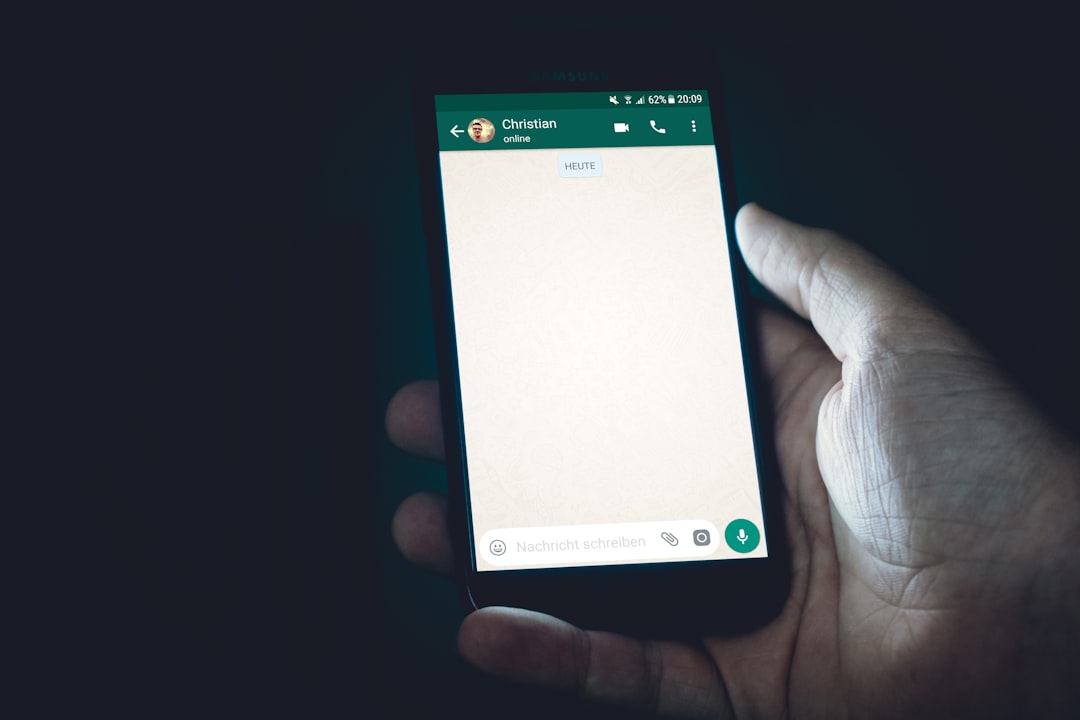
The long-awaited WhatsApp username feature is finally rolling out. Meta has started allowing some users to reserve their handles ahead of the official launch later this year. If you received the invitation inside the app, you can now claim your username. Here is everything you need to know to avoid common pitfalls.
How to start the reservation process
Open WhatsApp on your phone. On Android, tap the three dots in the top right corner and then Settings. On iOS, tap the You icon at the bottom right. From there, go to Account, then Username, and finally Create username. Keep in mind that you are competing with over three billion users, so your first choice might be taken. If that happens, WhatsApp will prompt you to pick another until you find a unique one.
Sponsored Protocol
What to do if your desired name is taken
If your preferred handle is already reserved, do not worry. You can add numbers, underscores, or periods to make it unique, similar to other platforms. WhatsApp also offers a Suggest username option that generates alternatives based on your name. Additionally, you can link an existing username from Instagram or Facebook to maintain consistency across profiles, especially useful for small businesses or side hustles.
Linking your handle to Instagram and Facebook
If you use the same handle on Instagram or Facebook, Meta will ask you to connect the accounts. This simplifies unified management, but be aware that it increases the data Meta collects about you, including devices and activities, which may be used for targeted advertising in the future. This privacy concern echoes other antitrust cases, such as when Apple accused the Indian authority of copy-pasting rival claims.
Sponsored Protocol
Protecting privacy with a key code
One of the most interesting features is the ability to add a key code for username-based contacts. From Account > Username, tap Contact me by username and generate a code. Prospective new contacts will need both your username and this key to reach you, adding an extra layer of security. However, note that the reservation does not hide your phone number from people who already have it; that will only happen after the official launch in a few months.
Sponsored Protocol
VIP usernames are protected and other limitations
Do not waste time trying to reserve names like @zendaya or @edsheeran. WhatsApp has blocked all usernames related to celebrities, politicians, and VIPs to prevent impersonation. Also, once you have reserved your handle, you can still change it before the launch by going to Account > Username and tapping Edit. It is not yet clear how changes will be handled after the feature goes live.
For more background on WhatsApp, see the Wikipedia entry.