Ing. Calogero Bono

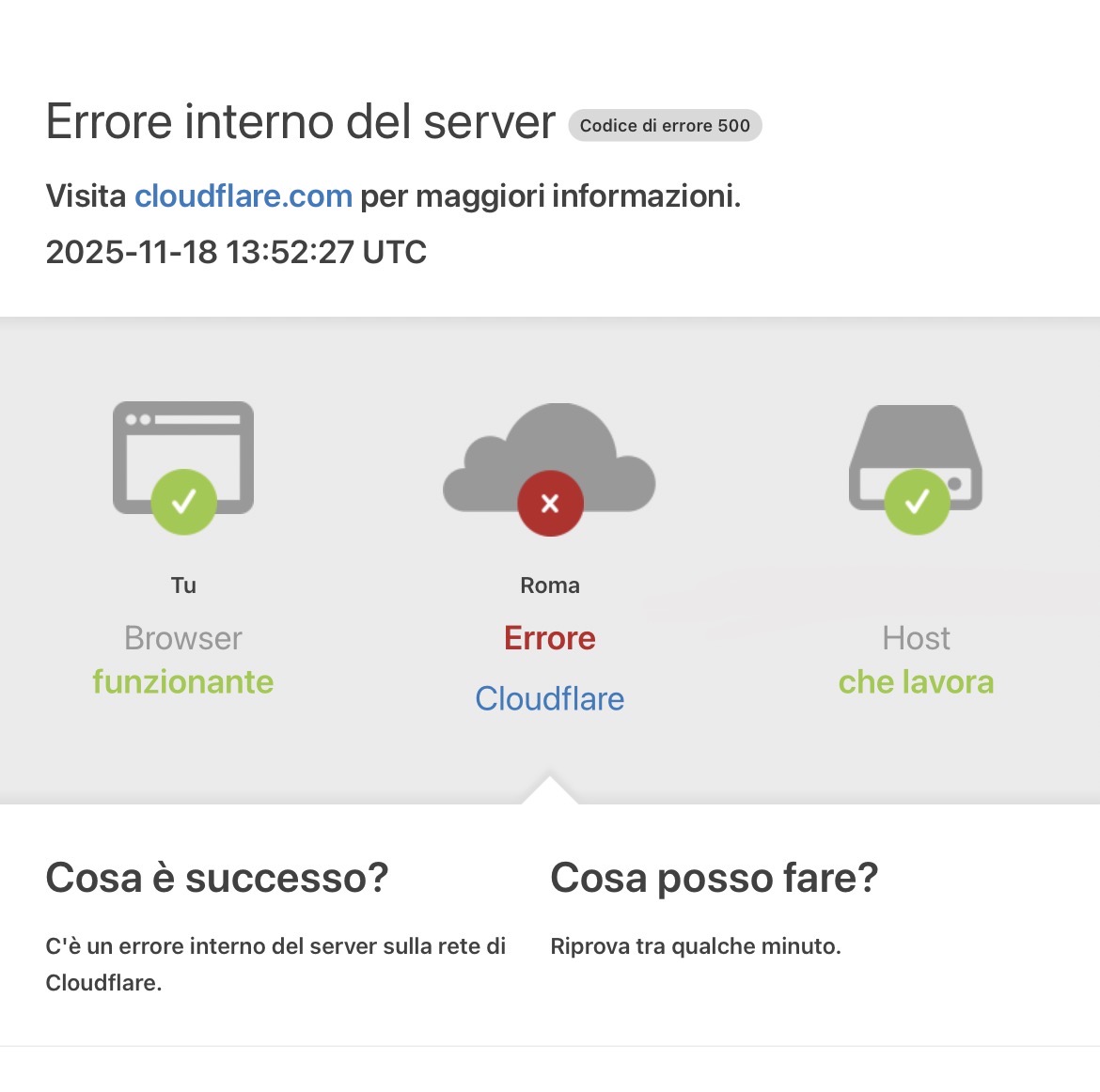
On Monday morning, at six, our clients' websites stopped responding. The servers were up, the sites worked, the databases were in place. Yet anyone trying to open them got an error. The cause was a domain almost nobody sees, the one we use for our nameservers.
We are sharing it because it is a mistake that can happen to any agency or company that runs its own DNS, and because the lesson is worth far more than the three hours it cost us.
What nameservers are and why a single domain can take everything down
When someone types a website address, their device asks the internet which server it belongs to. The answer comes from the nameservers, the servers that hold the DNS zones of the domains.
Nameservers have names too, such as ns1.something. And that name belongs to a domain. If that domain stops existing, the nameservers become unreachable by name, and so does every website relying on them. Not only the main site, but every client domain delegated there.
That is exactly what happened to us.
The transfer had started, but it had not finished
On Friday we started transferring our nameserver domain to the registrar we use for all our other domains. It expired on Saturday and we thought we were covered. The transfer had been accepted, the registry showed the domain as pending transfer, and the nameservers had not changed.
The catch is that transferring a generic domain, such as a .com or a .cloud, can take up to five days. Until it completes, the domain still belongs to the old registrar. And for the old registrar that domain had simply expired and not been paid.
On Monday morning it suspended it. A suspension like this removes the domain from the public zone, so the nameservers vanished from the internet and every delegated domain started returning an error.
Lesson one. A pending transfer does not protect you from expiry. If a domain expires in a few days, renew it with the current registrar first, then transfer it calmly.
How we brought the sites back without waiting
Waiting for the transfer to complete meant days. So we created backup nameservers under our main domain, registering their addresses directly in that domain's registry. This way they no longer depended on the suspended domain.
Then we moved every domain we manage directly onto the new nameservers. For .com domains the change was visible within minutes. For .it domains it took longer, for two reasons worth knowing.
- The .it registry checks nameservers before accepting them. It verifies they really answer for that domain and that they all give the same answer. If the zone is inconsistent even for a minute, the request is rejected.
- The .it registry publishes changes at intervals. Even after approval you have to wait for the next update of the .it zone.
In our case the first requests were rejected because an internal script, written years ago to keep zones aligned, automatically restored the old nameservers. We fixed it, resubmitted the requests, and the .it domains came back online with the registry's next update.
Lesson two. Before changing anything in your DNS, know which automations touch the same zones. A system that fixes things on its own can work against you exactly when you need an emergency change.
What about email?
Email follows the same names. Mailboxes whose server name was tied to the suspended domain stopped connecting, while those configured with a name on the client's own domain kept working as soon as that domain was reachable again. Emails sent during the outage were not lost. Sending servers retry for hours, and messages arrive as soon as the destination is reachable.
There is one more detail many people overlook, the mail server's reverse name. When a server receives an email it checks the name of the sending server and whether that name really points to the same address. If the reverse name belongs to the suspended domain, the check fails and emails may end up in spam. It must be aligned to a healthy domain.
The checklist we use from today
- Auto renewal on the domains that hold up the infrastructure, those for nameservers, email and control panel.
- Never transfer a domain a few days before expiry without renewing it first with the current registrar.
- Backup nameservers on a different domain, ready and already registered, for emergencies.
- A list of the scripts that change DNS zones, to stop or update before any manual intervention.
- Reverse name and mail server name on the main domain, not on a secondary technical domain.
- A reminder thirty days before every critical expiry, sent to a specific person and not to a mailbox nobody reads.
Why we are sharing this
Because it happens, even to people who do this job every day. What makes the difference is not the absence of mistakes, but how quickly you understand them, fix them and make sure they do not happen again. If you run your company's or your clients' DNS yourself, check the expiry date of your nameserver domain today. It takes a minute.
If you would like us to look at your domains, DNS and email setup, get in touch. We will tell you what you are risking and how to make it safe.