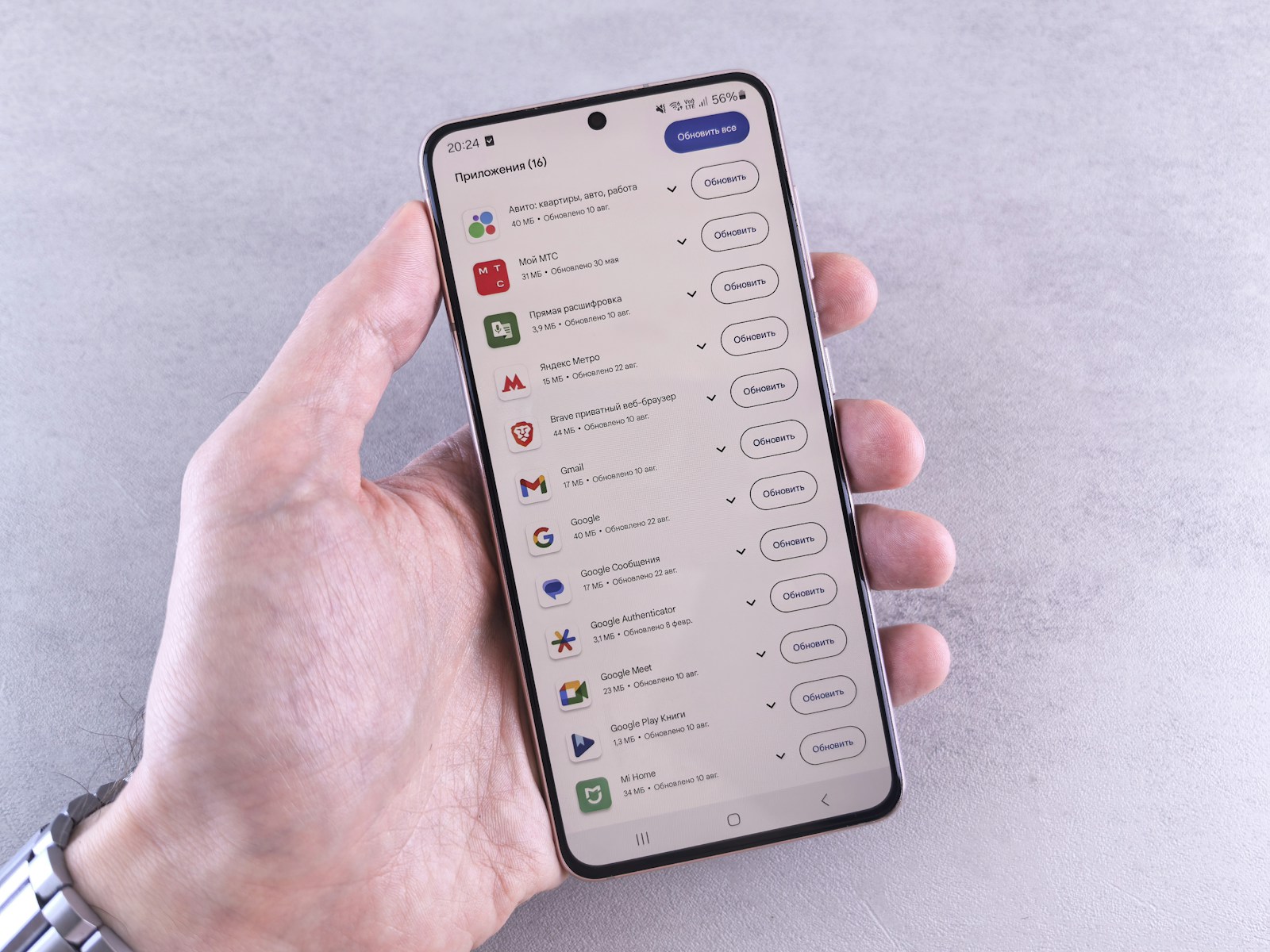
Every now and then, our smartphone alerts us that
app updates are available. Many postpone them, some disable them, few actually read them. Yet, within that continuous stream of new versions lies a large part of the
real quality of what we use every day in the
App, Mobile & Smartphone world.
What app updates really are
An app update is a
new version of the same application, distributed via official stores or enterprise distribution channels. It is not a different product, but an evolution of the same package, with changes to code, graphic resources, configurations, and sometimes even permissions and privacy policies.
On Android and iOS, management goes through the
Google Play Store and
App Store. Official support pages explain how updates fix errors, introduce features, and improve security and compatibility with new operating system versions
Google Play support,
Apple support.
How updates work in the stores
From the user's point of view, the process seems simple. The store signals that an app has a newer version, you press update, and it's done. Behind the scenes, much more happens. The developer uploads a new build, sets the version number, drafts release notes, and compiles information for review.
The stores perform automatic checks and, in Apple's case, a human review. Once approved, the update is made available to everyone or via
staged rollout, an option that Google and other systems use to limit the impact of any critical bugs. The device downloads only the necessary parts, often through differential patch mechanisms to reduce size and time.
Types of updates between bugfixes and new features
Not all updates are the same. Many are focused on
bugfixes, meaning corrections of errors discovered after release. Others introduce
new features, interface changes, integrations with external services. An increasingly important category concerns
security updates, which close vulnerabilities or strengthen protection mechanisms.
In the release notes, all this is often summarized in a laconic "improvements and bug fixes." However, for those involved in mobile development, each update is a piece of the app's lifecycle, essential to keep it aligned with constantly evolving operating systems, SDKs, and design guidelines.
What happens on the development side
For developers, an update is the final stage of a pipeline that starts with code and design. Work is done on development branches, automatic and manual tests are run, and a release build is prepared. On Android, the official guidelines from
Android Developers explain how to set versionCode and versionName, sign packages, and configure distribution channels. On iOS, the
Apple Developer documentation describes similar procedures.
There are often internal testing channels, such as alpha, beta, or TestFlight, where new versions are tried by select groups before general publication. Every update is a compromise between the urgency to fix problems and the need not to introduce regressions. This is why release frequency becomes a strategic choice.
Automatic updates, manual updates, and user control
On smartphones, updates can be
automatic or manual. Many users let the system download and install new versions when the device is on Wi-Fi and charging. Others prefer to check manually, to avoid data usage or for fear of unwanted changes.
Store settings allow choosing the default behavior, limiting updates to Wi-Fi only, or blocking individual apps. The result is an ecosystem where different versions of the same application coexist for weeks or months, and developers must consider this scenario when planning the introduction of new features or major changes.
Why updates maintain quality
In an ideal world, an app would be released perfect and remain so forever. In reality, operating systems, APIs, devices, and usage conditions change. Updates are the
maintenance mechanism that allows apps to remain usable over time. They fix crashes, improve performance, and adapt interfaces to platform novelties.
Each new release of mobile systems brings changes to libraries, sandboxing rules, and permission policies. Without updates, many apps would simply stop working or offer glitch-filled experiences. The quality perceived by the end user is often the direct result of the consistency with which the app is maintained over time.
Risks of not updating between security and compatibility
Choosing not to update an app may seem a prudent choice, especially if one fears something will change for the worse. In reality, the risks are significant. Old versions accumulate
open vulnerabilities, uncorrected bugs, and incompatibilities with new devices. In some cases, the stores themselves begin to flag unsupported apps or prevent downloads on recent system versions.
On the business side, using outdated apps for work activities means exposing oneself to security problems, data loss, and lack of compliance with regulations requiring minimum levels of protection. In the consumer world, it often translates into frustrating experiences, frequent crashes, and the inability to use features introduced in the meantime.
Frequent updates and release fatigue
However, there is also a flip side. Updates that are too frequent, with continuous changes to the interface and flows, can generate
release fatigue. Users find themselves having to relearn the same paths, lose reference points, and search for features moved without apparent reason.
A healthy balance lies between rare, monolithic updates that accumulate too many changes and a flurry of micro-releases that change details every week. Clearly communicating what changes in the release notes, avoiding unnecessary revolutions, and respecting established habits helps maintain a relationship of trust with those who use the app every day.
Why app updates are part of the design
Seen from this perspective, app updates are not a sporadic event, but an integral part of
product design. Deciding when and how to update means choosing the pace at which to improve, correct, and innovate. It impacts internal processes, development costs, and user satisfaction metrics.
In the
App, Mobile & Smartphone context, the applications that seem most stable and mature are almost always those with a constant discipline behind updates. They don't make headlines with every release, but they accumulate small improvements that maintain high quality over time. In an ecosystem where everything changes at the speed of a swipe, it is this type of continuous maintenance that truly makes the difference.

 Meteora Web Redazione
5 min read
Meteora Web Redazione
5 min read