For years, the choice between SSD and HDD was dismissed with a convenient formula: HDD costs less, SSD is faster. Today, reality is a bit more nuanced. Prices have changed, usage habits too, and in the meantime technologies like NVMe have arrived, pushing the performance bar even higher. Result: anyone needing to change a drive or design a new machine, from a home PC to a server hosting a website, finds themselves facing the same old question disguised as a technical doubt: what is truly advantageous now?
To answer, it makes sense to go back to basics and understand how these two families of storage media work, where the concrete differences lie in everyday life, and in which scenarios one or the other solution still makes sense. With an eye also on what this choice means when talking about hosting and infrastructure, an area where companies like
Meteora Web have made very clear choices.
HDD: The Hard Drive That Continues to Do Its Job
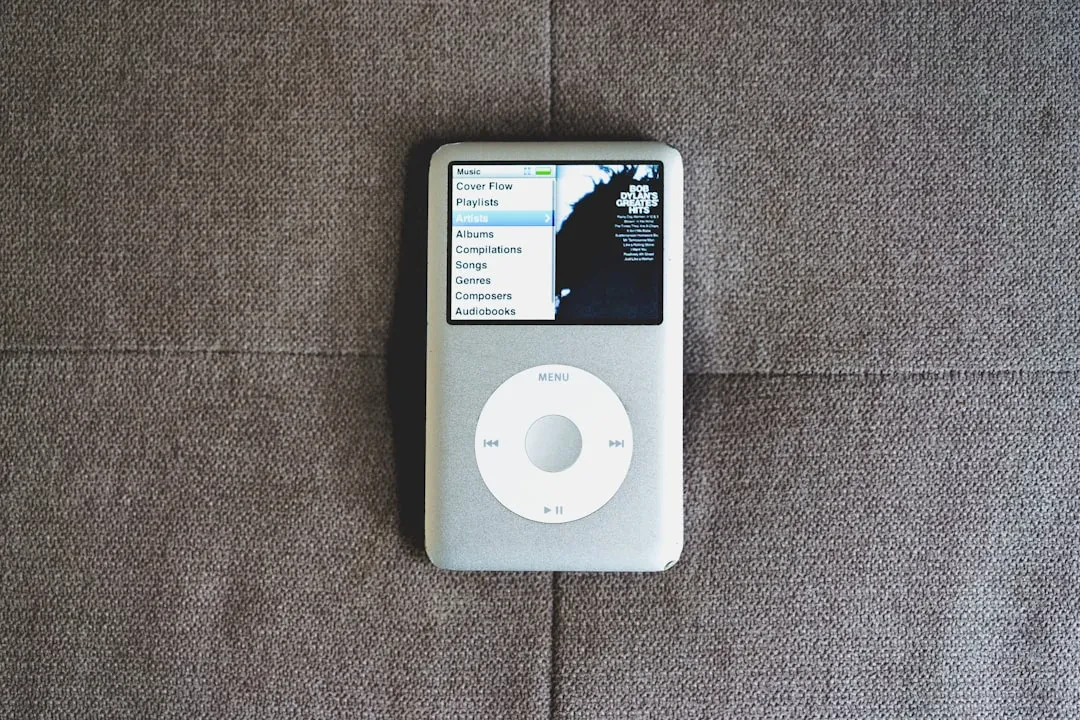
The HDD, the classic mechanical hard disk, is a small concentration of engineering: magnetic platters spinning at high speed, heads moving to read and write data, motors, control electronics. Its historical advantage is simple: lots of capacity at a contained cost. If many terabytes are needed to store heavy files, backups, video libraries, or archives that aren't opened every day, the mechanical disk remains an interesting solution even today.
However, its physical nature has evident consequences. Access times are slower, noise exists and is noticeable in denser configurations, energy consumption is higher, resistance to shocks and vibrations is limited. On an office desktop PC it might be tolerable; in a laptop or a server environment sensitive to latency, the story changes quite a bit.
SSD: Flash Memory, Speed, and Responsiveness
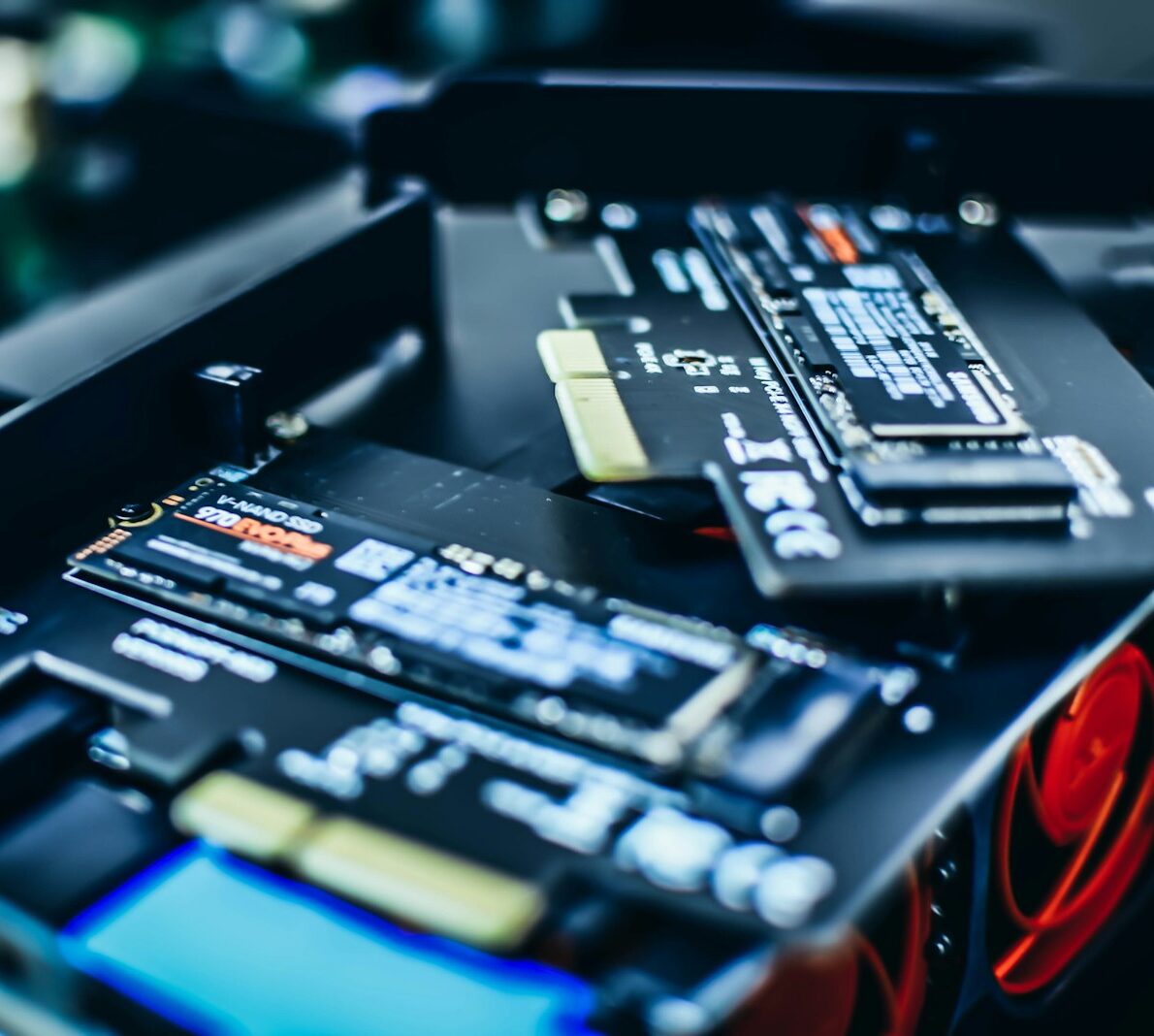
The SSD does a similar job, but with a completely different approach: no moving parts, just flash memory chips and a controller managing how and where data is written and read. The result, for the user, is noticeable within seconds: an operating system that boots much faster, applications that open without waiting, file copies that are noticeably quicker.
This difference isn't just a matter of numbers on a spec sheet, but of user experience. A computer with an SSD feels fresher even if it's a few years old, while a recent machine with an HDD can give the opposite sensation. And if you move to the NVMe SSD family, connected directly to the PCIe bus, the leap is felt even more in operations that process a lot of data in a short time.
Another central theme is reliability. An SSD doesn't fear shocks or vibrations to the same extent as an HDD, an important characteristic both for laptops and for machines mounted in critical environments. Flash memory has a finite number of write cycles, but modern controllers manage wear intelligently and, for most usage scenarios, the operational lifespan is more than adequate compared to the device's life cycle.
Differences That Really Matter in Daily Use
If we look at the real experience, SSDs and HDDs differ mainly in four aspects: system boot times, application opening, multitasking management, and copying large files. The SSD wins in all four categories, and this explains why it has become the de facto standard in modern laptops and workstations.
The HDD remains strong when the issue of pure space comes into play. Storing large amounts of data that don't need to be instantly accessible is its natural terrain: periodic backups, repositories of now-closed projects that need to be kept, multimedia libraries that don't need to be kept on more expensive media all the time. Many hybrid configurations exploit precisely this balance: system and applications on SSD, cold storage on one or more HDDs.
Then there's the issue of continuous loads, like web hosting, databases, and always-online applications. In this scenario, latency becomes a critical factor: every millisecond less in reads and writes translates into faster pages and a greater ability to handle simultaneous access. This is the reason why professional solutions like
Meteora Web Hosting rely on SSDs and, increasingly, on NVMe SSDs to guarantee stable performance even under load.
What's Advantageous Today: Usage Scenarios and Sensible Choices
If we look at the everyday PC, the answer is quite clear: for the operating system and main programs, an SSD is almost always advantageous today. The difference in terms of smoothness is such that an HDD alone becomes a penalizing choice. Even for gaming, for creative work with photos and videos, and for those using many applications in parallel, the SSD has become a sort of minimum requirement.
The HDD comes back into play when the keyword is capacity: enormous photo archives, multiple backups, data that needs to remain available but not necessarily on a high-performance medium. In these cases, it still makes sense to pair a mechanical disk with a main SSD, leveraging the best of both without exploding costs.
In the server and hosting world, the picture is even clearer: the priority is guaranteeing low and stable response times, especially when a site or application works on complex databases or handles a lot of traffic. Here, the choice of platforms like Meteora Web to rely on SSD storage has a direct impact on the quality perceived by the end user, because a page that loads quickly is worth more than any technical promise on paper.
In summary, today it can be said that the HDD is not dead at all, but has found a new place: it's the large and relatively cheap warehouse. The SSD, on the other hand, is the workbench, the counter where the system, apps, and data that need to move quickly are placed. In between, a series of intelligent combinations that allow building balanced configurations, capable of responding to the real needs of those who use the machines and those who manage them.
The final choice, as always, depends on the context: anyone designing a new PC, workstation, or server would do well to think first in terms of experience and only afterwards in terms of spec sheets. And it's precisely on this balance between performance, reliability, and infrastructure that the difference lies between a simple disk replacement and a true evolution of the digital work environment.