Ing. Calogero Bono
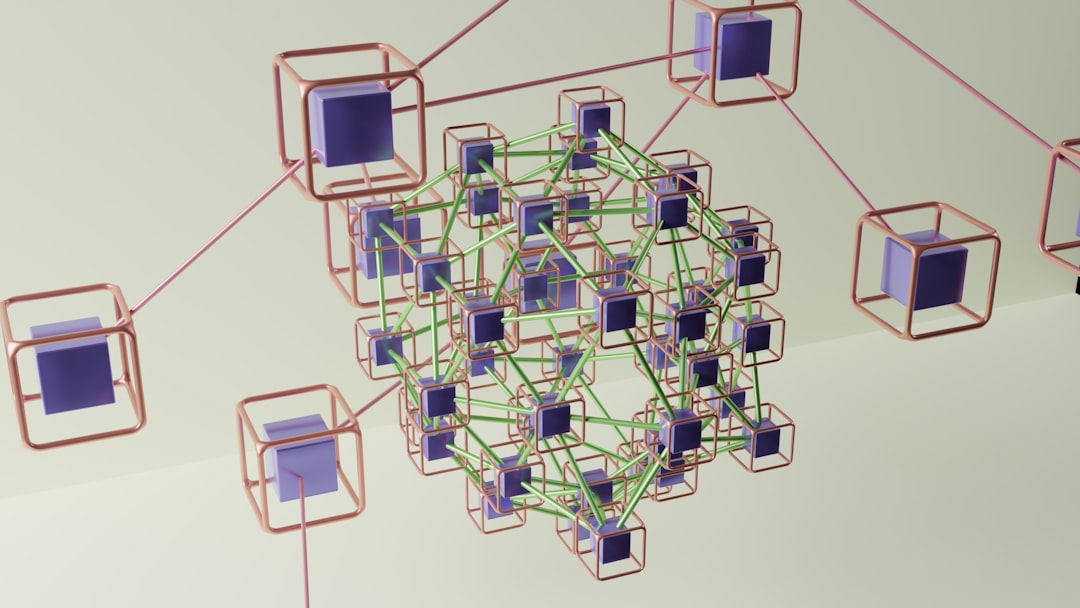
A single AI agent trying to handle a complex task? It often gets stuck. It loses context, calls the wrong tool, forgets what it did two steps ago. The answer is a team: specialized agents that collaborate, hand off work, and decide when to bring in a human.
We, at Meteora Web, have been testing AutoGen (Microsoft) and CrewAI for a few months on internal projects: automated reporting, market analysis, multi-step customer support. And we've seen that multi-agent is not just hype: it solves real problems with costs that remain under control if you set them up right.
This guide explains how they work, when to use them, and which one fits your business. With working code, cost considerations, and zero academic fluff.
What are AutoGen and CrewAI and how do they handle complex tasks?
Both are open-source frameworks for orchestrating conversations and collaborations between multiple LLM agents. The core idea: instead of one monstrous prompt, split the problem into subtasks and assign each to a specialized agent.
AutoGen (Microsoft Research) centers on conversation: agents talk to each other, exchange messages, can call tools (APIs, databases, browsers), and even involve a human when needed. It is flexible but requires coding every interaction.
CrewAI takes a more structured approach: define a crew, assign roles, goals, and tools to each agent, and then assign sequential or parallel tasks. It is more declarative, less code, but less flexible for dynamic conversation flows.
The practical difference? With AutoGen, you build a custom dialogue; with CrewAI, you build an assembly line. We use AutoGen for systems that must adapt in real time (e.g., customer support with escalation), and CrewAI for stable production pipelines (e.g., weekly report generation).
Which multi-agent framework works best for your business: AutoGen or CrewAI?
No single answer. It depends on the task type, development budget, and need for control.
When to pick AutoGen
- You need complex conversational flows where agents interrupt, ask clarifications, change strategies.
- You want fine-grained integration with existing tools (APIs, databases).
- Your dev team is comfortable with Python and async event handling.
- Real-world example: a customer support chatbot that, after three failed attempts, calls a human operator and passes a conversation summary.
When to pick CrewAI
- Tasks are well-defined and sequential: data collection, then analysis, then writing, then validation.
- You want quick setup with less boilerplate code.
- You need predictable structured output (JSON, markdown).
- Real-world example: a system that every morning fetches sales data, produces a three-page report, and emails it.
Our economic advice: AutoGen requires more upfront development hours (thus higher cost), but it is easier to adapt when requirements change. CrewAI is faster to set up, but if the flow becomes more complex, you risk rewriting everything. We always start with a process analysis: if the task is linear, choose CrewAI; if it's a decision tree, choose AutoGen.
How to implement an agent team with AutoGen — working example
Here's a concrete example: a scheduler agent that queries a booking database and a notifier agent that sends reminders. Using the pyautogen library.
from autogen import AssistantAgent, UserProxyAgent, GroupChat, GroupChatManager

# LLM configuration (e.g. GPT-4)
config_list = [
    {
        "model": "gpt-4",
        "api_key": "YOUR_OPENAI_API_KEY"
    }
]

# Booking specialist agent
scheduler = AssistantAgent(
    name="Scheduler",
    system_message="You are an agent that queries the booking database. Answer with the requested details.",
    llm_config={"config_list": config_list},
    code_execution_config=False
)

# Notifier agent
notifier = AssistantAgent(
    name="Notifier",
    system_message="You are an agent that sends reminder emails. When you receive booking data, format and print the email.",
    llm_config={"config_list": config_list},
    code_execution_config=False
)

# User proxy that simulates the request
user_proxy = UserProxyAgent(
    name="User",
    human_input_mode="NEVER",
    max_consecutive_auto_reply=10,
    code_execution_config=False
)

# Group chat between the two agents
groupchat = GroupChat(
    agents=[user_proxy, scheduler, notifier],
    messages=[],
    max_round=12
)
manager = GroupChatManager(groupchat=groupchat, llm_config={"config_list": config_list})

# Start the task
user_proxy.initiate_chat(
    manager,
    message="Find the booking for account Mario Rossi tomorrow and prepare a reminder."
)
What this code does: creates two specialized agents (Scheduler and Notifier) and a proxy that triggers the request. The two agents discuss: Scheduler retrieves data (simulated), Notifier formats it. The result is a dialogue that produces the reminder. You can extend it with real tools (APIs, file reading) via function_call.
Watch your costs: Each conversation round consumes tokens. Set max_round to a reasonable number (10-15) to avoid large bills. We use smaller models (GPT-4o-mini, Llama 3 70B) for service agents, reserving powerful models only for final synthesis.
How to set up a crew with CrewAI for sequential tasks
With CrewAI, we define agents, tasks, and the crew. Here's a pipeline for sentiment analysis and report generation.
from crewai import Agent, Task, Crew

# Data collector agent
researcher = Agent(
    role="Market Researcher",
    goal="Collect the latest tweets on a specific topic",
    backstory="Expert in web scraping and social APIs",
    verbose=True,
    allow_code_execution=False
)

# Analyst agent
analyst = Agent(
    role="Sentiment Analyst",
    goal="Classify the sentiment of the collected tweets",
    backstory="Specialist in NLP and sentiment models",
    verbose=True
)

# Writer agent
writer = Agent(
    role="Report Writer",
    goal="Produce a concise report with metrics",
    backstory="Copywriter with experience in quantitative data",
    verbose=True
)

# Task 1: collection
task1 = Task(
    description="Search for 50 recent tweets about 'wildfires in Sicily' using the Twitter API",
    expected_output="List of tweets with date and user",
    agent=researcher
)

# Task 2: analysis
task2 = Task(
    description="Analyze the sentiment of the tweet list. Return percentages positive/neutral/negative and a short analysis.",
    expected_output="JSON object with 'positive_percent', 'negative_percent', 'neutral_percent' and 'analysis'",
    agent=analyst
)

# Task 3: writing
task3 = Task(
    description="Write a report of max 500 words with the analysis results.",
    expected_output="Markdown text",
    agent=writer
)

# Crew
crew = Crew(
    agents=[researcher, analyst, writer],
    tasks=[task1, task2, task3],
    verbose=2
)

result = crew.kickoff()
print(result)
Key points: each agent has a specific role and goal. Tasks are sequential: the second receives the output of the first, and so on. CrewAI handles context passing automatically. For complex scenarios, you can use hierarchical mode (a manager agent) or parallel tasks.
Costs: Again, tokens add up. We recommend using verbose=2 only during development, and switching to verbose=False in production to save. For repetitive tasks, consider local models (Llama 3 on rented GPU) to bring cost down to a few cents per run.
How much does it cost to integrate these frameworks in a real project?
The frameworks are open source (MIT), so no license fees. Real costs include:
- LLM APIs: depends on model and token count. One hour of AutoGen conversation with GPT-4 can cost $5-10. With GPT-4o-mini it drops to $0.50. We use mixed models: simple agents on mini, the decision-maker on full.
- Infrastructure: you can run everything on a $15/month Linux VPS if agents don't run heavy code. For local model execution (Llama, Mistral), you need GPU (rental ~$0.50/hour on RunPod).
- Development: the most expensive part. A CrewAI prototype can be ready in 1-2 days. AutoGen requires 3-5 days for an experienced team. Maintenance is similar.
Our advice: start with an MVP. Use small models and small datasets. Measure cost per task. Scale only after validation.
Common mistakes in multi-agent systems
- Too many agents: don't create a team of 10 immediately. Start with 2-3, grow only if the task requires it. Every extra agent increases context tokens and the chance of derailment.
- Lack of supervision: agents hallucinate, call wrong APIs, get stuck in loops. Always set a maximum round limit and a human-in-the-loop for critical decisions.
- Ignoring context window costs: if you pass the entire conversation history to each agent, you'll saturate the context. Use periodic summarization or limited windows.
- Not logging: log every interaction. We've debugged issues by reading conversation logs. A simple JSON file shows where the agent went wrong.
What to do next
- Test a real use case: pick a repetitive business process (e.g., sales report generation).
- Start with CrewAI if the flow is linear, with AutoGen if it's conversational.
- Set a token budget: use small models and limit rounds.
- Log everything: save messages and outputs for debugging and optimization.
- Contact us if you need a custom cost/ROI analysis. We, at Meteora Web, guide you from prototype to production with a single point of contact.
Dive deeper into our AI agentic pillar or read about Claude Tag's persistent agents in Slack for another perspective on multi-agent collaboration.