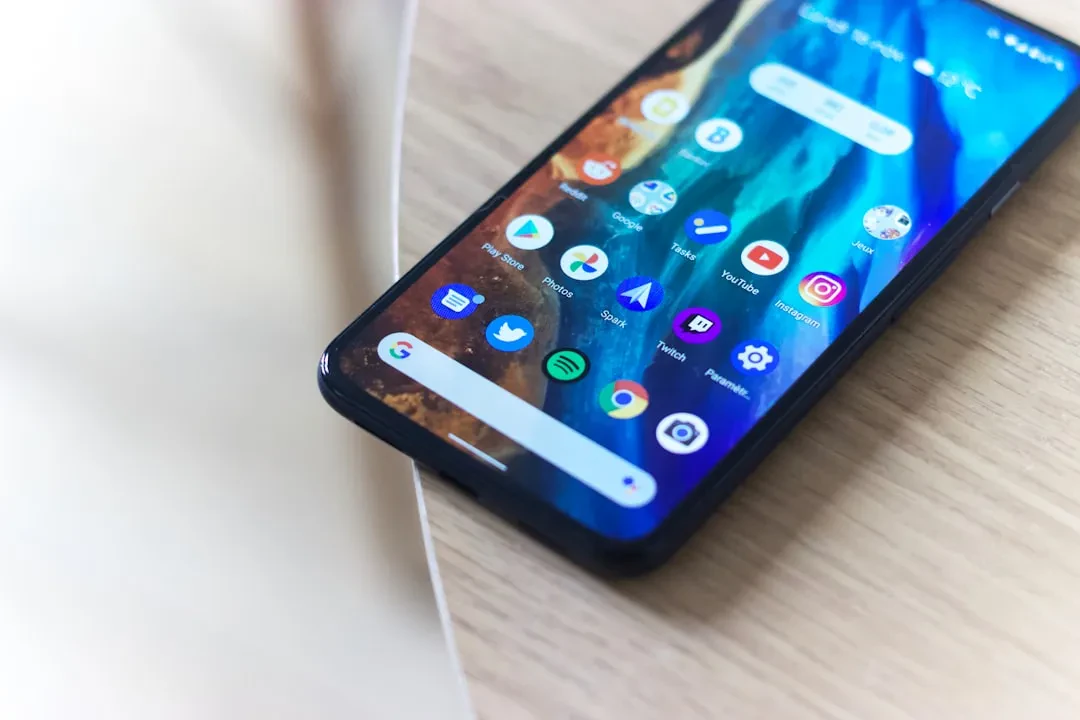
Android 17 is transforming how I use my Pixel phone. What once was simple screen mirroring is now a full desktop experience that makes the phone far more versatile. With Android 16 QPR3, Google made desktop mode available for supported devices, and Android 17 takes it further by encouraging apps to behave better on larger screens.
Pixel Desktop Mode Draws Inspiration from Samsung DeX
Android's native desktop mode borrows heavily from Samsung DeX, which has offered a similar experience for years. The key difference is that Google is building this feature directly into the OS, making it more accessible and pushing developers to support resizable layouts. This is crucial for desktop mode to work properly, as apps that don't adapt limit the experience.
Sponsored Protocol
Connecting my Pixel to a monitor is no longer just a gimmick but a productivity tool. I can run Chrome, Google Docs, messages, and calendar in separate windows, resizing and arranging them like on a real PC. The convenience is evident when I need to write a document while replying to a message or check my calendar while planning something in another window.
Better App Adaptation Makes Desktop Mode More Useful
Android 17 focuses on adaptive-first development, making it harder for apps to ignore desktop mode. This means many applications will be forced to better support large screens and orientation changes, reducing display issues. I've tested some apps that looked awkward in desktop mode, with wasted space or misplaced elements. With Android 17, this should improve, making desktop mode more reliable.
Sponsored Protocol
Although desktop mode won't completely replace my laptop, it is perfect for use on the go or in hotel rooms. With a nearby monitor or TV, I can turn my Pixel into a mini computer for handling email, documents, web browsing, and messaging. It's an option that adds flexibility to my day without having to carry a laptop.
Compared to security solutions like password managers, Android 17's desktop mode is one of those features that doesn't seem revolutionary but improves daily experience. Google has shown with Android 17 that it wants to make the phone a more versatile device, and desktop mode is a significant step in that direction.
Source: https://www.androidpolice.com/android-17-pixel-desktop-mode