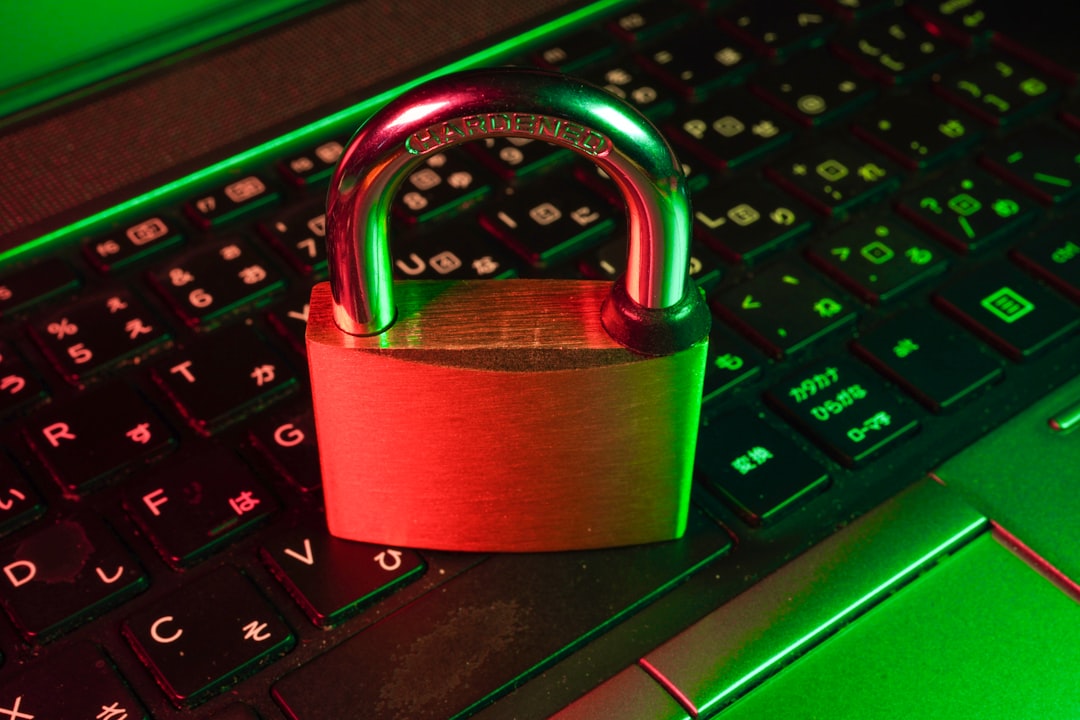
Human memory is not designed to hold dozens of long and random passwords, and those who try often fall back on reusing the same combination everywhere. Password managers solve this by generating, storing and filling strong credentials automatically, and in 2026 the competition among the leading services is tighter than ever. After fresh testing across desktop and mobile apps and browser extensions, Bitwarden once again proves the most balanced choice, while Proton Pass is close behind with a surprisingly generous free plan.
Bitwarden remains the open source champion with no limits
Bitwarden is the best password manager for most people because it combines security, transparency and price. The code is open source and subject to independent audits, and the free tier does not restrict the number of passwords or devices. Apps are available for Windows, macOS, Linux, iOS and Android, plus extensions for every major browser. Bitwarden supports passkeys and passwordless login, letting you unlock your vault with a security key or biometrics. Its semi-automated form filling prevents accidental clicks and phishing sites, while the Premium subscription costs only 10 dollars per year and adds 1 GB of encrypted storage plus password health reports.
Sponsored Protocol
Proton Pass surprises with a premium free experience
Proton Pass has redesigned its apps and now offers one of the most generous free plans on the market. Unlimited logins, passkey support, a password generator and 10 email aliases are all included at no cost. The company behind Proton Mail and Proton VPN has a strong reputation for privacy, and the client code is open source. Pass Monitor flags weak passwords and data breaches, but family sharing is missing in the free version. Paid plans start at roughly one euro per month, or you can bundle everything with Proton Unlimited for 10 dollars a month.
Sponsored Protocol
Keeper leads in sharing features at a higher price
Keeper is the go-to solution for sharing many credentials with colleagues or family. Its folder system with granular permissions resembles Google Drive, and it supports temporary share links and self-destructing records. Security is top notch, but the price is higher than the competition and the free version is very limited. For businesses, Keeper scales up to enterprise plans costing up to 85 dollars per user per month, while small teams start at 4 dollars per month per user. If collaboration is your priority, Keeper is hard to beat.
1Password stands out with Travel Mode and dual keys
1Password focuses on extras such as Travel Mode, which removes sensitive data from your devices before crossing a border and restores it with one click. This protects your vault from customs checks or temporary seizures. Its two-key system, password plus a secret key generated by the service, adds protection against weak passwords, but it requires you to store a recovery kit. With apps for every platform and excellent browser integration, 1Password is a premium alternative to Bitwarden.
Sponsored Protocol
The final decision depends on your habits and budget. Bitwarden remains the benchmark for balance and transparency, but Proton Pass is perfect for those who want a modern free password manager. Cybersecurity has never been more critical, as recent attacks on critical infrastructure in the United States have shown. Meanwhile, the app ecosystem keeps evolving, and password managers are becoming more integrated with operating systems, just like the upcoming change that allows third-party app stores on Google Play. For a deeper look into how these tools work, you can check the Wikipedia entry on password managers.