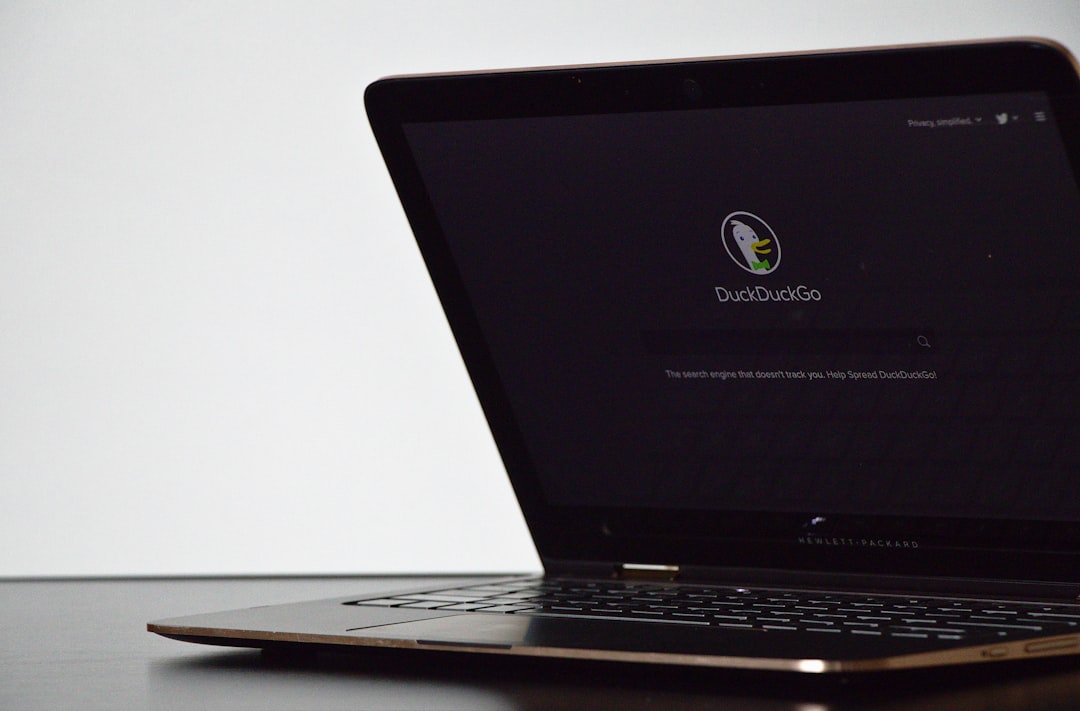
DuckDuckGo has released a new feature that automatically blocks video ads on YouTube for iPhone and Mac users. The update, announced today, integrates community-maintained filter lists from uBlock Origin to eliminate pre-roll and mid-roll interruptions. According to the company, the regular YouTube experience remains intact, including viewing history and playlist saving.
Ad blocking works directly in the browser without additional setup
The protection is enabled by default in the latest DuckDuckGo browser version. Users simply need to update the app to start blocking ads on YouTube's website. However, on iPhone, tapping a YouTube link often opens the dedicated YouTube app, where the blocker does not work. To benefit, users must open the website inside DuckDuckGo. The company warns that videos may buffer slightly longer but playback runs smoothly once loaded.
Sponsored Protocol
DuckDuckGo enhances privacy with targeted ad blocking
This move is part of DuckDuckGo's strategy to offer over a dozen privacy protections, including ad tracker blocking and cookie pop-up removal. The new YouTube ad blocker is separate from Duck Player, the distraction-free viewing mode, but both can be enabled together. The decision follows Google's ongoing efforts to break ad blockers, as seen in recent Chrome changes targeting uBlock Origin. DuckDuckGo is not the first browser to block YouTube ads; Brave and Opera already offer similar features.
Sponsored Protocol
For users seeking smoother and more private browsing, DuckDuckGo is a viable option. The browser is available on the App Store for iOS and Mac. ChatGPT recently introduced advanced voice features, while Apple explores on-device AI. For more information, see Wikipedia on DuckDuckGo.
Source: https://www.macrumors.com/2026/07/09/duckduckgo-browser-blocks-youtube-ads