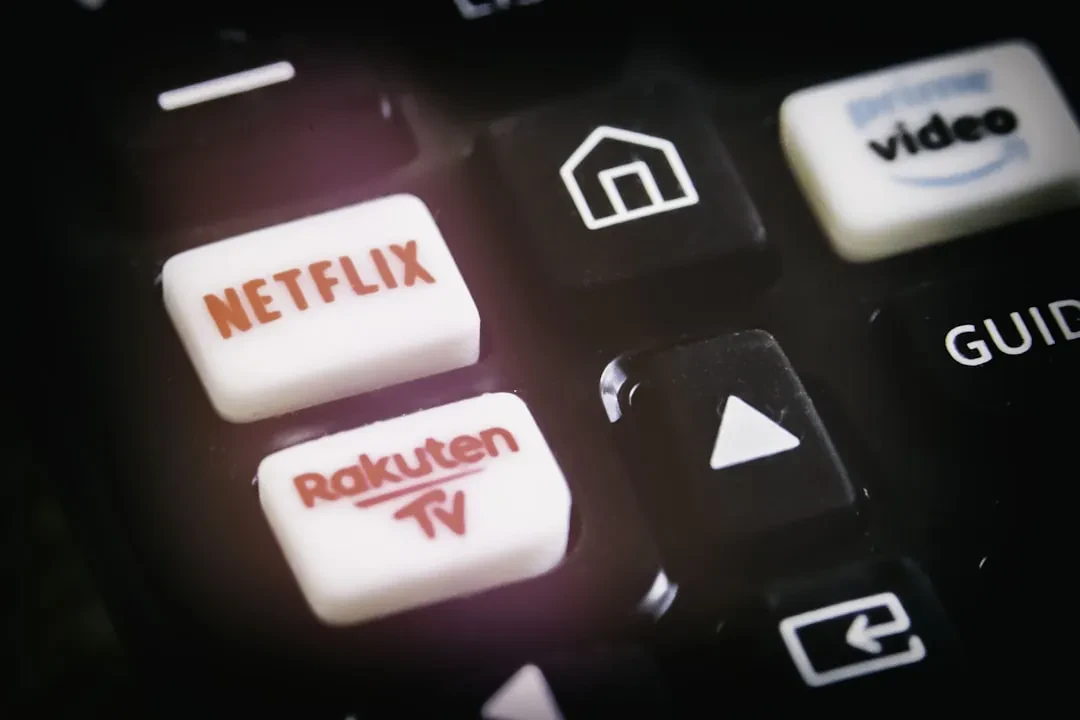
Nothing is more humiliating than being shamed by an inanimate object. One moment you are crying (again) over a TV series, ruining your third t-shirt in four seasons, and the next you are being berated by your television screen as everyone's favorite streaming service asks: "Are you still watching?" The pop-up is a callous reminder of the mountain of undone tasks upon that morning's horizon. But how can you do anything productive unless you know whether the characters found neurodivergent bliss?
What some jokingly call a passive-aggressive message is simply something Netflix sends automatically after three episodes, or 90 minutes, of uninterrupted television. If you are watching on something other than a television, the dreaded question will appear after three episodes if a viewer has not used "any video player controls." Of course, sometimes it just feels like the message intuitively appears at the peak of a Sunday night depression binge-watch session.
Sponsored Protocol
Why Netflix Asks 'Are You Still Watching?'
Netflix, for its part, is not shaming its subscribers out of some perverse sense of schadenfreude. Instead, the California-based streamer puts forth two reasons behind those prompts. The first is that Netflix does not want you to lose your place in its programming, as few entertainment experiences are more frustrating than waking up during the series finale and getting spoiled. The second might come as a surprise to some viewers. According to Netflix's support page, the company does not want its subscribers to "use internet data when you are not actually watching a TV show or movie." Translation: Netflix likely does not want its viewers to waste precious bandwidth while they are counting sheep.
Sponsored Protocol
How to Permanently Disable the Prompt
Luckily, ending the "Are you still watching?" cycle is easy. According to the company's help page, you can put a stop to the message by disabling your account's autoplay feature. To do so, simply go to your account page, select your profile, and go to the "Playback settings" tab under "Preferences." From there, toggle off the "Autoplay next episode" setting. If you are using Netflix's phone or tablet app, visit the "My Netflix" tab in the bottom right-hand corner. From there, select "Manage profiles" and follow the same procedure to your profile settings. Disable the "Autoplay next episode" setting, click "Done," and voilà, you will never be accosted with your reckless viewing habits again. Now you will only have yourself to blame if you snore through the latest season of your favorite show.
Sponsored Protocol
This small tweak can improve your streaming experience, but it also serves as a reminder of how digital platforms manage content consumption. In an era where streaming services compete for user attention, knowing how to control playback settings is essential. For more insights on automation and efficiency in digital systems, check out our article on Stanford's DeLM cutting multi-agent task costs, an example of how technology is optimizing complex processes. Additionally, for those interested in the evolution of streaming services, the story of SpaceX surpassing Amazon in valuation shows how tech innovation is reshaping traditional industries. For an external perspective, you can visit the Netflix Wikipedia page for a historical overview of the service.
Source: https://www.engadget.com/2195725/turn-off-netflix-are-you-still-watching