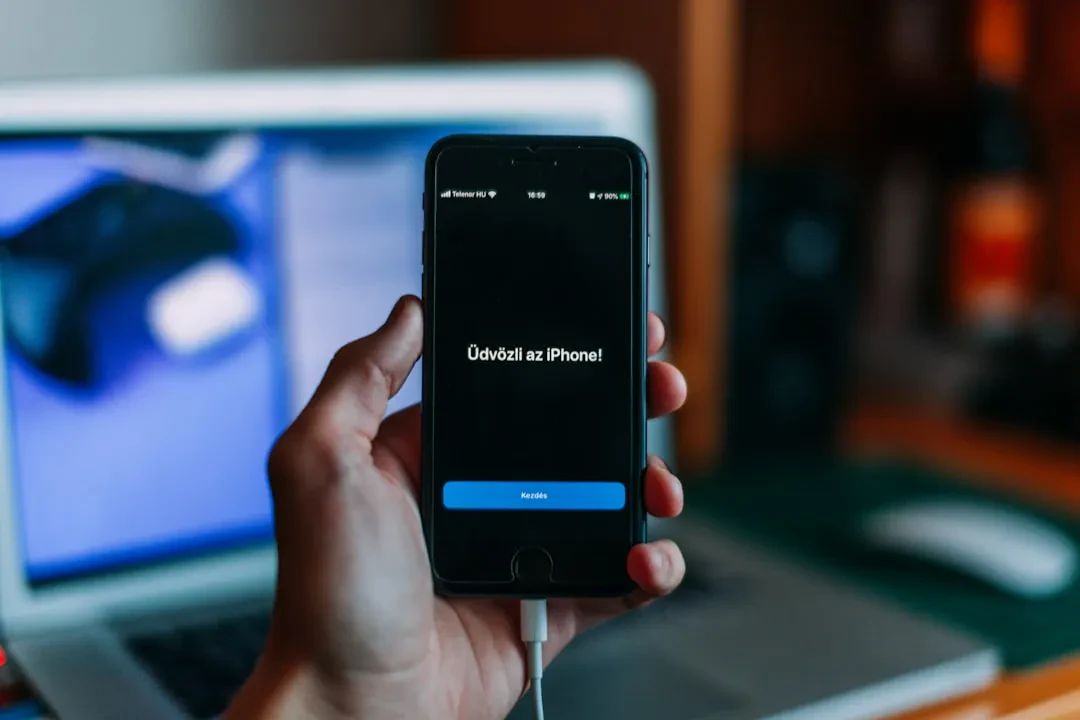
With the release of iOS 27 developer beta, Apple has introduced a new recovery mode for iPhone and iPad that closely resembles the recovery experience on Apple silicon Macs. This feature allows users to boot the device into a lightweight alternative environment without loading the full operating system, offering recovery options directly on the device without needing a computer. It marks a significant shift in how mobile device repairs are handled, eliminating the previous requirement to connect an iPhone or iPad to a Mac or PC for advanced restore operations.
How to activate the new recovery mode on iPhone and iPad
To access the new recovery interface, users must turn off the device and then hold the side button to power it on. The familiar Apple logo appears as during a normal boot, but if the button is held longer, a progress bar shows up and the device launches into the recovery environment instead of continuing into iOS or iPadOS. The process mirrors how recovery mode is triggered on Apple silicon Macs by holding the power button. This makes recovery much more intuitive and accessible even for users unfamiliar with physical DFU key combinations.
Sponsored Protocol
Five options available in the new recovery menu
The recovery screen offers five tools: Recovery Assistant, Software Update, Diagnostics Mode, Erase All Content and Settings, and Recovery Mode. The interface also displays the current battery percentage in the corner and automatically connects to a known Wi-Fi network. A power button in the toolbar lets users attempt a normal restart instead of proceeding with other operations. Having these options directly on the device eliminates the need to connect the iPhone or iPad to a computer for forced software updates, data wiping, or entering classic recovery mode.
Recovery Assistant: automated fixes without a computer
One of the most important additions is Recovery Assistant, a tool designed by Apple to perform automated last-resort repairs directly on the device. Previously, many such operations required a Mac or PC, with procedures like DFU restore. Now, even if an update fails or the system becomes unresponsive, users can attempt an automatic repair without hunting for a cable and computer. This is especially useful for those who only own an iPhone or iPad and do not have access to a Mac or PC nearby.
Sponsored Protocol
Use case: failed updates and boot loops
While the need to use this recovery mode is expected to remain rare for most users, there are scenarios where it can be a lifesaver. For example, if a software update stalls midway due to a drained battery, or if a beta version of iOS causes a soft-lock or boot loop, the Software Update option in the new recovery environment allows users to reinstall the last stable OS version without going through DFU mode. This reduces downtime and complexity. Apple already implemented similar tools on macOS, and extending them to mobile devices signals a strategy of unifying the software experience.
Sponsored Protocol
The iOS 27 and iPadOS 27 developer beta is available now, with a public beta expected next month and an official release in the fall. According to MacRumors, the new recovery mode is one of the most anticipated features of this release. For businesses, greater autonomy in device management can translate into lower support costs. Moreover, the simplification of restore procedures aligns with Apple's philosophy of making devices increasingly independent from a computer, as also seen in other recent products. For more on upcoming Apple products, check out our article on Apple unveils 20 new products. If you are looking for deals, do not miss the record low price of AirPods Pro 3 at $169.
Source: https://www.macrumors.com/2026/06/22/ios-27-adds-mac-like-recovery-mode