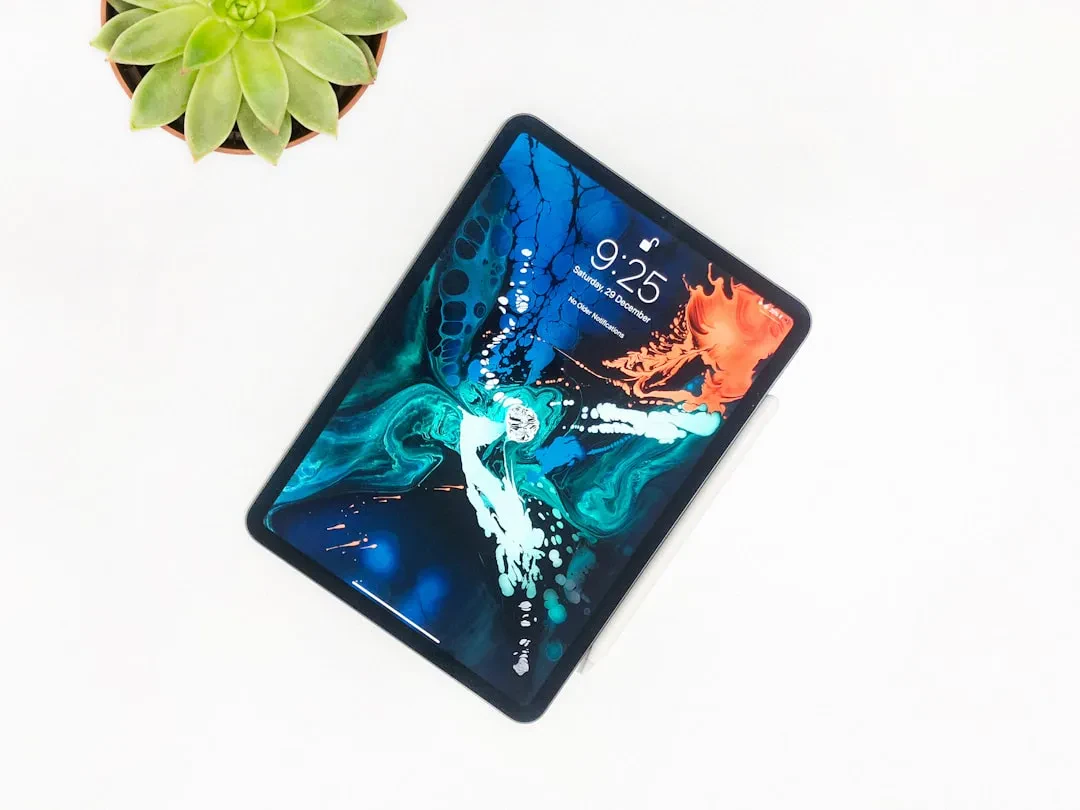
With the arrival of iPadOS 27, Apple brings a wave of artificial intelligence to the tablet like never before. While sharing many features with iOS 27, the new iPad operating system introduces exclusive capabilities that take full advantage of the large screen and Apple Pencil. Let's dive into the changes.
Siri Becomes Smarter and Context-Aware
The new Siri AI on iPad is much more capable: it can access personal data, search the web for answers, complete tasks within apps, and answer questions about what is on the screen. A major update for Apple Pencil users: Siri can index handwritten notes, making them searchable. Moreover, the assistant can summarize, rewrite, offer writing advice, check grammar, and even generate new text. The system-wide Write with Siri feature provides help no matter which app you are using.
Sponsored Protocol
Image Playground and Image Wand: Boosted Creativity
Among the standout apps is Image Playground, which generates images in any style, from photorealistic to cartoon. This technology also powers the Image Wand in the Notes app: just draw a rough sketch and AI turns it into a realistic image. A huge leap for artists and students alike.
Visual Intelligence Comes to iPad
Visual Intelligence, previously exclusive to iPhone, debuts on iPad. You can take a screenshot, circle an element with your finger or Apple Pencil, and get instant information: from the nutritional value of food to identifying plants and animals. This transforms the tablet into a universal visual assistant.
Smart Automations with Shortcuts
The Shortcuts app now uses AI to automatically generate custom commands. Describe in a sentence what you want to achieve (for example, changing multitasking behavior when you attach a keyboard) and within a minute you get a functional shortcut. A real time-saver for power users.
Sponsored Protocol
Smarter Safari and Performance Improvements
Safari introduces automatic tab grouping and an AI feature for generating custom extensions. Overall performance has been improved: browsing, file transfers, AirDrop, and app launches are faster. Multitasking on the iPad is now smoother than ever. Additionally, a new Liquid Glass slider lets you adjust window opacity and improves readability. iPhone apps running on the iPad can now be resized freely.
Compatibility and Regional Limitations
Siri AI and Apple Intelligence features require an iPad with an M-series chip or A17 Pro (iPad mini). Unfortunately, users in the European Union and China will not have access to these features at launch due to regulatory issues. Older models, while not receiving AI, will benefit from performance enhancements, feeling snappier than on iPadOS 26.
Sponsored Protocol
This version of iPadOS marks a turning point for the Apple ecosystem. With deep integration of artificial intelligence, the tablet becomes an even more powerful tool for work, study, and creativity. It remains to be seen how regulators will react, in a context where AI control is becoming stricter (as highlighted in the SK Telecom case). For those interested in AI formal verification, read about Pramaana Labs. For further technical details, consult the Wikipedia page on iPadOS.
Source: https://www.macrumors.com/2026/06/17/ipados-27-hands-on