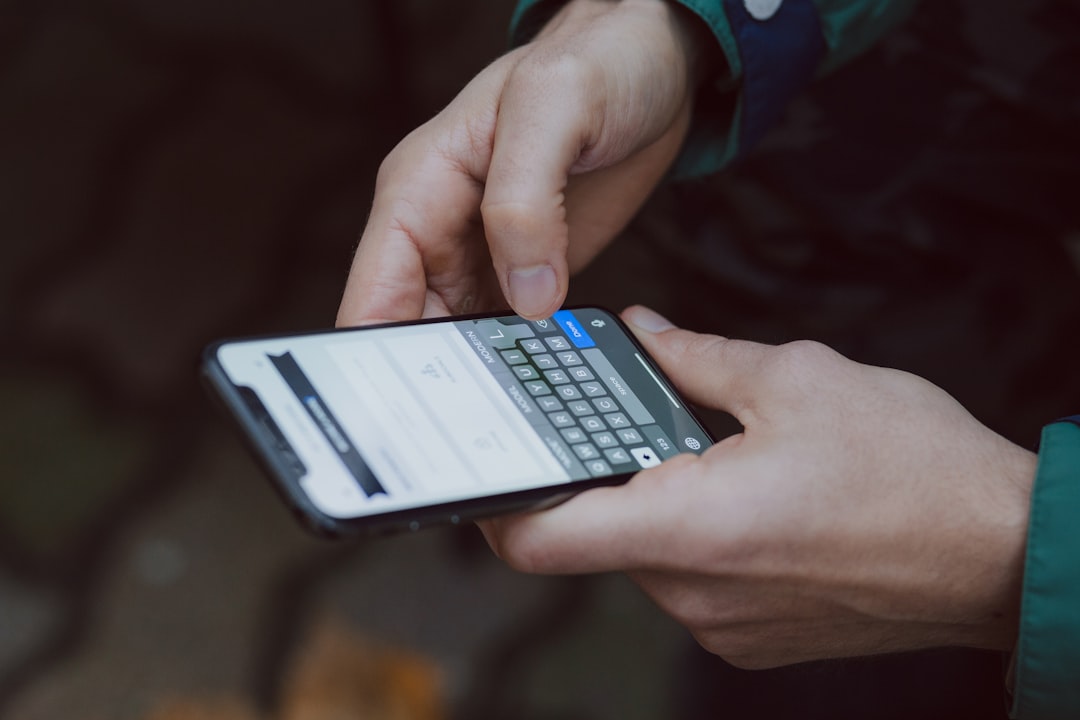
A Reddit post has highlighted a concrete risk for anyone selling or giving away an iPhone without following the correct reset procedure. The user, under a pseudonym, reported accidentally sending 'sensitive messages' and 'delicate photos' to an unknown number, only to discover the recipient was a child. The cause? The partner of the person had not fully disconnected their iPhone from iMessage before switching devices, causing messages to be forwarded to the old phone.
The problem stems from failing to disconnect iMessage
According to the story, the partner switched from iPhone to Android without deactivating iMessage or erasing the phone. When the user sent messages to the partner's number, they were delivered to the old iPhone, ending up in a stranger's hands. Apple itself warns that anyone selling their iPhone and replacing it with an Android must disable iMessage and FaceTime to avoid issues. Otherwise, messages continue to be sent to the associated Apple device, even if no longer in use.
Sponsored Protocol
How to avoid sending messages to a stranger
For those about to switch phones, the correct procedure involves several steps. First, perform a full backup of the old iPhone to a computer or Mac. Next, deactivate iMessage: with the SIM card inserted and connected to a cellular network, go to Settings > Apps > Messages and turn off the iMessage toggle. Do the same for FaceTime. If the phone has already been given away, Apple provides a web page to deregister iMessage remotely. After disabling services, sign out of your Apple Account by going to Settings > [Your Name] > Sign Out. Finally, before disposing of the device, perform a factory reset from Settings > General > Transfer or Reset iPhone > Erase All Content and Settings. The last step is to remove the old iPhone from your list of trusted devices in your Apple Account.
Privacy and financial data at risk
This is not just about embarrassment. Sending private messages to a stranger can lead to privacy violations and, in extreme cases, put financial data at risk. The incident has prompted many users to review their reset procedures. For a deeper look at legal issues surrounding the Apple ecosystem, read the article on the Apple-Epic Games case. Additionally, for a comprehensive guide to digital privacy, check the Wikipedia page on internet privacy.
Sponsored Protocol
Always remember these tips when it's time to part with your old iPhone, especially if you're moving to Android. Otherwise, you might end up in the embarrassing position of sending messages to an unwitting recipient, along with all the sensitive material those messages may contain.