Sharing your location with friends and family has become a common practice for meeting up, ensuring safety during travel, or simply letting others know where you are. With the updates of 2026, popular apps have refined their location features, making the process more intuitive. This article covers the main methods available on iPhone and Android smartphones, from mapping services to chat apps and emergency functions.
Google Maps: the most universal solution across devices
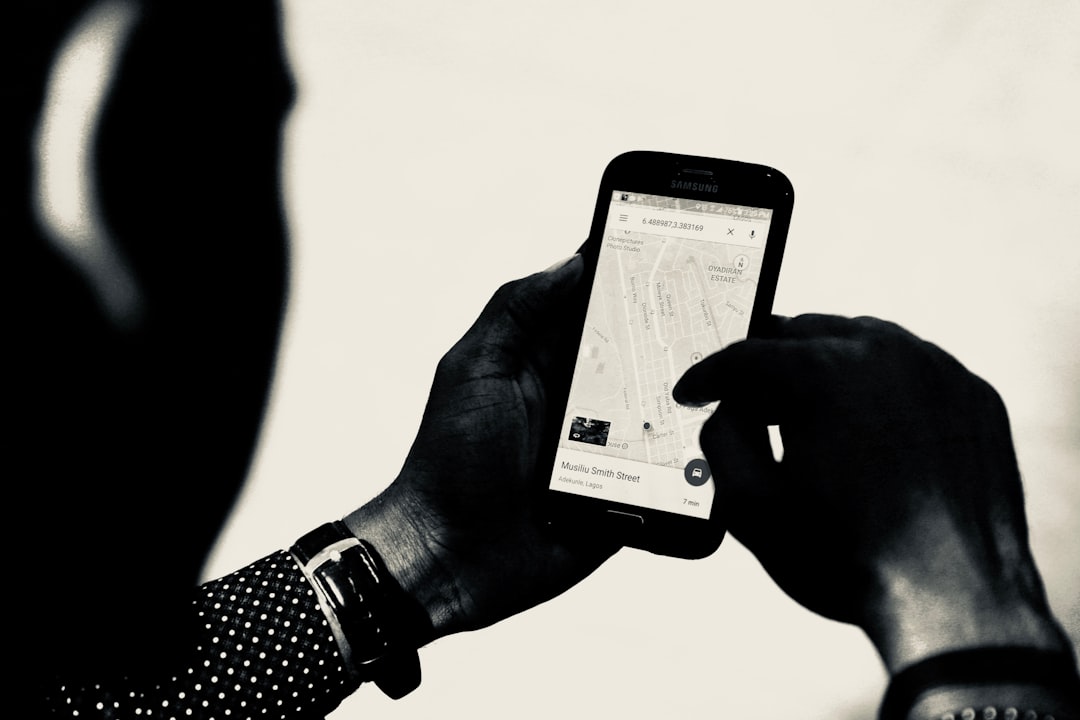
Google Maps remains the most popular navigation app and offers a simple yet powerful location sharing system. To start, open the Google Maps app on your Android or iOS device. Tap your profile picture or initials at the top right, then select Location sharing. Choose how long you want to share your location: from 15 minutes to a custom period. You can select contacts to share with; if the person does not have a Google account, you can generate a link to send via message or email. This method works on both operating systems and also allows you to see others' locations if they have mutual sharing enabled. To stop sharing, simply return to the sharing screen and tap Stop.
Sponsored Protocol
Find My on iPhone: Apple's integrated location tool
If you and your contacts use Apple devices, the Find My app is the most seamless option. Open the app and go to the People tab. Tap the plus button to add a person, enter their name or phone number, and choose the sharing duration: one hour, until end of day, or indefinitely. The person will receive a notification and can see your location on the map in real time. To disable sharing, tap the person and select Stop Sharing My Location. You can also turn off sharing entirely from the Me tab.
Messenger and WhatsApp: share location without leaving the chat
Messaging apps offer convenient shortcuts. In Facebook Messenger, open a conversation, tap the options icon (plus) and then the location icon. You can share your live location for one hour or send a static location by searching for a place. On WhatsApp, the process is similar: tap the attachment icon (clip on Android, plus on iOS) and select Location. You can send your current location or enable real-time sharing for a period from 15 minutes to 8 hours. These features are perfect for meetups or letting loved ones know you are on your way.
Sponsored Protocol
Emergency SOS: share location in case of emergency
Apple and major Android manufacturers integrate emergency features that automatically send your location to emergency contacts. On iPhone, set up emergency contacts in the Health app, then activate Emergency SOS by holding the side buttons. This sends a message with your current location and updates. On Android (e.g., Pixel), go to Settings, Safety and Emergency, and enable Share info with emergency contacts. When you trigger SOS, your location is shared in real time.
Sponsored Protocol
Privacy matters: always check who you are sharing with
It is important to periodically review the list of people with whom you share your location. Each app provides a summary screen. Remember that sharing location is useful but also sensitive data. If you are heading to a crowded event, such as the Wimbledon semi-final between Sinner and Djokovic, sharing your location with friends can help you find each other. For more details on Google Maps features, consult the Wikipedia page for Google Maps.
Source: https://www.wired.com/story/how-to-share-your-location-android-ios