After years of delays, Apple's voice assistant is finally getting a major upgrade. At WWDC 2026, Siri AI was unveiled as part of iOS 27, and the beta gives a real taste of what's to come. To put it to the test, I spent a day as a tourist in San Francisco using Siri as my personal guide. The result? A conversational, omnipresent, and genuinely helpful assistant that feels nothing like the old Siri.
A Fresh Approach to Interaction
The first thing you notice is the deep integration. Siri is now merged with the iPhone's search bar; swipe down from the middle of the screen to activate it. You can chat verbally or type follow-up questions. Responses are bite-sized, often a single paragraph, with key words in bold for easy scanning. Past conversations are saved in a dedicated app, so you can revisit them later.
Sponsored Protocol
Under the hood, Apple's partnership with Google Gemini powers Apple Intelligence. This means answers are more contextual, not just a list of links. For instance, asking 'What should I do today?' made Siri scan my recent messages to highlight unfinished plans with friends.
Hyper-Personalization with Privacy
Siri AI excels at personalization. It indexes your messages, photos, and emails on-device to tailor responses. When I asked for photos from my last trip to Costa Rica, it quickly found images from two years ago. It's not flawless: asking for 'hot pot with friends' also pulled up a hot tub picture, but overall it's impressive. Apple stresses privacy: data is processed locally and not stored on servers. Indexing took about a week in the beta, but you can turn off Siri AI in settings.
Sponsored Protocol
Device Compatibility
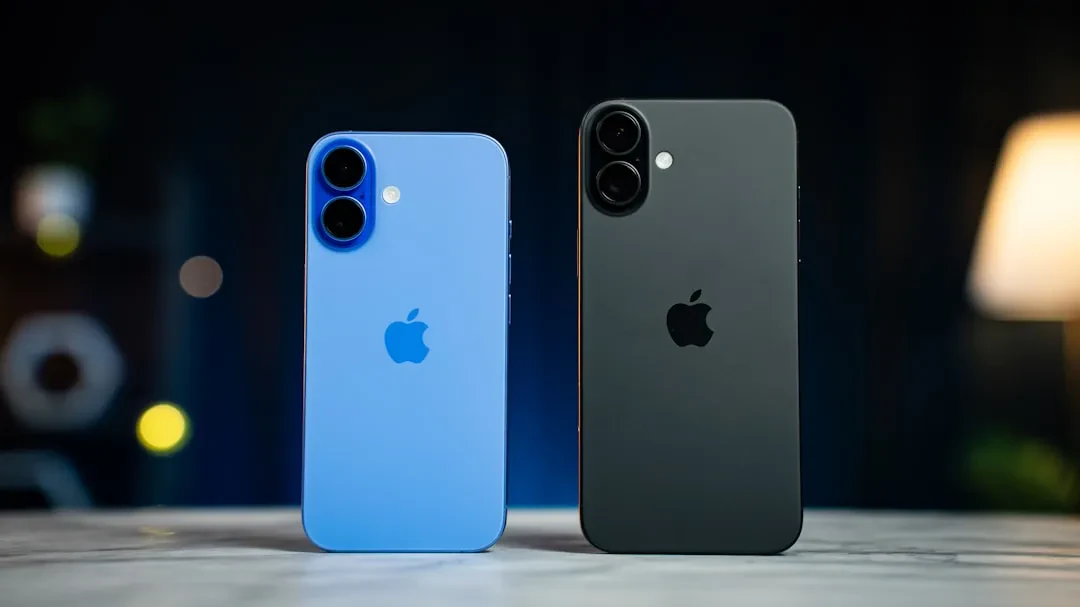
I tested on an iPhone 16 Pro Max, which supports most features. However, full capabilities (like varied voice options) require the iPhone Air, iPhone 17 Pro, or iPhone 17 Max. All iPhone 16 and 17 models work, and among older devices only the iPhone 15 Pro and Pro Max are compatible. Older models are left out.
A Tourist Day with Siri
In the morning, I visited the Golden Gate Bridge. I snapped a photo of a foggy path, and Siri identified the cypress trees, linking to the Cypress Tree Tunnel at Point Reyes—though that's an hour away. A minor context flub, but the 'visual lookup' feature is promising. For lunch, Siri suggested two brunch spots with reviews and maps, picking one for 'cozy vibes'. The price was steep, but that's not Siri's fault.
Sponsored Protocol
I asked Siri to take a selfie and text it to my partner with a message. After a few tries, it worked, though it added 'with a' before the skull emoji. A bit too literal, but fixable. Later, at Fisherman's Wharf, I asked about sea lions. Siri gave accurate facts, referencing Wikipedia and the official site, with clickable links.
Overall, Siri AI feels less like a synthetic friend and more like a straightforward assistant. The interface is stunning, but its utilitarian vibe is the real differentiator. After years of anticipation, Apple seems to have finally delivered. For related reading, check out FERC's fast lane for AI data centers and Baseten's $1.5 billion raise.