Google Keep is a surprisingly powerful tool for organizing your day directly from the Android home screen. With interactive widgets, color-coded notes, and collaborative lists, you can create a true command center without opening dozens of apps. This article explores how to leverage Keep to optimize your daily workflow.
Keep widgets enable quick actions without opening the app
The secret to using Google Keep as a command center lies in its widgets. Android supports various widget sizes from compact single-note to extended multi-list views. By placing a quick-note widget on the edge of your screen, you can jot down a thought in one tap. Set a location or time-based reminder by tapping the bell icon within the widget. This integration removes the friction between an idea and its capture, boosting productivity.
Colors and labels turn notes into a visual Kanban system
Google Keep offers color coding and tags to organize notes. Create a personal system: yellow for urgent, green for done, blue for ideas. Labels like "Work" or "Home" filter notes in the widget. By dragging notes into desired order, you get a pocket Kanban board. For instance, keep a "Today's tasks" list on the main widget and swipe completed tasks to archive.
Sponsored Protocol
Voice reminders and real-time collaboration for families
Integration with Google Assistant lets you create voice reminders that land directly in Keep. Just say "Hey Google, remind me to buy milk" and the note appears on the widget. You can also share lists with family or colleagues. A shared grocery list updates in real time; if someone adds an item, the widget syncs immediately. This is especially useful for coordinating household chores, as discussed in our article on the Samsung Galaxy Z Fold 8 battery downgrade where large screens enhance productivity.
Sponsored Protocol
How to customize the layout to maximize space
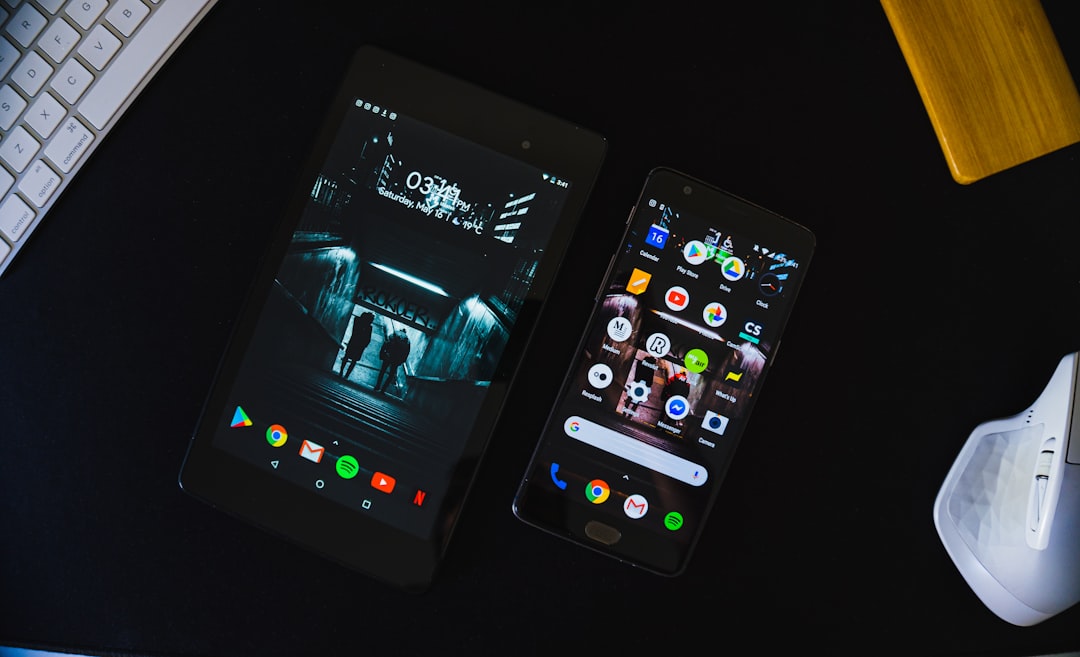
For an effective command center, dedicate an entire home screen to Keep. Use widgets of different sizes: one large for active lists, one medium for reminders, one small for quick notes. You can combine Keep with other productivity apps, but Keep's strength is its simplicity. According to Wikipedia, Keep has over a billion downloads and integrates natively with Google Workspace. This ecosystem ensures every note is accessible from any device.
Don't forget to enable offline sync: notes are editable even without a connection. Once online, Keep automatically updates. The web version of Keep allows dragging items between notes, a feature missing on widgets but useful for organizing before returning to your phone. For a more immersive experience, Samsung Galaxy Z Fold 8 users can leverage the large foldable screen to display multiple widgets at once, as analyzed in our article about the battery degradation of Fold 8 models.
Sponsored Protocol
Automations with Tasker and Keep for deeper control
For power users, Google Keep combines with Tasker to create automations. For example, when you enter a geofenced area, Tasker can add a Keep note or check an item off a list. Or at 9 AM, Keep automatically opens the day's widget. These integrations turn the command center from reactive to proactive. However, even without Tasker, Keep remains one of the simplest ways to keep chaos in check.
Ultimately, turning your home screen into a Google Keep command center requires no technical skills. Just a few minutes to place the right widgets and start organizing your day with less stress and more efficiency.