Ing. Calogero Bono
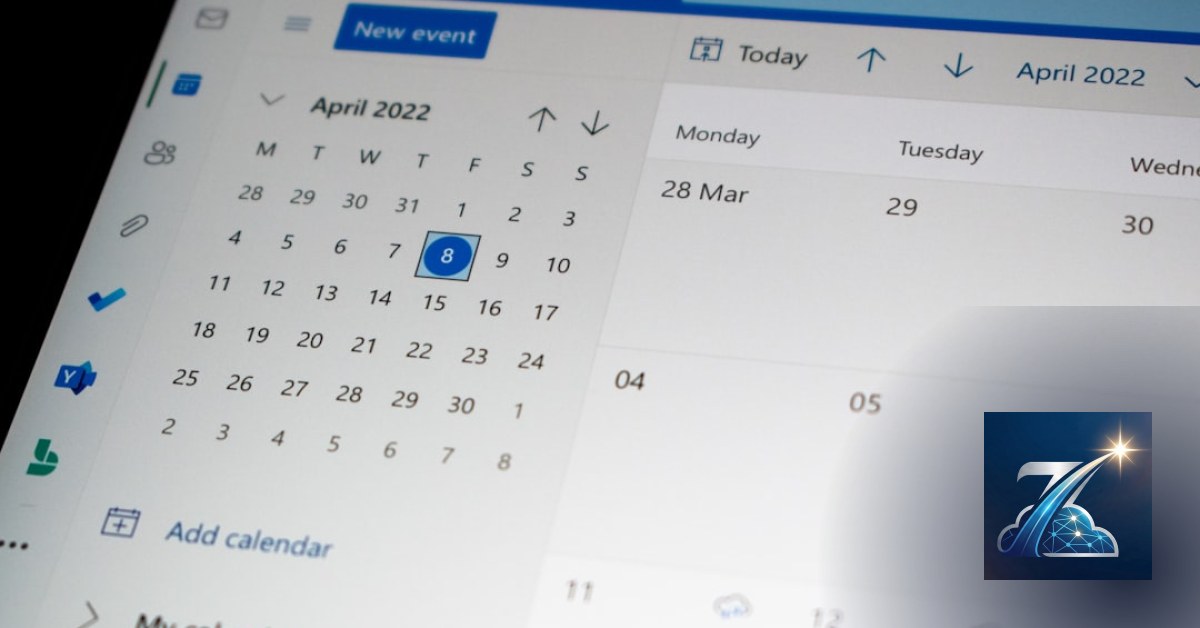
If you run a rental business — cars, bikes, equipment — you know the nightmare of accepting a booking for a vehicle that's already taken. A double booking burns a customer and costs you time, refunds, and reputation. At Sciacca we saw the problem from the inside: before becoming a digital agency, we managed warehouse and KPIs for a clothing store with an internal ERP. Retail is one thing, but rental is worse: the same physical asset (the scooter, the tiller, the van) can't be in two places at once. That's why rental fleet availability calendar management is the operational heart of your business. Not a nice feature — the core. Without a calendar that locks dates in real time, you're gambling with reservations.
Why a spreadsheet fails for rental fleet availability calendar management?
Excel and Google Sheets have a structural flaw: they don't handle conflicts. Two people can write the same cell without knowing it. When a prepayment arrives for an already-booked vehicle, you end up calling the second customer to say "sorry, mistake." It's not just embarrassing — it's lost revenue. We work daily with clients who have burned months of revenue due to unchecked overlaps. A shared calendar is a step forward, but not enough: you need logical rules that physically prevent double booking, interfaces that instantly show each vehicle's status (available, maintenance, rented, returning), and views by period — day, week, month, season.
The date conflict problem
A standard booking is not a single day — it's a range. June 10 to June 15. If the calendar doesn't check the entire window, a vehicle could be booked on June 12 while still out on a previous rental. The solution is an overlapping check: each new entry must verify that no existing booking for that vehicle overlaps, even partially. A simple row count in SQL handles it — but the problem is that 90% of the time it's not implemented because "you can see it by eye."
Vehicle states beyond simple "free/occupied"
In real-world rentals a vehicle can be: available (bookable), rented (already taken), under maintenance (not usable), returning (on its way back but not yet checked in), blocked for unpaid deposit. A serious calendar must support all these states, with different colors and clickable details. At Meteora Web we work with Laravel and Livewire to build reactive interfaces: the calendar state updates in real time without page reload. That's simply impossible with a spreadsheet.
How does an availability calendar work in rental fleet management software?
The base structure is a bookings table with foreign keys to the vehicles table and the customers table. Each record has: start_date, end_date, status. The calendar queries this table for each vehicle, builds a grid, and colors cells by status. Simple in theory, but in real projects we see three repeated mistakes:
- Forgetting time zones: if you rent by day, not by hour, the end_date must be exclusive (vehicle free from the next day). Otherwise a vehicle booked until the 15th is not available on the 15th.
- Ignoring cleaning/charging times: between rentals you need a buffer. The calendar must block it automatically.
- Not handling instant bookings: a customer books online — the calendar must update immediately, not after a manual confirmation email.
Daily, weekly, and monthly views
A good calendar offers three levels. The monthly view gives you a feel for peak periods. The weekly view is operational: you see each vehicle in rows and colored day columns. The daily view shows shift details (morning/afternoon) if you rent by the hour. We've built these views for clients who rent electric bikes and for those who manage fleets of moving vans. The difference is all in how you display information: too many details confuse, too few hide conflicts.
What backend logic prevents double bookings in rental fleet availability calendar management?
The heart of the system is a query that checks for overlaps. Here's a PHP/SQL version that works on MySQL and PostgreSQL:
function isVehicleAvailable($vehicleId, $newStart, $newEnd) {
    $query = "SELECT COUNT(*) AS conflicts
              FROM bookings
              WHERE vehicle_id = :vehicle_id
                AND status NOT IN ('cancelled', 'completed')
                AND start_date < :new_end
                AND end_date > :new_start";
    $stmt = $pdo->prepare($query);
    $stmt->execute([
        ':vehicle_id' => $vehicleId,
        ':new_start' => $newStart,
        ':new_end' => $newEnd
    ]);
    $row = $stmt->fetch();
    return $row['conflicts'] == 0;
}

// Usage example
$available = isVehicleAvailable(12, '2026-08-10', '2026-08-15');
if (!$available) {
    // Show error and block the booking
}
This function must be called both server-side (on form submit) and via AJAX when the user selects dates on the interface. The frontend must disable the "Book" button until the call responds OK. Without this double check, a fast user could send two requests and get two confirmations.
Pessimistic or optimistic locking?
For rentals we recommend pessimistic locking at the database level: use SQL transactions that lock the vehicle row for a few milliseconds when a booking request starts. In Laravel you implement this with DB::transaction() and lockForUpdate(). It costs a bit in performance, but eliminates the possibility of conflicts. For small fleets (up to 50 vehicles) the load is negligible.
How to connect the availability calendar to contracts and rates?
A calendar without rate rules is half the job. Availability must vary by period: high season, mid season, low season. The software must know that a vehicle is available but at a higher price. We integrate dynamic rates directly into the calendar view: when an operator clicks a day, the system automatically calculates the cost based on season and duration. If the customer books online, the displayed price is exact. This reduces quote requests and increases conversions.
Scheduled maintenance blocks
Every vehicle needs periodic maintenance. The calendar must allow you to insert "maintenance" events that automatically block availability, with weekly or monthly recurrence (e.g., oil change every 100 hours). We manage this with a separate maintenance table and a unified view that merges bookings and maintenance into the same grid. The operator immediately sees when a vehicle will be unavailable for work.
How much does it cost to NOT have a rental fleet availability calendar management system?
Let's do the math — we come from accounting, balance sheets, and double-entry bookkeeping. Imagine a fleet of 10 vans. Each double booking costs you roughly $150 in refunds or discounts + the vehicle sitting idle for that day + the time lost on calls and apologies. If you have one double booking per month, that's $1,800 a year. If you have one per week, that's $7,200 a year. A good calendar software costs less than $500 annually. The ratio is 1 to 14. You don't need a degree in Economics to see it makes sense. We always explain this to clients before even talking about code: a site is measured in revenue, not compliments. A calendar that prevents double bookings is a money-making tool.
How to build rental fleet availability calendar management into a Micro SaaS platform?
If you're building a rental management system, start with an MVP with these three features:
- Vehicles CRUD with customizable attributes (brand, model, plate, category).
- Grid calendar (vehicles in rows, dates in columns) with colors per status.
- Conflict check logic like the query above.
Then add one by one: rates, contracts, online payments. We chose Laravel + Livewire because the calendar must update in real time without page reload. Vue or React work too, but Livewire is faster to develop and doesn't require a separate API layer. For the database, MySQL with indexes on vehicle_id, start_date, end_date is more than enough. For fleets over 100 vehicles with hourly bookings, consider PostgreSQL with range operators (&&) for more performant queries.
What to do now
- Check if your current system handles conflicts: make two simultaneous bookings for the same vehicle on overlapping dates and see if the system blocks them or accepts both.
- Implement the control query even in an advanced spreadsheet (not ideal but better than nothing). If you use Google Sheets, use
COUNTIFSwith overlap conditions. - Choose software with an integrated calendar, not just a booking list. If you want to start from scratch, look at open-source projects like Knplabs CalendarBundle for Symfony or borrow the pattern we showed.
- Talk to someone who uses it: ask an operator how much time they waste managing conflicts. That time is money.
To see how we build these systems for our clients, visit our page dedicated to rental software. We work with local businesses across Italy, believing that Southern Italian companies deserve top-tier technology, not second-class solutions.
Zenith Rent is the all-in-one platform to run your business — clients, scheduling, deadlines, invoicing and WhatsApp reminders, all from your browser. No installation required.
Discover Zenith Rent →