Ing. Calogero Bono
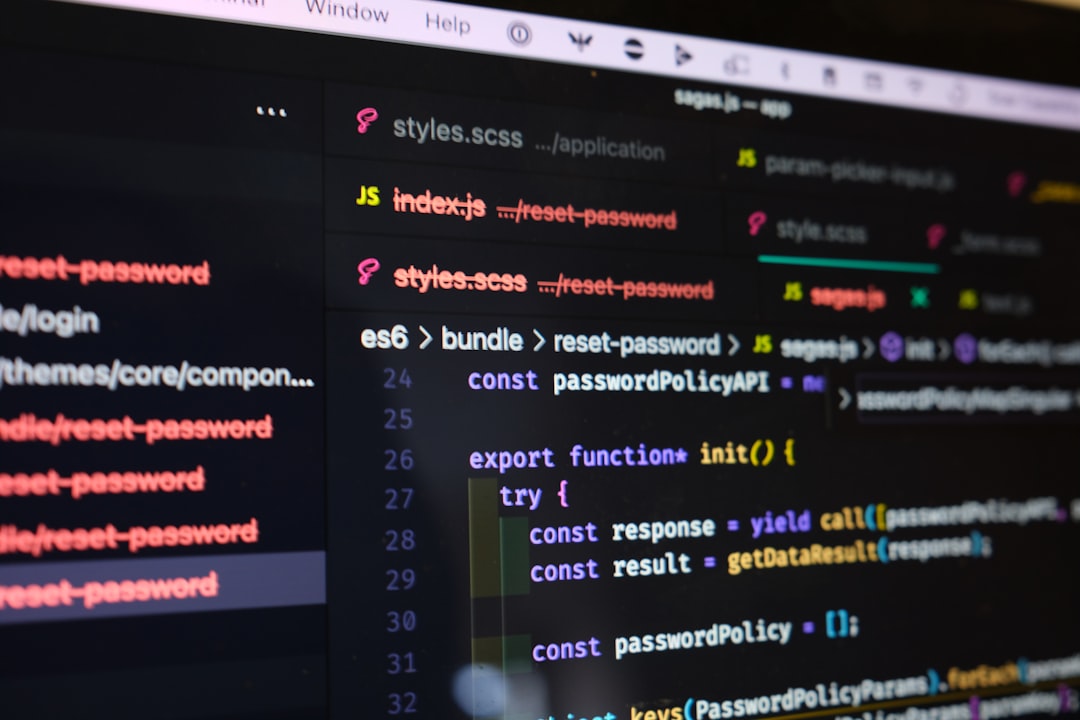
Your PR is 400 lines. Deadline is tomorrow. QA approved functional tests. Everything looks fine. Then a distracted human review misses a SQL injection. Two weeks later, the DB is compromised. We've seen this dozens of times.
Code review is where you pay the bill for speed. The faster you go, the less you see. That's where AI tools come in. Not to replace the human reviewer, but to do that automatic scanning pass that a tired human eye never does.
We at Meteora Web have been using AI for code review since Cursor introduced contextual analysis. Before that, we only used SonarQube or PHPStan. Now the game has changed: the AI doesn't just pattern-match — it understands the flow of code. That's the leap. In this guide we'll show you how to use it to find security bugs and code smells — the two most expensive enemies in a software project.
How does AI work in code review?
Traditional tools (linters, static analysis) work with hardcoded rules. PHPStan knows that `$stmt->query()` is deprecated, but it doesn't understand that the variable comes from unsanitized user input. AI does, because it analyzes the dependency graph and makes inferences across multiple files.
Cursor AI, for example, when you select a piece of code and ask "Is there any security issue in this function?", it doesn't just look at the function. It reads the context: how it's called, what data it receives, where it ends up. That's the difference between a fish and a fishing net.
Other tools: GitHub Copilot Code Review (preview for orgs), SonarCloud with AI-assisted review (beta), CodeRabbit, CodeGPT, and OpenAI Codex if integrated via API into a CI pipeline. We recommend Cursor for PHP/Laravel projects because it's native to the stack and lets you review directly in the editor.
Practical: how to run a PR review with Cursor
- Open the changed file in Cursor.
- Select critical sections (login, file upload, DB queries).
- Ask: "Find any security vulnerabilities or code smells in this selection."
- Read responses as a second opinion, not absolute truth.
Which security bugs can AI detect?
The AI has an internal OWASP Top 10 map. It recognizes typical patterns:
- SQL Injection: direct concatenation of variables into queries. Example in PHP:
// Potentially dangerous
$query = "SELECT * FROM users WHERE email = '" . $_POST['email'] . "'";
The AI (if well configured) will tell you: "Use prepared statements or parameterized queries." And might even propose the fix with PDO.
- XSS (Cross-Site Scripting): outputting unsanitized variables in HTML. AI detects missing `htmlspecialchars()` or `strip_tags()`.
- Path Traversal: using `file_get_contents($input)` without path validation triggers a warning.
- Insecure Deserialization: `unserialize($_GET['data'])` is an immediate red flag.
- Hardcoded Credentials: passwords or tokens in plain text, even inside associative arrays.
Real example from one of our clients: an API endpoint accepted JSON and used it to populate an Eloquent model without protected `$fillable`. Cursor AI immediately noted that a `is_admin` field could be passed by the user. Mass assignment = backdoor.
How to use Cursor AI for code review in a PHP project?
We work a lot with Laravel. Here's a concrete internal flow:
// Controller we received
public function store(Request $request) {
    $validated = $request->validate([
        'name' => 'required|string',
        'email' => 'required|email'
    ]);
    $user = User::create($request->all()); // watch out: mass assignment
    return redirect('/users');
}
Select the line `User::create($request->all())` and ask Cursor: "Is this safe? Any mass assignment issue?" It will likely answer: "Yes, using `$request->all()` exposes all request parameters. Use `$request->only(...)` or set `$fillable` in the model."
For code smells, ask: "Find code smells like long functions, duplicate code, or missing error handling." The AI returns a list with line numbers and brief explanations.
Code smells: what does AI catch that often escapes human eyes?
Code smells are maintainability issues — they don't break anything today but make code fragile tomorrow. AI looks for:
- Overly long functions/methods (over 20 lines is a typical threshold).
- Duplicate logic (same sequence of operations in multiple places).
- Missing or generic error handling (empty try-catch or just `return null`).
- Unclear naming (`$data`, `$tmp`, `$arr`).
- Comments that explain the what, not the why (if code is self-documenting, comments are noise).
- Boolean parameters in functions (`function process($input, $flag)`) – often a sign the function does two different things.
# Example of a smell: function with boolean trap
def create_order(user, items, apply_discount):
    # ... if apply_discount is True does one thing, else another
    pass
Ask the AI: "Refactor this to remove the boolean trap" – it will propose splitting into two functions.
Limits of AI in code review: when do you still need a human?
AI doesn't understand business context. A loop that looks inefficient might be readable and intentional. Encrypted data may be handled elsewhere. Also, AI tends to be conservative: it flags false positives on code that's fine but unconventionally written.
We use it as a second pair of eyes, not for automatic approval. Our sequence: 1) quick human review 2) AI pass for security and smells 3) targeted human review on flagged items. This triple filter reduces false negatives to near zero.
For security, AI does not replace a penetration test. But it's an excellent first screening that blocks 80% of trivial bugs before they hit production. We see it every day on our projects.
External resource: the official OWASP SQL Injection Prevention Cheat Sheet (OWASP SQL Injection Prevention).
What to do now: integrate AI into your review workflow
- Choose a tool: if you use Cursor, leverage its chat for PRs. Otherwise try GitHub Copilot Code Review (if available) or CodeRabbit.
- Define a checklist: before every merge, ask the AI at least one security question and one smell question. No need to ask every commit.
- Don't trust blindly: every AI response needs verification. Common mistake: accepting a refactoring without understanding if semantics change.
- Practice: the more you use AI, the better you'll recognize its signaling style. Learn to spot false positives and ignore them.
- Automation (advanced): integrate a GitHub Action that sends the diff to an AI model (e.g. GPT-4 via API) and posts a comment with findings. We have an example for Laravel – contact us if you want the code.
AI for code review is not a magic wand, but an accelerator. Use it well and your team will release more solid, more secure, and more maintainable code. And most importantly, you'll sleep better at night.
— The Meteora Web team (from Sciacca, with our complete guide on Cursor AI).