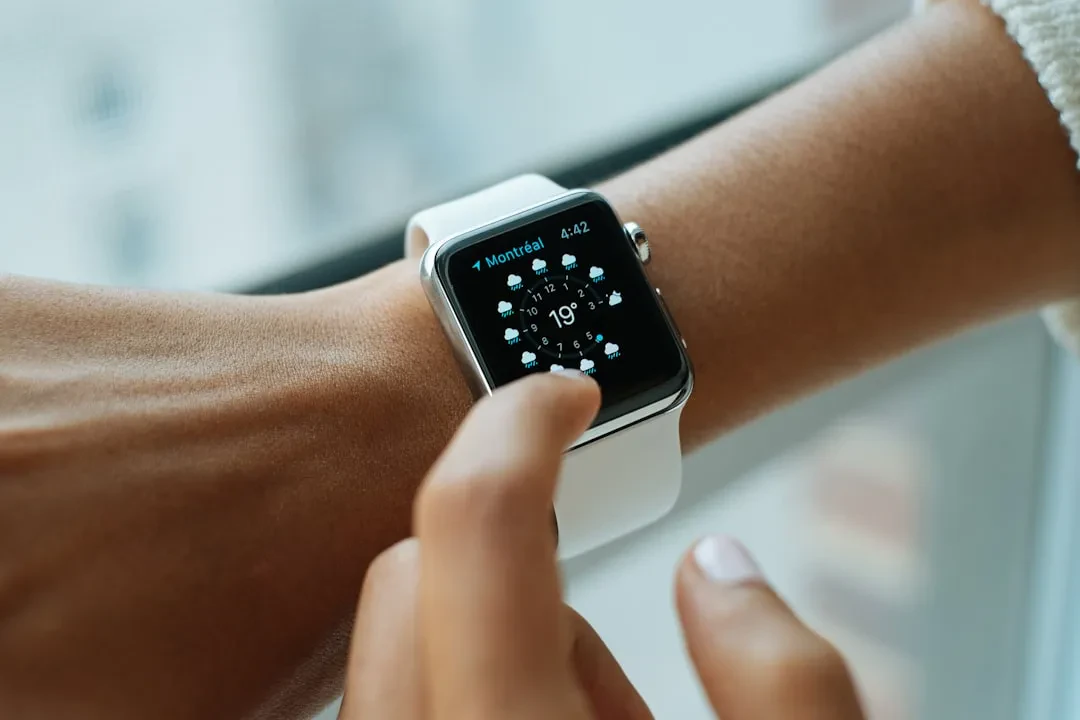
The Apple Watch is packed with capabilities, yet some features remain under the radar even for seasoned users. These aren't secrets, just tools that deserve more attention. Here are ten underrated features that can enhance your daily experience.
Auto Unlock for Mac
One of the oldest and most useful features is Auto Unlock for your Mac. Simply wear your Apple Watch and approach your computer to skip typing your password. Introduced with macOS Sierra, it remains handy, especially on Macs without Touch ID like the MacBook Neo or desktop models. It also works for admin actions. To enable it, go to System Settings > Touch ID & Password and toggle on your watch's name. Wi-Fi and Bluetooth must be on, and both devices must use the same Apple ID.
Backtrack in Compass App
The Compass app features Backtrack, which records your path so you can retrace your steps. It works on Apple Watch Series 6 and later with watchOS 10 or newer. You can have it start automatically during a workout in a remote location, but manual start is safer. Add a Backtrack shortcut to Control Center. To retrace, tap the pause button and choose 'Retrace Steps'.
Sponsored Protocol
Double Tap and Wrist Flick Gestures
On newer models (Series 9, SE 3, Ultra 2 and later), you can control the watch with one hand. Double Tap (pinch index and thumb twice) scrolls widgets, plays/pauses media, or answers calls. Wrist Flick (quickly turn wrist away and back) acts as a back button, muting calls, stopping timers, and dismissing notifications. Customize in Settings > Gestures.
Cover to Mute
A classic gesture: when an alert arrives, cover the screen with your palm for about three seconds to mute it. It doesn't dismiss the alert, just silences it. Great for meetings or quiet moments.
AssistiveTouch for Accessibility
AssistiveTouch simulates taps, Digital Crown rotations, and swipes. Enable it in Settings > Accessibility > AssistiveTouch. Perfect for those with disabilities or anyone wanting one-handed control.
Sponsored Protocol
Remote Shutter for Group Photos
Use your Apple Watch as a remote camera shutter for your iPhone. Set the phone on a tripod, frame your shot, and tap the shutter on the watch. On watchOS 26, a Smart Stack hint opens the Camera Remote app. You can choose countdown or instant shot and switch between front and rear cameras.
Ping iPhone with Flashlight
To find your iPhone, open Control Center and tap the phone with sound waves icon. Your iPhone makes a sound. For a visual cue, long-press the same icon to turn on the flashlight. Useful in dark rooms.
Walkie-Talkie
The Walkie-Talkie app provides instant push-to-talk communication with a friend. Open the app, add a contact, and after they accept, hold the talk button to speak. Works like a real walkie-talkie. Set availability in Control Center to avoid interruptions.
Sponsored Protocol
Named Timers with Siri
When setting a timer with Siri, you can name it. For example, 'Hey Siri, set a pasta timer for eight minutes.' With multiple timers, names help you keep track. Works on iPhone too.
Apple Pay on Your Wrist
Pay contactlessly with Apple Watch. Add a card in the Watch app or Wallet. At the terminal, double-click the side button, choose the card, and hold the watch near the reader. A haptic tap and chime confirm payment.
These features show the Apple Watch is more than a fitness tracker. As wearable tech evolves, with devices like the Snap Specs touted as see-through computers, and as major software updates like the Nintendo Switch eShop revamp improve user experience, the Apple Watch continues to offer hidden gems. For more details, check the Wikipedia page.
Source: https://www.engadget.com/2195465/underrated-apple-watch-features