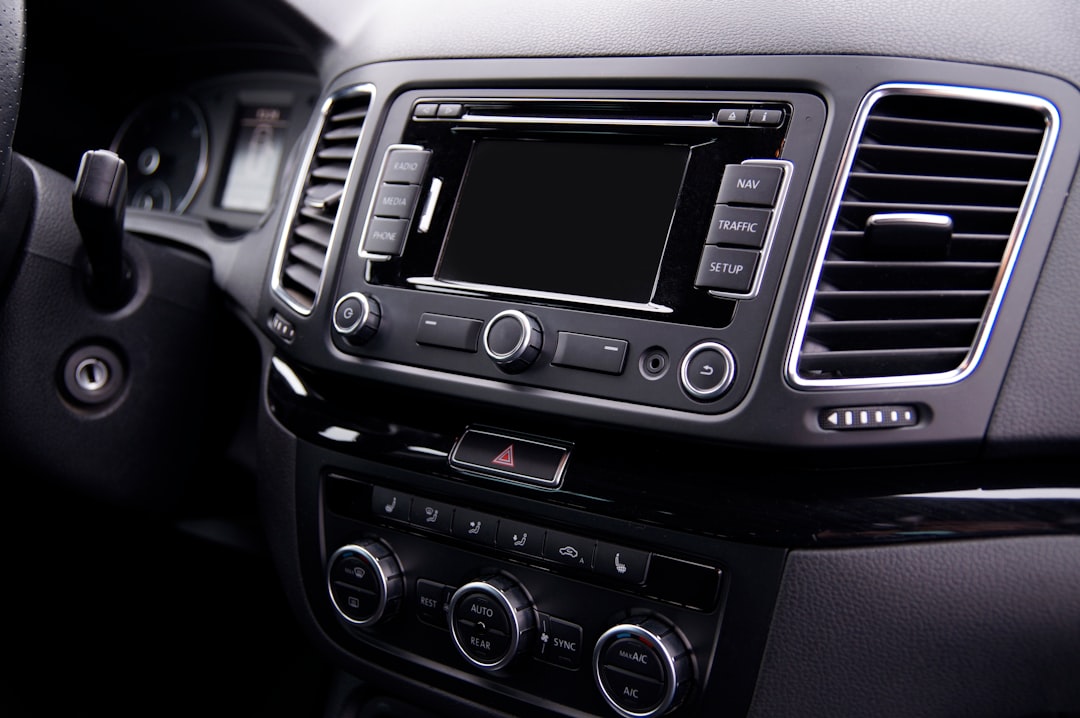
When you buy a new car, the amount of tech options can be overwhelming. After driving an old car for nearly a decade, upgrading to a modern vehicle with Android Auto was a huge leap. But default settings aren't always optimal. Here are five essential configurations every new owner should adjust to get the most out of the system.
Customize the home screen to reduce distractions
The default Android Auto home screen shows a grid of apps that can be distracting. You can personalize it to display only the most useful apps while driving, such as Google Maps, Phone, and Play Music. Go to Android Auto settings on your phone and select "Customize launcher" to keep focus on the road.
Enable automatic night mode for safer driving
Screen brightness at night can be blinding. Android Auto offers a night mode that activates automatically based on time or ambient light. Make sure it's enabled: go to Settings > Display > Night mode and select "Automatic". This protects your eyes and reduces windshield glare.
Sponsored Protocol
Set up voice commands for messages and calls
Using your voice to send texts or make calls is much safer than tapping the screen. Android Auto integrates seamlessly with Google Assistant. Before driving, set up the voice shortcut: press and hold the call button on your steering wheel or say "Hey Google". For better accuracy, train your voice in Google Assistant settings.
Optimize notifications to avoid distractions
By default, Android Auto displays all app notifications. This can be dangerous. Go to Settings > Notifications and select only essential ones, like incoming calls and messages from key contacts. You can also enable "Do Not Disturb" while driving to silence non-critical alerts.
Sponsored Protocol
Pin your favorite apps for quick access
Not all apps are useful in the car. Reduce clutter by removing icons for apps you never use, like YouTube or games. Long-press an icon on the home screen and select "Remove". Add your preferred tools, such as a weather app or audiobook player, for quick access.
These simple adjustments transform your driving experience, making it safer and more enjoyable. For deeper insights, check the official Android Auto Wikipedia page. Also, the recent map manipulation campaign highlights the importance of trusting reliable navigation sources.
Source: https://www.androidauthority.com/first-car-android-auto-most-important-settings-3684583