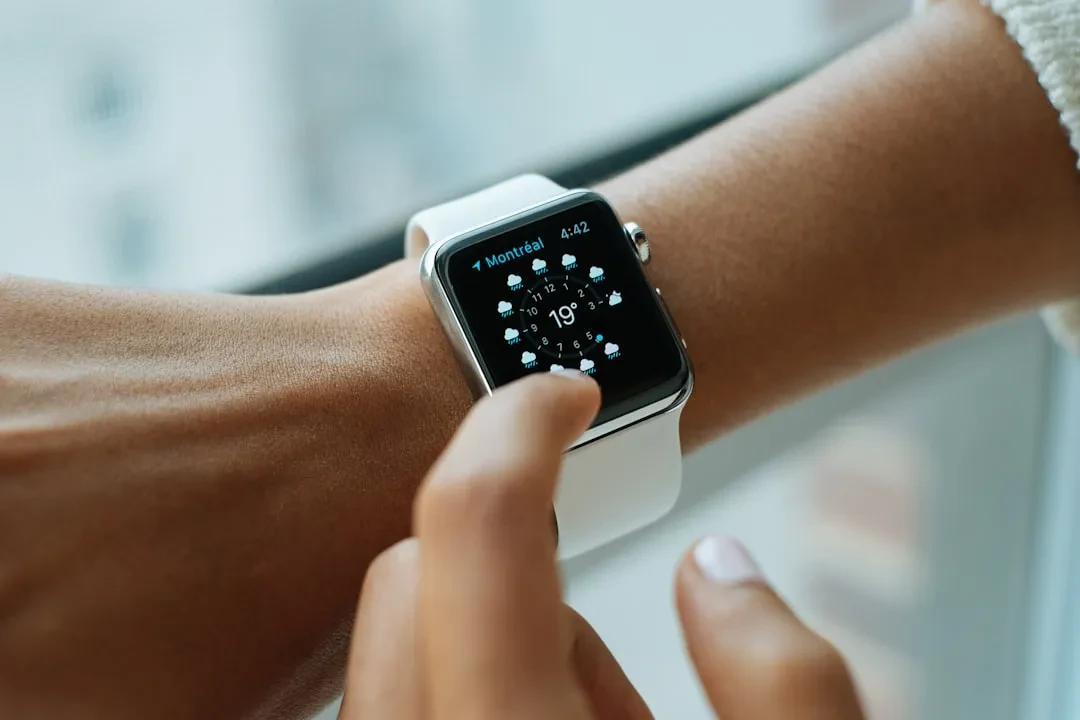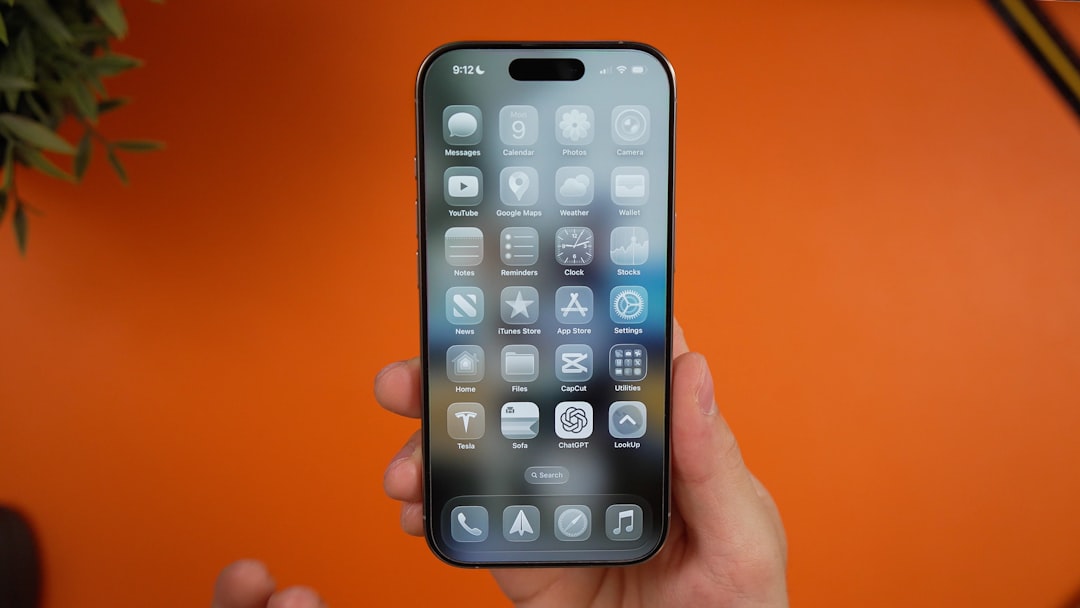
Apple has released the public beta version of iOS 27, giving users the opportunity to preview the new operating system ahead of its official launch this fall. The public beta follows the developer beta phase and allows anyone to install the software on compatible devices, helping to improve stability and functionality through direct feedback.
How to install the iOS 27 public beta
To access the public beta, users need to enroll their Apple ID in Apple's beta testing program at beta.apple.com. After registration, they can download the configuration profile on their iPhone or iPad and install the update over the air. Apple strongly recommends performing a full backup before installation, as beta versions may contain bugs and compatibility issues with certain apps. The iOS 27 public beta is compatible with iPhone 15 and later models, including the new iPhone 16 and 17 series.
Sponsored Protocol
Key features of the update
iOS 27 introduces advanced interactive widgets that allow users to interact directly with apps without opening them, such as controlling music, managing reminders, or tracking an order. The operating system also includes an enhanced Focus mode that automatically adapts to context, reducing notifications based on current activity. However, unlike some expectations, Apple has chosen not to integrate generative AI features in this release, focusing instead on performance and reliability. Official release notes also mention battery life improvements and better memory management.
The public beta arrives amid a busy period for the tech industry. Microsoft recently fixed a record 570 vulnerabilities with AI assistance in its July Patch Tuesday, highlighting the importance of software updates for security. Similarly, Apple is accelerating its beta release cycle to ensure a stable system at the fall launch.
Sponsored Protocol
Considerations and risks of the public beta
Users who choose to install the public beta must be aware of potential risks: third-party apps may not work correctly, and the system could experience slowdowns or crashes. Apple recommends installing the beta only on secondary devices, not primary ones. The beta testing program has already helped identify dozens of bugs in early stages, contributing to refining the operating system.
For more on iOS update strategies, see the iOS version history on Wikipedia. While waiting for the official iOS 27 release, developers continue to integrate the latest features, and users can already experience the future of the platform.