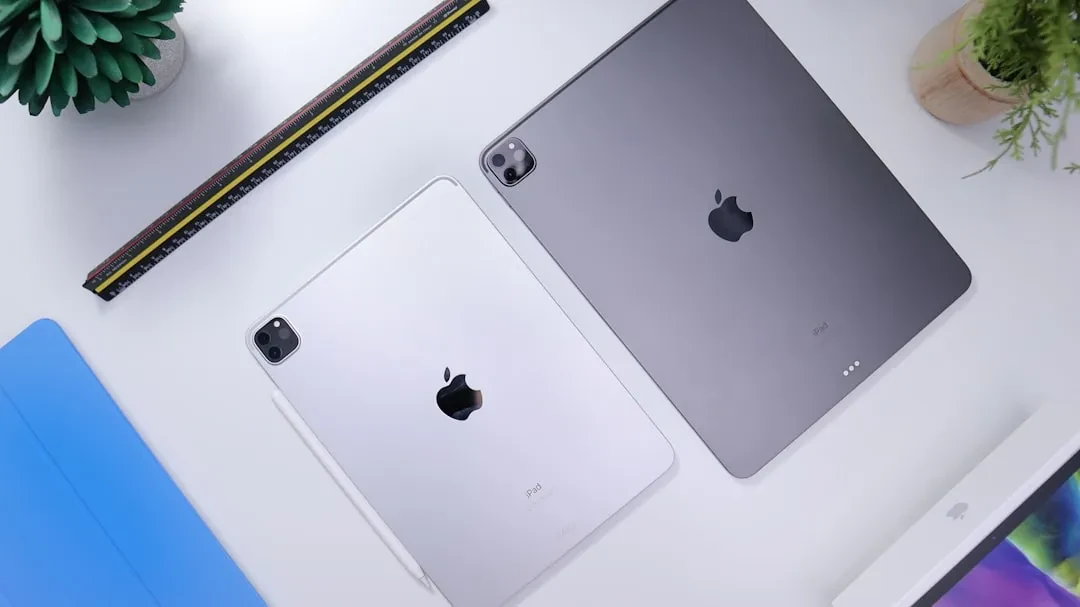
Apple currently offers four main iPad models, each designed for different needs. With new processors and software features, choosing the right tablet is more complex than ever. This guide breaks down the differences between the iPad, iPad Mini, iPad Air, and iPad Pro, helping you decide which one is best for you.
Standard iPad and iPad Mini: versatile options The base iPad remains the most affordable choice, ideal for web browsing, streaming, and light productivity apps. It supports the first-generation Apple Pencil and features a 10.9-inch Retina display. The iPad Mini is compact and powerful, with an A17 Pro chip, perfect for those who need extreme portability without sacrificing performance. Both are great entry points into the Apple ecosystem.
iPad Air: the sweet spot The Air model is the most recommended for most users. It packs the M3 chip, a Liquid Retina display in 11 or 13 inches, and supports the Magic Keyboard and second-generation Apple Pencil Pro. Performance rivals the Pro model but at a more accessible price. It is ideal for students, professionals, and creatives who do not need the extreme features of the Pro.
Sponsored Protocol
iPad Pro: for demanding professionals The iPad Pro represents the pinnacle of power. With the M4 chip, Ultra Retina XDR display, and 11 or 13-inch options, it is designed for those working with 4K video, 3D models, or advanced AI applications. It supports the new Apple Pencil Pro and the Magic Keyboard with haptic feedback. However, the high cost and excessive power for daily use make it a choice only for those who truly need its capabilities.
Sponsored Protocol
Models to avoid and older generations On the used market, you can still find older iPads like the ninth-generation iPad or fifth-generation iPad Mini. These models have outdated processors and may not support the latest iPadOS versions. It is advisable to avoid them, even at very low prices, as they may no longer receive security updates. If on a tight budget, target the 10th-generation base iPad, which offers good value. As highlighted in a recent analysis on certifications and their real effectiveness, quality control is crucial: Titan, Canada, and the Lesson for European SMEs reminds us that even buying a tablet requires attention to detail.
Accessories and compatibility Accessories vary by model. The iPad Pro and iPad Air support the new Apple Pencil Pro, while the standard iPad requires the first-generation model. Magic Keyboards are available for the Air and Pro, turning the tablet into a laptop. For the iPad Mini, third-party Bluetooth keyboards exist. Choosing the right accessories affects the user experience, so consider them before purchasing.
Sponsored Protocol
Final considerations In summary, the best iPad for you depends on your budget and intended use. For most users, the iPad Air offers the best balance of price and performance. If you need maximum portability, choose the Mini. If you are a professional working with heavy content, the Pro is the right choice. Avoid older models and always check current deals. For further insights on Apple technologies, refer to the iPad Wikipedia page.