Google Calendar has released a major update that finally takes full advantage of large displays on tablets and computers. The new feature allows users to customize the calendar view, adjusting layout, information density, and colors to their preferences. This change has been long awaited, as the app remained largely unchanged despite the growing number of devices with larger screens.
Custom view: layout and density tailored to your screen
With this version, users can choose from several display options. They can adjust event spacing, text size, and the amount of detail shown. For example, on a 12-inch tablet, they can opt for a more compact view showing an entire month, while on an ultrawide monitor, they may prefer an expanded timeline with wider time slots. Changes apply in real time, without needing to save or reload the page.
Sponsored Protocol
Integration with Google Workspace and improved collaboration
This update is not just about aesthetics; it also enhances productivity. The new large-screen interface makes managing multiple overlapping calendars easier, ideal for team collaboration. Users can drag events between different views and simultaneously display the week and month. Google has also optimized the rendering of notifications and reminders, which now appear as non-intrusive overlays at the top of the screen. This improves the experience over previous versions, where notifications could block parts of the calendar.
Comparison with other calendar apps
Google's move comes as competitors like Apple Calendar and Outlook have already offered advanced large-screen support for some time. However, Calendar's customization is more granular and integrates seamlessly with the Google ecosystem, such as Google Meet appointments and Tasks activities. A positive aspect is that the update is available to all Google accounts, both free and paid, without any additional subscription.
Sponsored Protocol
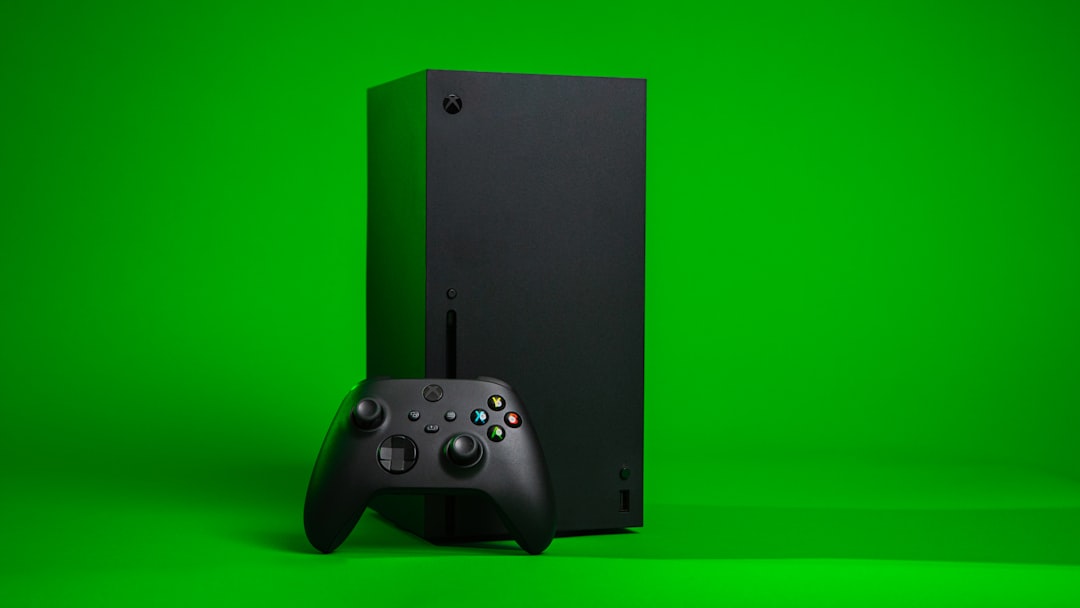
In recent days, other tech companies have announced significant updates. T-Mobile offered compensation after a major network outage, while Microsoft fixed an Xbox license verification error. These examples show how companies are racing to improve reliability and user experience across platforms.
How to enable the new large-screen view
To use the new options, simply open Google Calendar on a large-screen device (tablet, Chromebook, or PC) and go to view settings. You can select density among compact, medium, and spacious, and choose a light or dark theme. The feature is available in both the web app and the Android/iOS app, as long as the operating system supports resizing. Google has published an official guide on its website explaining all options.
Sponsored Protocol
According to Wikipedia, Google Calendar was launched in 2006 and has since become one of the most widely used calendar services globally. This update shows that Google does not want to leave behind those working with large screens, a segment growing rapidly thanks to tablets and ultrawide monitors.
Source: https://www.androidpolice.com/google-calendar-responsive-update