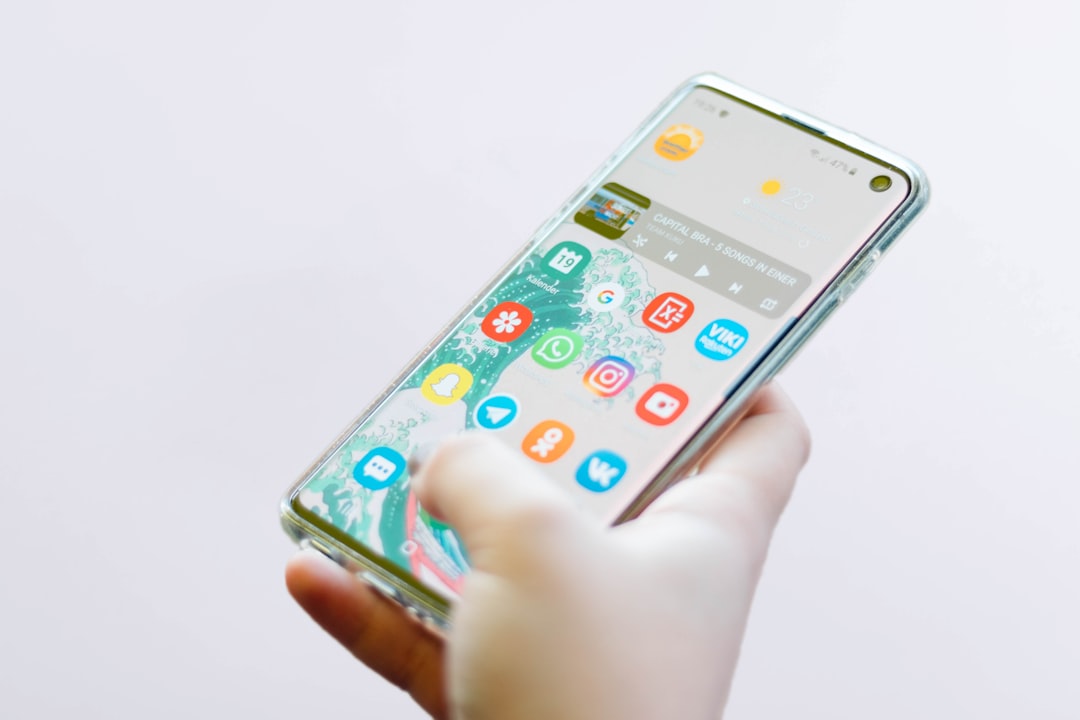
Google has announced a significant change to the Android backup policy. Starting July 7, 2026, all data types included in Android backup settings count toward your Google Account storage limit. Previously, only images and videos uploaded to Google Photos and MMS data (photos and videos) contributed to the 15 GB free tier or higher Google One plans. Now, SMS messages, call history, and device settings also consume storage.
An average increase of only 40 MB for Android backup
According to Google, the average impact for users will be about 40 MB extra. A modest amount, but it could trigger a storage warning for those already near the limit. The company emphasizes that the change aims to increase transparency and provide more controls. Users can already manage which data to include in the backup through new settings. For example, you can exclude SMS messages or call history if you don't want them to take up space. This flexibility allows you to keep only essential data, optimizing your free or paid storage usage.
Sponsored Protocol
New controls to choose what to save in Android backup
With this change, Google introduces on/off toggles for SMS, MMS, call history, and device settings. Additionally, per-app backup controls have been added. To access these options on Pixel devices, go to Settings > Accounts and backup > Google Backup > Other device data. You can also search for "backup" in your Settings. These new preferences are rolling out over the coming weeks, so some users may not see them immediately. It is advisable to periodically check your settings to ensure you have the desired control.
Sponsored Protocol
Timeline and impact for existing Android users
The new policy took effect on July 7 for new Android backup users. For existing accounts, Google has started sending notification emails titled "New Android Backup Storage Policy & Controls." The actual change for current users will occur 45 days after receiving the email. The communication includes an estimate of the expected increase and current space usage. It is important to review your settings to avoid surprises. For those already using Google One, the 40 MB increase may not be an issue, but free-tier users near the limit might need to clean up or consider an upgrade. Managing storage has become crucial, especially in light of recent data privacy concerns. To learn how to protect your privacy, check out the article on how to remove personal data from the Internet. Also, Google Photos updates on Android show how the ecosystem is evolving: the new floating bottom bar improves navigation. For more details on storage policies, you can refer to the Wikipedia page on Google Account which explains storage features. In summary, this change offers greater transparency and control but also requires some attention from users to best manage their cloud space.
Sponsored Protocol
Source: https://9to5google.com/2026/07/18/android-backup-data-update