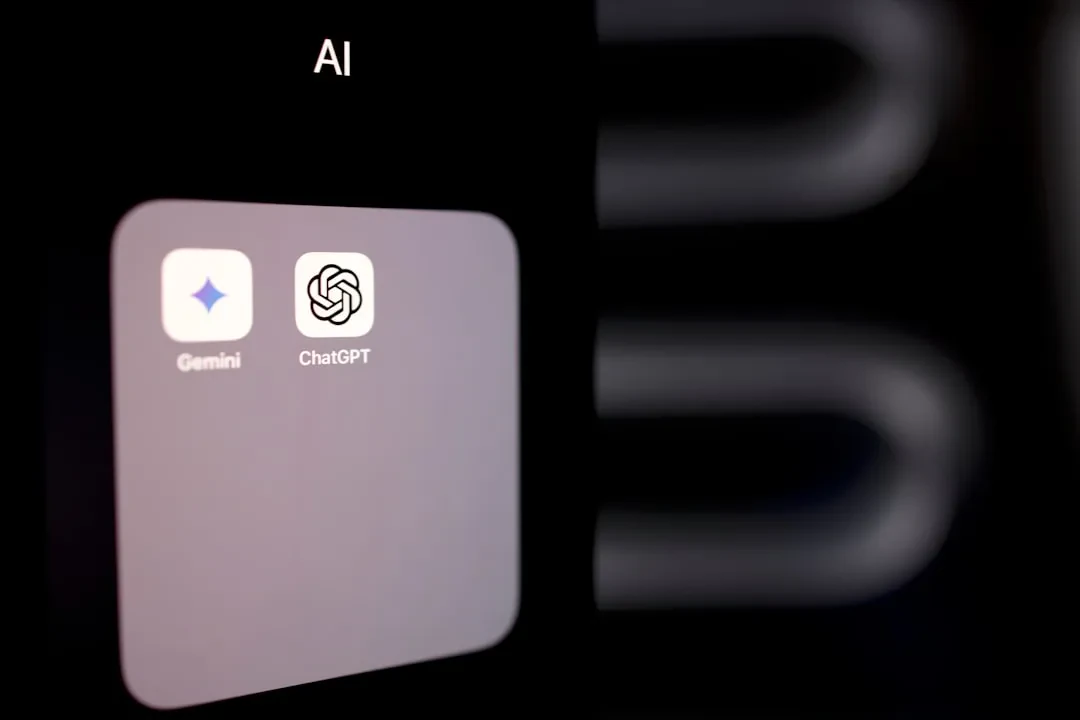
Google has announced the release of a new desktop application for Windows, designed to bring Gemini's generative artificial intelligence directly into the daily experience of Microsoft operating system users. This strategic move aims to simplify access and interaction with Gemini's advanced capabilities, making it a more integrated and accessible tool for anyone using a Windows PC.
Deep Integration with Gemini
The new app, already available globally in English, stands out for its ability to offer a more fluid user experience. Once installed, users can invoke a dedicated search bar via a keyboard shortcut, specifically Alt + Space. This bar not only allows for web searches but also activates an advanced AI mode to handle follow-up questions or explore complex topics in more detail. The goal is to provide more contextualized and personalized responses, going beyond simple traditional search.
Sponsored Protocol
Advanced Features Beyond Web Search
But the application is not limited to mere online searching. Its power also lies in its ability to interact with the user's ecosystem. It can indeed scan the computer's local files, access other installed applications, and even search for information within documents stored on Google Drive. This deep integration means users can quickly find relevant documents, emails, or other data without having to manually open multiple applications. Furthermore, the integrated screen sharing feature, paired with Google Lens, allows for AI-powered searches directly on the content displayed on the screen, an innovation that opens new frontiers for visual analysis and interaction.
Sponsored Protocol
Technical Requirements and Rollout
Despite its innovative nature, the application has not been restricted to the latest Windows versions. It is compatible with machines running Windows 10 or later, making it accessible to a broad user base. This inclusive approach underscores Google's commitment to making its cutting-edge AI technologies available to as many people as possible. The company has recently introduced various AI features in Google Workspace, but this dedicated Windows app represents a further step towards integrating AI into the desktop experience.
Security and Privacy Considerations
While the app promises increased efficiency, it is important to consider the aspects related to security and privacy. The ability to access local files and other applications raises questions about how Google handles this data. In the past, companies like Google have faced criticism regarding user data management, and the introduction of new AI features always requires careful evaluation of the requested permissions. For those not interested in Gemini's AI capabilities, Google has provided instructions on how to disable unwanted features, as also demonstrated by previous experiences with Google Workspace. This approach aims to give users control over their digital experience while ensuring they can fully leverage the potential offered by the technology.
Sponsored Protocol