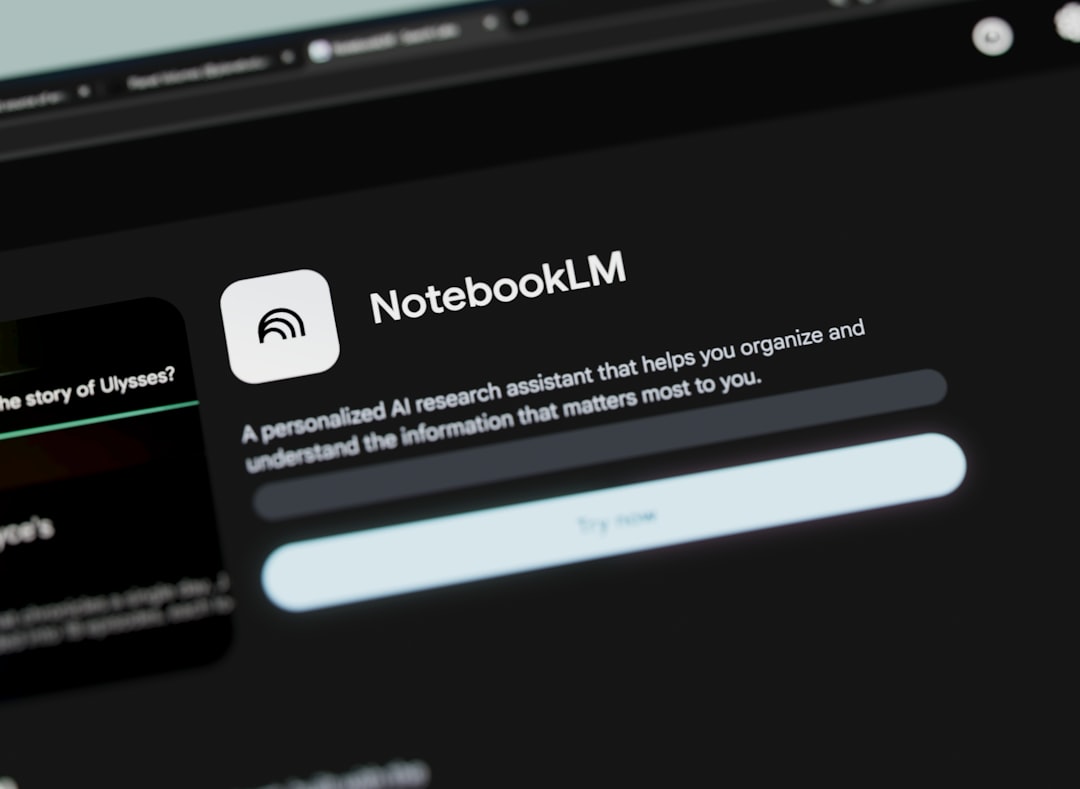
You have a 150-page PDF of contracts, regulations, industry reports, or technical guides. You need to find precise information, compare two clauses, summarize the essentials. The temptation is to scroll through pages, wasting time and focus. Instead, there's Google's NotebookLM: an AI tool designed to work on your documents, not just chat about nothing.
We at Meteora Web have been testing it since its release. We use it to analyze technical specifications, supply contracts, API documentation, and consulting reports. And it works — if you know how to use it.
This guide shows you how NotebookLM transforms document research, why it's worthwhile for an Italian SME, and how to use it immediately without spending a cent.
How does Google NotebookLM work for document analysis?
NotebookLM is an AI assistant that grounds itself entirely on the documents you upload. It doesn't pull from the internet, it doesn't invent answers from generic data. Every response is generated exclusively from the content of the files you provide. This makes it more reliable than ChatGPT for anyone needing precision on proprietary or niche sources.
Upload a PDF, a text file, a Google Doc link, or an audio file (automatically transcribed). Indexing takes seconds. Then you can ask questions, request summaries, compare sections. The system explicitly cites the source (page number or paragraph) where it found the information. In short: you don't have to trust blindly — you can verify.
Sponsored Protocol
We tested an 80-page specification for a web project. It saved us roughly a full day of reading. We asked: “What are the payment terms and penalties?” – answer in 3 seconds, with precise citations.
Why it's different from a regular chatbot
The key difference is the circumscribed context. A generic chatbot might confuse two similar regulations or invent references. NotebookLM stays confined to your documents. If the answer isn't in your files, it honestly tells you so. This is critical for sectors like legal, accounting, technical-scientific — where every word matters.
Concrete example: we uploaded a client's balance sheet (40-page PDF) and asked: “What was the operating profit margin in 2024 compared to 2023?” NotebookLM found both values, compared them, and gave us the percentage change, citing pages. Doing the same manually would have taken 15 minutes.
What documents can you upload and analyze with NotebookLM?
Currently NotebookLM supports these formats:
- PDF (up to 100 MB, roughly 2000 pages per document)
- Text files (.txt, .md)
- Google Documents (via link)
- Audio files (.mp3, .wav) – automatic speech transcription
- Slides (.pptx, PDF presentations)
You can create a “notebook” with up to 20 sources. Each source can be a different document. Analysis stays within the notebook, so you can organize separate projects (e.g., “Client X Requirements”, “GDPR Compliance”, “2026 Sales Report”).
Sponsored Protocol
Watch for practical limits: if you upload scanned paper documents (images), NotebookLM cannot read them – you need OCR first. We solve this by using Google Drive, which applies OCR automatically before uploading.
Practical example: analysis of a supply contract
Imagine a 30-page contract with termination clauses, penalties, and deadlines. Upload the PDF. Then ask questions like:
- “What is the minimum notice period for termination?”
- “Are there penalties for late delivery?”
- “Does the intellectual property of deliverables remain ours?”
Each answer comes with a citation of the article number and page. You can also ask for a 10-point executive summary. The time saved is immediate – and if you're an accountant, consultant, or business owner signing contracts monthly, this becomes a daily tool.
How much does NotebookLM cost and is it worth it for your SME?
Currently NotebookLM is free for all users with a Google account. There is no paid plan officially, though Google has announced enterprise versions for Google Workspace. For a professional or small business, the cost is zero.
Sponsored Protocol
But the real cost is the time saved. Let's do the math: one hour of reading and analyzing a complex document is worth at least €50-100 in hourly cost (employee or consultant). If NotebookLM saves you 2 hours per week, that's €5,000-10,000 in recovered productivity per year. And no subscription fees.
We use it to prepare quotes: upload the client's request (a PDF with specifications) and in 5 minutes we have a summary of critical requirements. Before, it took half an hour. The return is tangible.
Only hidden cost: data handling. If you upload sensitive documents, remember the files are processed on Google servers. For highly confidential data, check the retention policies (currently files are not used for model training, but always read the privacy notice). In regulated environments (e.g., healthcare, legal with professional secrecy), consider on-premise or end-to-end encryption solutions.
NotebookLM vs other AI document tools: what to choose?
Alternatives exist: ChatGPT Plus (with file upload), Claude (document analysis), Perplexity (web + document search). Why prefer NotebookLM?
- Free and generous limits – up to 20 sources per notebook, no cost.
- Explicit citations – every piece of information is traceable to the source, unlike ChatGPT which can hallucinate.
- Native Google Drive integration – if you already use Workspace, it's a natural extension.
- Audio transcription – useful for recorded meetings, interviews, lectures.
But it also has shortcomings: it doesn't support Excel or Word files (only PDF, txt, docx? No, docx is not officially supported – you need to convert). There's no API for complex automations. It cannot be integrated into backend workflows (as with Python and OpenAI). For those needing to automate analysis of thousands of documents, better solutions with APIs like Gemini or open-source models.
Sponsored Protocol
We recommend NotebookLM for: ad-hoc analysis, contract review, report preparation, technical documentation research. For large-scale repetitive processes, we build custom pipelines with Laravel and Gemini API – but that's another story.
How to start with NotebookLM now: 3 operational steps
- Go to notebooklm.google.com and sign in with a Google account (even free Gmail).
- Create a new notebook and upload at least one document – for example, a PDF of a report or guide you need to study.
- Ask your first question: “Summarize this document in 5 key points.” Then go deeper with specific questions.
You'll immediately notice the difference: concise answers, citations, no rambling. If you want to test it on a real case, we challenge you: take a contract you recently signed and ask NotebookLM to list all deadlines. Then compare with what you remember. You'll likely discover forgotten details.
Sponsored Protocol
We at Meteora Web also use it to analyze API and framework documentation – for example, extracting the main Laravel methods from a PDF guide. The time saved is reinvested in writing code that works.
If you want to dive deeper into integrating AI tools into your workflow, here we talk about Gemini and the APIs we use for more advanced automations.
What to do right now
- Open notebooklm.google.com and upload a document you already have on your computer (a contract, report, technical guide).
- Ask 3 questions: one general (“summarize”), one specific (“find clause X”), one comparative (“compare timelines of offer A vs offer B”).
- Verify each answer with the provided citation – get used to trusting but checking.
- If you manage multiple projects, create one notebook per client or topic – stay organized.
- Consider whether NotebookLM can replace your current document reading method. For us, it has become a daily ally.
Bridging the digital gap happens with tools like this, free and powerful. We believe in it: technology of Serie A, not Serie B.