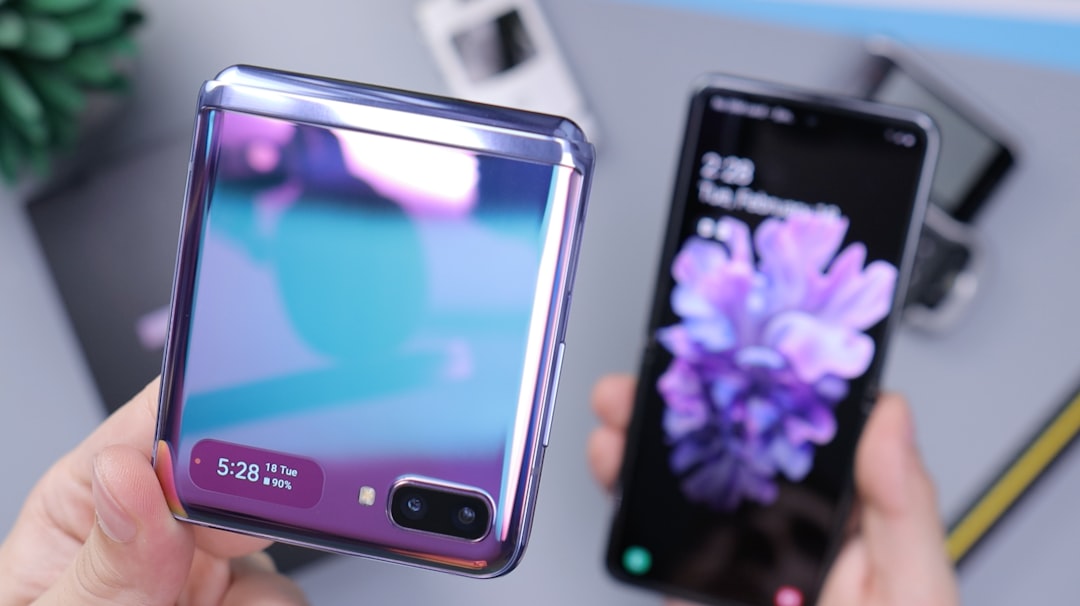
Over the past year, Samsung and Google have successfully narrowed the gap between Android and iOS through innovative cross-platform capabilities. Google, for example, found a workaround to make Quick Share compatible with AirDrop. Now, with the launch of the new Galaxy Z Fold 8 and Galaxy Z Flip 8 and One UI 9, Samsung introduces a major upgrade to Smart Switch, the app dedicated to transferring data from Apple devices.
Full wireless transfer: no cable needed
The main novelty is the ability to transfer all types of data wirelessly, with no distinction between wired and wireless connections. Previously, some data such as passwords and accessibility settings were only transferable via cable. With One UI 9, every type of information travels wirelessly, making the switch from iPhone to Galaxy faster and more convenient.
Passwords, passkeys, and eSIM: the new transferable data
The list of transferable data expands significantly. In addition to contacts, calendars, photos, videos, messages, and music, users can now move passwords and passkeys, accessibility settings, call history, Wi-Fi networks, and eSIM. This means that anyone switching to a Galaxy Z Fold 8 or Z Flip 8 can keep their login credentials and network configuration intact without reconfiguring anything.
Sponsored Protocol
No app on iPhone: just scan the QR Code
Another major improvement is that the iPhone user does not need to install any app to start the transfer. Similar to the QR check-in system for events described in this guide, Smart Switch uses a QR code to initiate the process. Simply open Smart Switch on the Galaxy, select “Receive data” then “iPhone/iPad”, point the iPhone camera at the QR code, tap “Transfer to Android”, and follow the prompts. The whole process takes seconds.
Sponsored Protocol
Availability and requirements
The Smart Switch update is part of One UI 9, so for now it is exclusive to the new foldable Galaxy Z Fold 8 and Z Flip 8. However, when One UI 9 leaves beta and rolls out to other devices, such as the Galaxy S26 series, they will also benefit from these features. On the Apple side, the iPhone or iPad must run iOS 26.6 or later. No additional apps need to be downloaded: the feature is native. For more technical details, you can consult the Wikipedia page on Smart Switch. With this innovation, Samsung makes switching to a foldable phone easier than ever, expanding options for those seeking a versatile mobile experience.
Source: https://www.sammobile.com/news/samsung-one-ui-9-powerful-iphone-galaxy-smart-switch-app