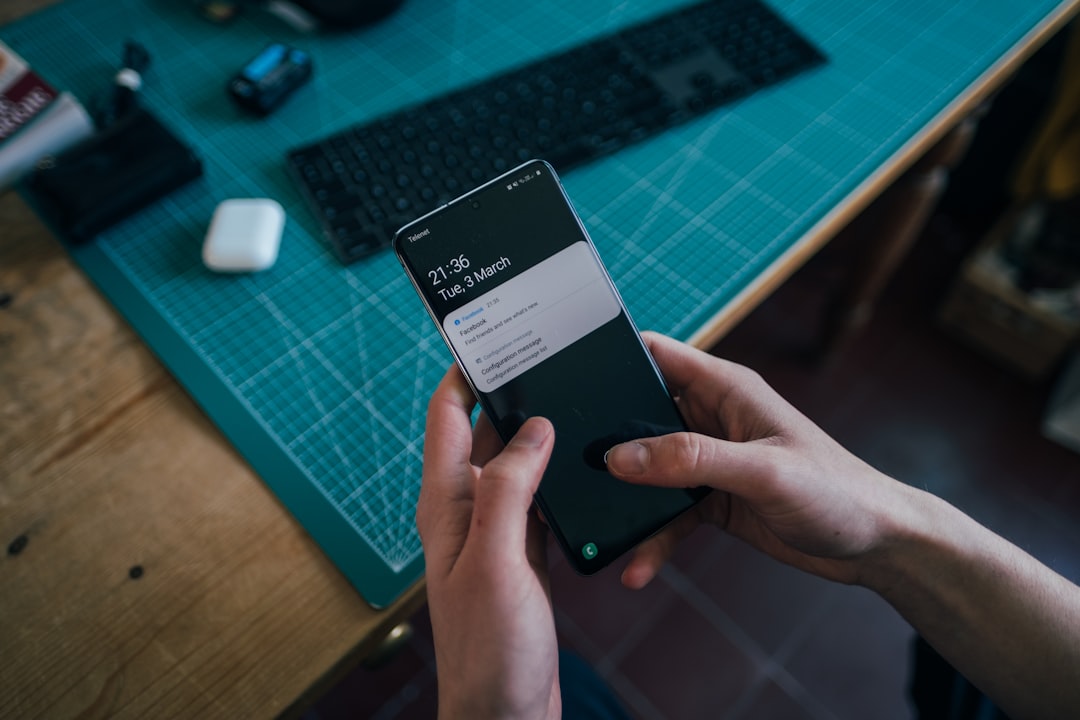
Managing notifications on Samsung Galaxy devices has always been a pain point for many users. With the arrival of One UI 8.5 on the Galaxy Z Flip 7, the problem has worsened: the Notification Categories feature, a vital tool for filtering notifications and reducing spam, has been turned off by default and buried in hard-to-reach menus. This has left many Galaxy owners feeling overwhelmed by unwanted alerts, making notification management a full-time job.
Notification Categories is Samsung's equivalent of Notification Channels on stock Android and Google Pixel devices. It provides granular control over which types of alerts an app can send, allowing users to keep only essential notifications. For example, you can retain weather updates and breaking news from Samsung News and Google while blocking sports scores or Gemini Live prompts. It is a powerful way to cut through the noise without uninstalling or completely silencing apps.
Sponsored Protocol
How to reactivate Notification Categories on One UI 8.5
To find this feature, users must dive into the settings menus. The fastest way is to use the AI-powered search in the Settings app: type 'notification categories' and select 'Manage notification categories for each app'. Alternatively, navigate manually to Settings > Notifications > Advanced settings > Notification categories. Once enabled, the feature applies to all apps, allowing you to adjust each app's alert types individually. The process requires time, but the result is a drastic reduction in the number of notifications appearing on the panel.
The initial setup can be tedious, as each app has its own categories that must be configured one by one. However, once completed, the time saved in the long run is substantial. Moreover, the feature supports a wide range of third-party apps, including social networks like TikTok and Instagram: you can allow direct messages and essential alerts while blocking spam and video recommendations. This avoids the need to completely mute apps or be flooded with useless notifications.
Sponsored Protocol
Why did Samsung hide such a useful feature?
Samsung's decision to disable and hide Notification Categories starting with One UI 6.1 is unclear. Even on One UI 8.5, the menu is buried under layers of settings, so much so that many users are unaware of its existence. Searching in settings can yield two results: one related to Galaxy Themes and the other to 'Manage notification categories for each app', causing confusion. Although Samsung has introduced AI-powered features like Notification Highlights to summarize and prioritize notifications, these are limited to recent flagships, leaving older or mid-range devices without alternatives. Notification Categories remains a universal and indispensable tool for all Galaxy users.
Sponsored Protocol
For more insights on how other companies are tackling similar challenges with AI, read our article on OpenAI and its autonomous hacker. Additionally, to stay updated on the latest Samsung news, check out the piece on the Samsung Galaxy Z Fold 8 with passport format. For a technical explanation of Android notifications, visit Wikipedia.
In the end, Notification Categories is a lifesaver for those who want to regain control of their notification shade. Despite the initial effort, the benefits far outweigh the costs. Samsung should consider reactivating this feature by default in the future, but in the meantime, knowing how to access it is an essential skill for any Galaxy user.