A seemingly minor technical glitch has frustrated a laptop reviewer, revealing an overlooked interference between smartwatch magnetic bands and laptop lid sensors. The issue surfaced while testing the Acer Swift Go 16 AI, a mid-range notebook powered by AMD Gorgon Point silicon with a large IPS display. During setup, the laptop would suddenly go black and lock to the Windows sign-in screen whenever the user typed or moved their wrist near the touchpad area. Initially suspected as a hardware defect, the root cause was identified after a system reset and a replacement unit: the magnetic clasp on a Galaxy Watch 7 band.
Magnetism from the band activates the laptop's lid sensor
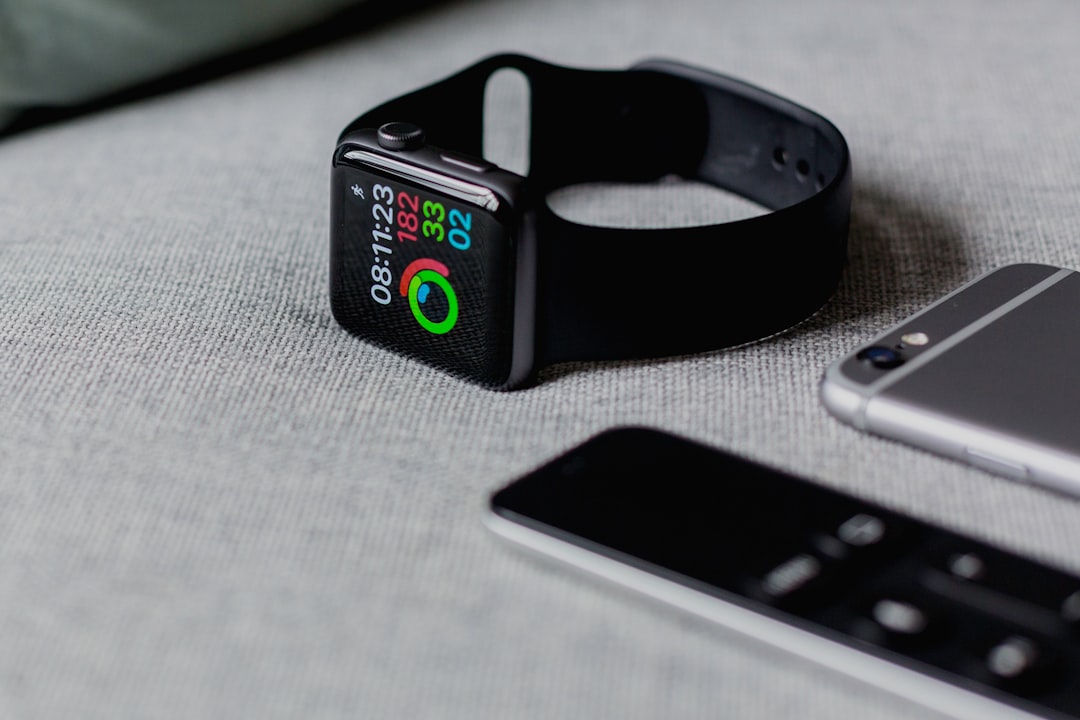
Modern laptops use a lid sensor with an embedded magnet in the upper screen bezel to detect when the lid is closed. When an external magnet, such as the clasp of a watch band, comes near the corresponding sensor on the lower right deck, the system mistakenly interprets the movement as a lid closure and triggers the lock screen. This was reproduced with a fridge magnet, a magnetic Qi2 accessory, and an Apple Watch with a magnetic band, proving it is not an isolated case but a widespread vulnerability in certain models.
Sponsored Protocol
How to test if your laptop is sensitive to external magnets
To check your laptop's susceptibility, simply hold a magnet near the deck area where the lid sensor sits. If the screen dims or the lock screen appears, your computer is prone to this interference. For the Swift Go 16 AI, the problem is more likely if you wear your smartwatch on the right wrist or are left-handed. The easiest fix is to replace the magnetic band with a non-magnetic one, but you can also switch your watch to the other arm or remove it while using the PC.
Alternatives to avoid the problem without changing the band
If you prefer to keep your magnetic band, consider purchasing a different laptop. Most laptops do not exhibit this magnetic sensitivity: tests on Dell, Apple, Lenovo, and Framework models showed no interference. Before buying, try the device in a store with your smartwatch. Future software updates might mitigate the issue, but for now the primary solution remains choosing a non-magnetic band. For those considering a new laptop purchase, reading about timing launches, such as the Pixel 11 analysis, can help avoid potential hardware pitfalls. Additionally, Galaxy Watch owners might be interested in the new Samsung Galaxy Watch Ultra 2, now available for preorder on Amazon.
Sponsored Protocol
For more details on magnetic sensors in electronics, refer to Wikipedia's entry on Hall effect sensors.