It's not always the noisiest update that changes the game. WordPress 6.7, released in November 2024, presents itself with a discreet appearance, but offers improvements that make a concrete difference for users, developers, and designers. If you thought WordPress had already reached its peak, this update will make you think again: new features, a focus on typography, more advanced customization tools, and better performance management. It's an update that speaks to those who want the maximum without compromise.
Let's get into the details of the new features.

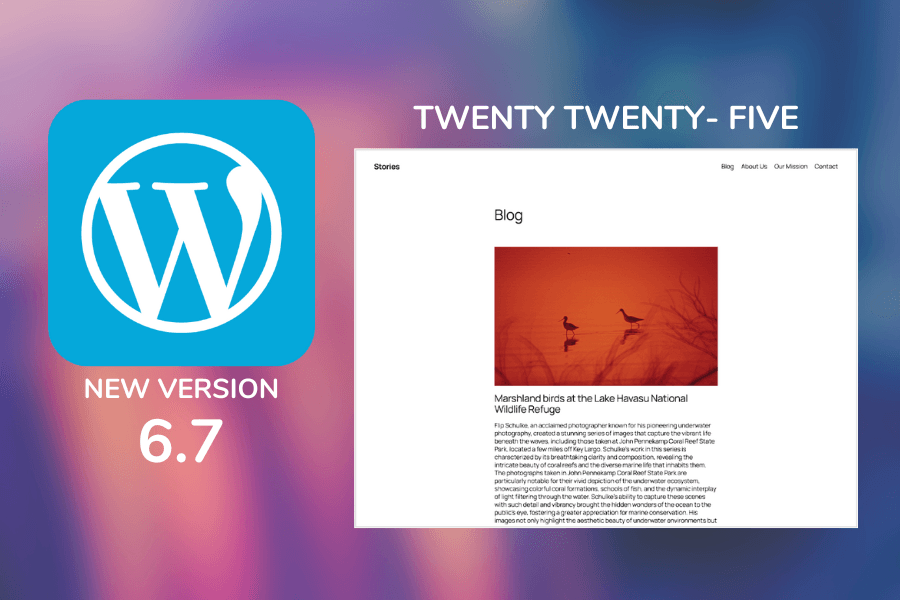
A New Design Standard with the Twenty Twenty-Five Theme
If you are familiar with WordPress's default themes, you know that each new version represents an attempt to reflect contemporary design, but Twenty Twenty-Five goes further. It's not just an aesthetic update: it's an exercise in balance between simplicity and power, designed for those who want to create without limitations.
At first glance, the theme appears sober, clean, almost minimal. But just start exploring the customization options to realize there is much more. Block patterns are the beating heart of Twenty Twenty-Five. These tools allow you to assemble dynamic sections in a few clicks, eliminating the need to install external plugins or resort to code. In practice, you can go from a simple blog layout to a homepage rich in visual elements without ever leaving the Gutenberg editor.
How Gutenberg Integrates Perfectly into the New Theme
The symbiosis between Gutenberg and Twenty Twenty-Five is evident from the first use. The block editor becomes an intuitive design tool, making content creation a true visual experience. It's not just a matter of dragging and dropping elements: the theme offers a level of customization that was unthinkable just a few years ago. You can change the site's appearance with fluid transitions, add subtle animations, and play with colors without ever leaving the editor interface.
Sponsored Protocol
Furthermore, compatibility with Global Styles makes it even easier to maintain a consistent visual identity across all pages. Users can define color palettes, typography, and global layouts, and see the changes applied instantly in every corner of the site.
Let's now move on to a feature that is generating a lot of buzz.
Zoom Out Mode: A Revolutionary Overview
The Zoom Out Mode is the new feature many designers have been waiting for. If you've ever worked on a complex page, with dozens of blocks and sections, you know how frustrating it can be to navigate back and forth to see how everything fits together. With this function, WordPress allows you to take a step back — literally. You can view the entire layout on a single screen, observe the site's global structure, and quickly identify where to intervene.
This mode is not just useful, it's a true revolution for web designers' workflow. Imagine being able to see the entire project as if it were a map, moving agilely between sections and making changes in real time. No longer is it necessary to switch between previews or navigate through blocks: everything is at your fingertips, in a view that offers control and precision.
When and How to Use Zoom Out Mode to Its Fullest
If you are working on a high-conversion landing page, where every detail counts, Zoom Out Mode becomes an indispensable tool. It allows you to quickly verify visual consistency and adjust elements without having to constantly switch between the editor and the site preview. It's also perfect for those designing sales pages or sections of an e-commerce site, where an overview can make the difference between effective and confusing design.
But let's not stop here. There's another new feature that is exciting photographers and visual content creators: support for the HEIC format.
HEIC Image Support: The Revolution for Visual Content Creators
Those who work in the world of photography or produce visual content know well how image quality can make a difference. With WordPress 6.7, support for the HEIC format finally arrives, a choice that meets the needs of Apple users. The HEIC format, used by iOS devices, offers superior image quality and more efficient compression compared to classic JPEGs. This translates to sharper photos and smaller file sizes, ideal for those managing image-rich sites.
Sponsored Protocol
How the Automatic HEIC Format Conversion Works
The major innovation introduced by WordPress 6.7 is not just the acceptance of the HEIC format, but its automatic conversion to JPEG during upload. This means that even if your audience uses browsers that do not support HEIC, you won't have to worry: WordPress handles everything behind the scenes. You upload your HEIC image, and the CMS immediately converts it to JPEG, preserving quality and ensuring optimal display on any device.
It's a change that greatly simplifies the workflow for photographers and content creators, eliminating the need to manually convert each file. This novelty not only improves efficiency but also makes the user experience smoother, reducing site loading times.
Fluid Typography and Font Library: The New Era of Readability
One of the most underestimated aspects in building a website is typography. A good choice of fonts can significantly improve readability and user experience, especially on mobile devices. With WordPress 6.7, a long-awaited solution arrives: the centralized Font Library, paired with the Fluid Typography functionality.
Why Fluid Typography is a Game Changer for Mobile Design
Fluid typography was designed with a mobile-first approach in mind. In practice, the system automatically adapts text sizes based on screen resolution, ensuring content is always well-proportioned. It doesn't matter if the user visits the site from a large desktop screen or a smartphone: the text will always be perfectly readable, without having to zoom or scroll sideways.
Sponsored Protocol
This functionality addresses a historical criticism leveled at WordPress: the lack of typographic consistency across different devices. Now, with the Font Library, you can choose your preferred fonts and apply them uniformly across all site pages. It's an elegant solution that simplifies designers' work and improves content quality, making every page visually harmonious.
Enhanced Interactivity API: Greater Flexibility and Performance
With WordPress 6.7, developers have not been overlooked. One of the most significant changes concerns the enhancement of the Interactivity API, an update that promises to drastically improve how dynamic content is managed. The optimized API now allows for more efficient asynchronous loading, reducing wait times and improving the site's overall performance.
Creating Dynamic Content Without Slowdowns
One of the biggest problems for those developing dynamic content is the impact on site performance. Animations, interactive content, and on-demand loading can significantly slow down loading speed, negatively affecting user experience. With the new API, WordPress offers smarter loading management, allowing the insertion of advanced features without sacrificing speed.
This change is particularly relevant for high-interaction sites, such as e-commerce or editorial platforms that use dynamic content to improve engagement. Developers now have more powerful and flexible tools at their disposal, allowing them to fully exploit the potential of the modern web without running into performance issues.
How to Prepare for the Update: Practical Tips and Checklist
Before proceeding with the update to WordPress 6.7, it is essential to take some precautions to avoid potential problems. Although this update brings numerous improvements, not all plugins may have been updated to support the new features, creating conflicts and instability.
Sponsored Protocol
Perform a Complete Site Backup
The first step is always to perform a complete backup of your site. Use a reliable plugin like UpdraftPlus to save all data and files. This will allow you to quickly restore the site in case of problems, avoiding prolonged downtime and content loss.
Test the Update in a Staging Environment
Before implementing changes on the live site, it is advisable to test everything in a staging environment. This practice allows you to verify plugin and theme functionality compatibility without risking compromising the stability of the online site. Only after verifying that everything works correctly, proceed with the update on the main site.
An Update That Looks to the Future of Web Design
WordPress 6.7 is not just a technical update: it's an evolution that looks forward, anticipating the needs of those building content on the web. The introduction of tools like Zoom Out Mode and support for the HEIC format demonstrates how the platform is embracing modern trends in design and user experience. At the same time, improvements to typography and the Interactivity API offer new possibilities for both designers and developers.
But the true strength of this update lies in its ability to make WordPress even more accessible and powerful, without sacrificing the ease of use that has made it the reference CMS for millions of users worldwide. It is evident that the goal is to provide a platform capable of adapting to any need, from the small personal blog to the most complex enterprise sites.
Who Will Benefit Most from This Update?
The users who will benefit most from WordPress 6.7 are undoubtedly visual content creators and web designers who focus on a mobile-first approach. The novelties related to fluid typography and improved image management respond to a growing demand for user experiences optimized on smartphones and tablets. At the same time, developers will see greater flexibility in creating dynamic content, thanks to the enhanced API and asynchronous loading.
Sponsored Protocol
Why Update to WordPress 6.7 Now
If you are still hesitating about the update, consider the concrete advantages this version brings with it. The new image management not only improves the site's visual quality but also reduces loading times, a crucial factor for SEO and user experience. Zoom Out Mode, on the other hand, makes the design process more intuitive and less stressful, offering an overview that allows you to correct mistakes before they become problems.
It's not just about having new features, but about having a more solid and versatile tool that can help you build better sites, faster and with less effort.
How to Make the Most of the New Features
Don't just update and stop: invest some time to explore the new options. Try Zoom Out Mode to see your site's layout with new eyes. Test the Font Library to create a consistent visual identity and make sure to use HEIC images to give your site a modern and professional look. These small changes can have a big impact on the site's appearance and overall performance.
WordPress 6.7 is Ready to Revolutionize Your Editing Experience
Not all WordPress updates are equal. Some fix bugs, others introduce minor features, but version 6.7 is an update that defines a new standard. It's an invitation to push beyond the limits of what we thought was possible with a CMS, without compromising the ease of use that has made WordPress so popular.
If you haven't already, it's time to update and start leveraging the new potential. The difference will not only be in the site's performance, but in the ease with which you can create, manage, and customize your content. And that is exactly what a good update should do: make life easier and the web a better place.