Ing. Calogero Bono
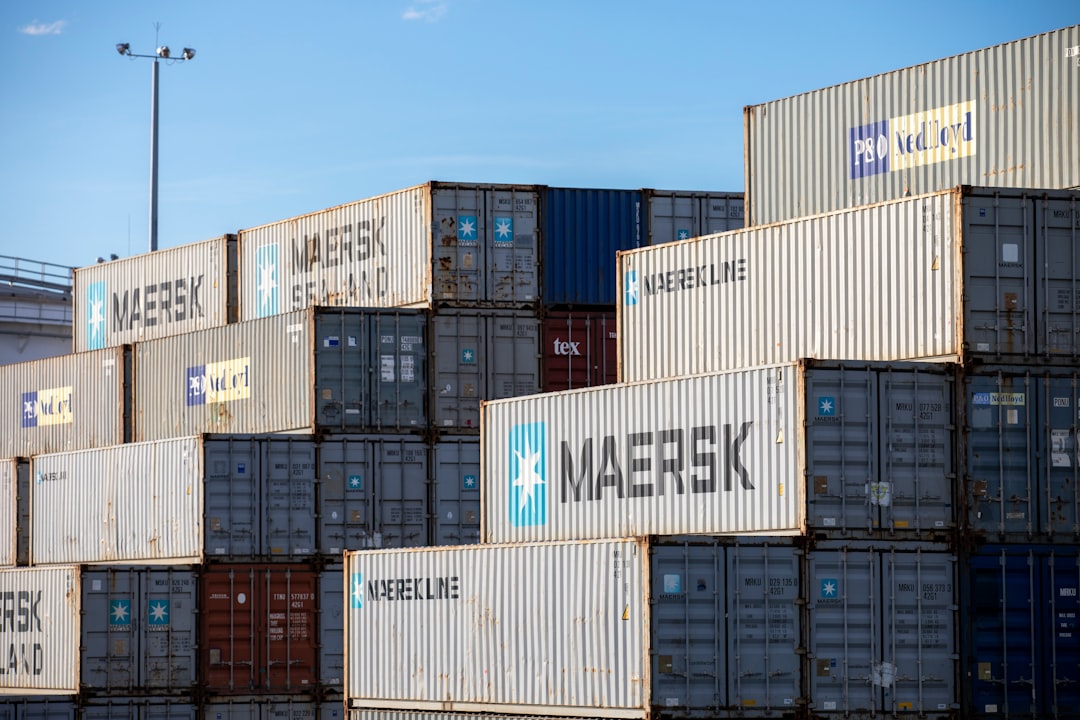
If you build Docker images without scanning them, you are deploying vulnerabilities into production. We see it every day in projects that come to us: images full of outdated libraries, layers weighing hundreds of megabytes, forgotten DICOM backdoors. A client e-commerce site had a Node image with 47 critical vulnerabilities — nobody had ever checked them. At Meteora Web, we come from real server management (Linux, security, CI/CD) and we know that image security is not optional: it is the point where your infrastructure becomes fragile or solid.
This guide is for those who already have Docker familiarity and want a practical method to reduce risks. We talk about two key tools — Trivy and Docker Scout — and the hardening techniques that make sense in the real world. No theory for its own sake: commands you run today, Dockerfiles you rewrite now, pipelines you modify tomorrow.
Why are Docker images the weak spot in your security?
A Docker image is a minimal operating system with your application on top. If you start from ubuntu:latest without cleaning unnecessary packages, you bring hundreds of potential CVEs into production. The problem is not just the base image: every RUN apt-get install or npm install adds layers with vulnerabilities. And if you don't scan, they stay there until someone exploits them.
The most common mistake? Using :latest or :alpine tags without verifying their content. An Alpine image is smaller, but it has its own CVE load (and musl libc is not always compatible).
What to do right now
- Do not use
:latestin production Dockerfiles — use fixed tags like:20.04or specific hashes. - Run an initial scan with Trivy on your current image:
trivy image name-image. - If you find critical vulnerabilities, do not ignore them: plan a fix within 72 hours.
How does Trivy work for vulnerability scanning?
Trivy (from the Japanese word 'trivy' meaning 'vulnerability') is a lightweight, fast open-source tool integrated with multiple CVE databases (NVD, Red Hat, Debian, Alpine, GitHub Advisory). It scans Docker images, filesystems, Git repositories, and IaC manifests. We use it in every pipeline we manage.
Installation and first scan
# Installation on Linux (Debian/Ubuntu)
sudo apt-get update
sudo apt-get install trivy

# Scan a local image
trivy image --severity CRITICAL,HIGH --ignore-unfixed myapp:latest
The --ignore-unfixed flag shows only vulnerabilities for which a patch is already available. This prevents you from chasing CVEs that cannot be fixed yet. Warning: it does not mean you can ignore them, but it helps prioritize.
CI/CD integration (GitHub Actions example)
- name: Scan image with Trivy
  uses: aquasecurity/trivy-action@master
  with:
    image-ref: 'myapp:${{ github.sha }}'
    format: 'sarif'
    output: 'trivy-results.sarif'
    severity: 'CRITICAL,HIGH'
    ignore-unfixed: true
The SARIF format allows you to view results directly in GitHub Security. If you prefer to block the pipeline on critical vulnerabilities, add exit-code: 1.
Trivy beyond images
Trivy also scans filesystems (for non-containerized projects), Git repositories (for open-source code), and IaC manifests (Terraform, CloudFormation). We used it to check a client's monolithic PHP application: trivy filesystem --scanners vuln,secret /var/www. It found hardcoded API keys and outdated libraries.
Practical advice: run Trivy also on your Dockerfiles before building with trivy config --severity HIGH Dockerfile to find configuration issues (e.g., USER root, exposed unnecessary ports).
Docker Scout: the native integration you didn't expect
Docker Scout is the security service integrated into Docker Desktop and Docker Hub. Compared to Trivy, it offers continuous analysis and contextual recommendations. If Trivy is the thermometer, Scout is the doctor telling you which medicine to take.
Enabling Docker Scout
# Enable Scout on your Docker account (free for individual developers)
docker scout quickview myapp:latest
Scout compares your image with the vulnerability database and suggests dependency updates. But the real strength is Docker Scout Dashboard, which shows vulnerabilities of all images in your registry in a single view.
Severity-based policies
You can define policies: for example, block deployment if a critical vulnerability has not been fixed for more than 30 days. This prevents vulnerabilities from accumulating without control.
# Analysis of a remote image
docker scout compare myapp:latest --to myapp:production
The compare command shows the difference in vulnerabilities between two versions. We use it to verify that an update does not introduce new CVEs.
Trivy + Docker Scout: better together
It's not an aut-aut. We recommend using both: Trivy for fast scans in CI (free, open-source, fast), Docker Scout for continuous monitoring and recommendations. The combination covers development and production.
What are the most effective image hardening techniques?
Scanning is useless if you don't fix the vulnerabilities. Here are the techniques we apply every day.
1. Use minimal and distroless base images
Instead of ubuntu:22.04 (which includes over 100 packages), use distroless images (maintained by Google) or scratch-based images. Distroless contains only the runtime and strictly necessary dependencies. It reduces the attack surface by 90%.
# Dockerfile with distroless for Node
FROM node:20-alpine AS build
WORKDIR /app
COPY package*.json ./
RUN npm ci --only=production && npm cache clean --force

FROM gcr.io/distroless/nodejs20-debian12
COPY --from=build /app /app
USER 1000
CMD ["/app/node_modules/.bin/node", "/app/server.js"]
Caution: distroless images have no shell, so you cannot run interactive exec in production. It's a deliberate security choice.
2. Multi-stage builds to reduce layers
Separate the build environment (with tools like git, gcc, npm) from the final image. Build tools do not reach production.
# First stage: build
FROM golang:1.22-alpine AS builder
WORKDIR /src
COPY . .
RUN CGO_ENABLED=0 go build -o /app/myapp

# Second stage: deployment
FROM gcr.io/distroless/static-debian12
COPY --from=builder /app/myapp /myapp
EXPOSE 8080
USER 1000
CMD ["/myapp"]
3. Do not run as root
The default user in containers is root. Change user with USER and ensure the user exists (or use --user in the run command).
RUN addgroup -S appgroup && adduser -S appuser -G appgroup
USER appuser
4. Clean packages, cache, and permissions
After an apt-get install, clean the cache: rm -rf /var/lib/apt/lists/*. Set files read-only where possible.
RUN apt-get update && apt-get install -y --no-install-recommends \
    ca-certificates \
    && rm -rf /var/lib/apt/lists/*
5. Use --squash only at build time (experimental)
The --squash flag during docker build flattens layers, reducing surface and number of CVEs in intermediate layers. Not standard but works in controlled contexts.
How to combine Trivy and Docker Scout in a CI/CD pipeline?
Here is a scheme we follow for our clients:
- Multi-stage build → minimize the image.
- Trivy scan on every push → block if critical non-ignored.
- Docker Scout quickview in post-build → dashboard report.
- Push image to Docker Hub or private registry with Scout enabled → continuous monitoring.
- Scout policy → block deployment of images with vulnerabilities open for more than 30 days.
In practice, a GitHub Actions workflow might look like this:
name: Build, Scan, Push
on: [push]
jobs:
  build:
    runs-on: ubuntu-latest
    steps:
      - uses: actions/checkout@v4
      - name: Build image
        run: docker build -t myapp:${{ github.sha }} .
      - name: Scan with Trivy
        uses: aquasecurity/trivy-action@master
        with:
          image-ref: myapp:${{ github.sha }}
          severity: CRITICAL,HIGH
          exit-code: 1
      - name: Docker Scout scan
        run: |
          docker scout quickview myapp:${{ github.sha }}
      - name: Push
        run: |
          docker tag myapp:${{ github.sha }} myrepo/myapp:latest
          docker push myrepo/myapp:latest
Note: if using Docker Scout, ensure you have logged in with docker scout auth.
What to do now
Don't wait for a critical vulnerability to be exploited. Here are three immediate actions:
- Scan your current images with
trivy image name-imageand prioritize critical and high ones. - Rewrite your Dockerfile using multi-stage and minimal distroless or alpine images. Remove unnecessary packages and change user.
- Integrate Trivy into your CI (GitHub Actions, GitLab CI, Jenkins). If you use Docker Scout, activate the dashboard and set blocking policies.
At Meteora Web, we've seen images with 50+ vulnerabilities that nobody had ever checked. Fixing after an incident costs a hundred times more. Image security is a process, not an event. Start today.
To dive deeper into the entire cloud security ecosystem, read our pillar guide on Cloud Security and DevSecOps.
Useful references: Trivy on GitHub | Docker Scout Documentation.