
 Ing. Calogero Bono
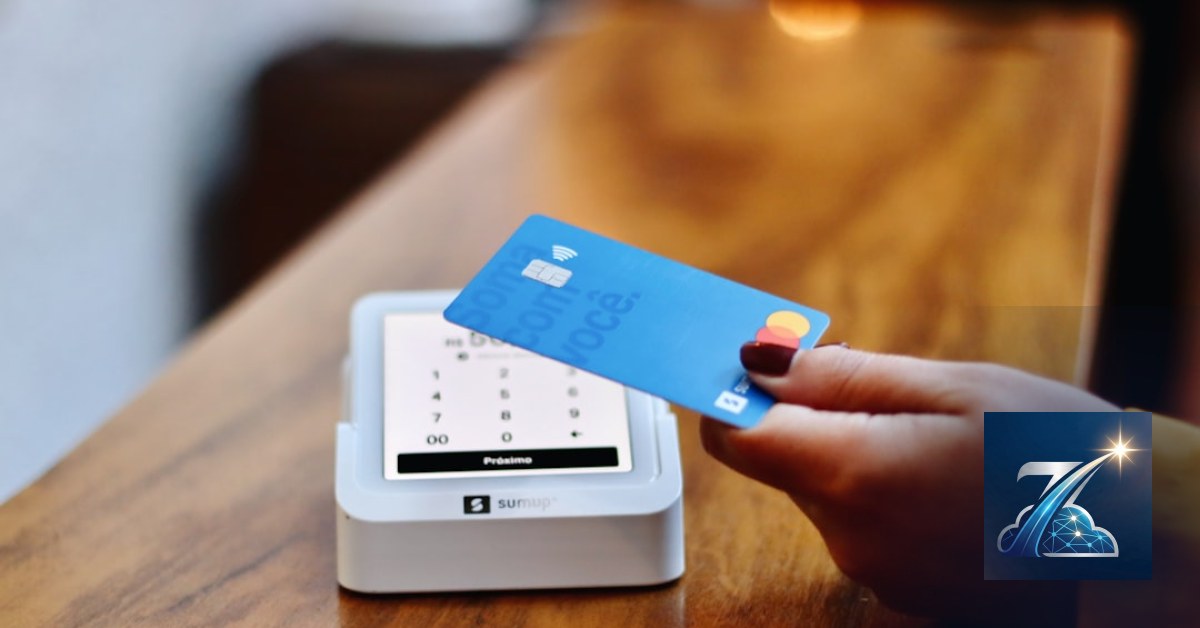
The customer walks in, pays, but where is the loyalty card? At home. In the car. Or worse, forgotten in a drawer. It happens every day. Result: lost points, broken experience, wasted re-purchase opportunities. At Meteora Web, we've seen dozens of businesses spending money on plastic, design and printing of cards that end up forgotten in a physical wallet — never used again.
The solution is a digital loyalty card in the customer's wallet, directly on Apple Wallet, Google Wallet or Samsung Wallet. Always with them, updatable in real time, no paper, no shipping costs. It's not the future: it works today, with a much higher activation rate than plastic. Let's see how to build it.
Why Put a Loyalty Card in the Customer's Wallet?
Statistics are clear: the average user checks their phone over 100 times a day. Their physical wallet, far less. Placing the card in a digital wallet means keeping the touchpoint always visible, with the possibility to send notifications (e.g., "You have 5 points for a 20% discount") without a dedicated app.
For the merchant: zero production costs, no logistics, instant point updates, and the ability to revoke on loss. We work with small and medium Italian businesses, and those who adopted this solution saw a 30-40% increase in loyalty card usage within the first three months.
How Does a Digital Card Work on Apple Wallet and Google Wallet?
Behind the scenes there is no magic: the digital wallet accepts passes — .pkpass files for Apple, and JWT-based equivalents for Google. Each pass contains customer data (name, point balance, barcode) and display rules (colors, logo, expiration).
Generating the pass with PHP and an open-source library
For Apple we use PHP-PKPass. For Google, the system is simpler: a JWT token signed with your Google Pay API private key.
// Minimal Apple pass creation
require_once 'pkpass/PKPass.php';

$pass = new PKPass();
$pass->setData([
    'serialNumber' => 'CARD-001',
    'description' => 'Loyalty Card Store ABC',
    'organizationName' => 'Store ABC',
    'passTypeIdentifier' => 'pass.com.meteoraweb.card',
    'teamIdentifier' => 'YOUR_TEAM_ID',
    'barcode' => [
        'format' => 'PKBarcodeFormatQR',
        'message' => '1234567890',
        'messageEncoding' => 'iso-8859-1'
    ],
    'storeCard' => [
        'headerFields' => [],
        'primaryFields' => [['key' => 'name', 'label' => 'Customer', 'value' => 'Mario Rossi']],
        'secondaryFields' => [['key' => 'points', 'label' => 'Points', 'value' => '150']],
    ]
]);

$pass->setFile('logo.png');
$pass->output('card.pkpass');
?>
For Google Wallet, the flow is different: you must create a class and an object via the Google Pay REST API, then generate a "Save to Google Pay" link that the user clicks.
What Data to Include and How to Ensure Privacy?
Less is more. In the pass insert only necessary data: name or customer code, point balance, card expiration. No address, phone or email (unless needed for notifications). The wallet automatically encrypts the pass, but delivery must be over HTTPS. Also, respect GDPR: data remains under your control, the customer can delete the card anytime.
We at Meteora Web recommend not embedding sensitive data in the pass, only a unique identifier. The server then resolves the actual balance on the fly. If the pass is copied, the attacker sees only an ID.
How to Distribute the Digital Card to Customers?
Three main channels:
- Via email: send a link that downloads the pass (e.g.,
https://yoursite.com/wallet/card/123.pkpass). - QR code: at the counter, the customer scans and saves the card.
- Dedicated app: if you already have a mobile app, integrate via PassKit and Wallet API.
Our preferred approach is the QR code printed on a stand-up card: no registration, no forced download. The customer scans, the wallet recognizes the format and asks "Add to Wallet". Done.
Example Apple Wallet link
Place the .pkpass file in a public directory and provide the direct link. The OS handles the rest.
https://yoursite.com/passes/loyalty-card-code123.pkpassFor Google Wallet, the link looks like:
https://pay.google.com/gp/p/ui/pay?link=...&token=...How to Update Points and Balance in Real Time?
The wallet supports push updates without customer action. Apple and Google provide a web service (Apple docs) that the wallet periodically queries. When the balance changes, you update the pass on the server and the next time the wallet fetches it (or via a notification) it gets refreshed.
We implement a simple REST API that receives the card code and returns updated JSON. Note: Google Wallet requires you to specify modification permissions, while Apple allows updates without user intervention.
Common Mistakes to Avoid with Digital Cards
- Not testing on both stores: Apple and Google have different formats and limits (Apple accepts up to 2 MB for images, Google has strict rules on logo dimensions).
- Ignoring expiration: if the card has no expiry, set it to 5 years; otherwise the wallet marks it as "expired" and the customer gets annoyed.
- Missing revocation handling: if a customer loses their phone or requests deletion, you must be able to invalidate the pass via the update API.
- Non‑HTTPS links: the wallet refuses passes downloaded over HTTP. Always use HTTPS and a valid certificate.
One mistake we've seen repeatedly: companies email the pass as a renamed .zip file. The system doesn't recognise it. It must be exactly .pkpass.
What to Do Now
1. Choose a library for pass generation (PHP, Node.js, Python). We recommend PHP-PKPass for simplicity.
2. Create a test pass with a dummy name and dummy QR code. Download it on your phone and verify it appears in Wallet.
3. Integrate with your management system to update point balances in real time. Two endpoints suffice: one to create/return the pass, one for updates.
4. Distribute with a QR code at the checkout and a link in the welcome email.
5. Monitor how many customers activate the digital card vs. the old plastic. The data doesn't lie.
If you want to explore the full digital loyalty card system, start with our main guide.
Zenith Fidelity is the all-in-one platform to run your business — clients, scheduling, deadlines, invoicing and WhatsApp reminders, all from your browser. No installation required.
Discover Zenith Fidelity →





