
 Ing. Calogero Bono
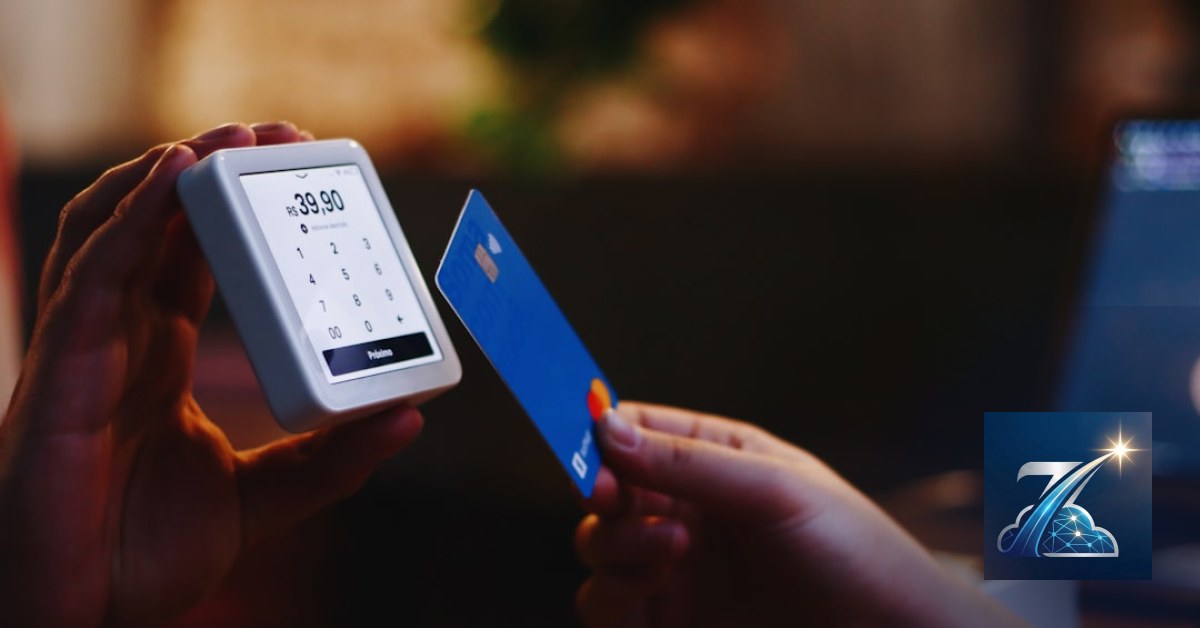
Do you run an online or physical store and want to build customer loyalty without paying monthly SaaS fees? The answer is a digital loyalty card built on your own stack. At Meteora Web, we have done this dozens of times: clients who started with expensive loyalty apps and now manage points and rewards with a custom plugin costing €0 per month. This guide takes you from problem to solution, with code you can actually use.
Why a digital loyalty card beats a plastic card?
Plastic cards cost to print, distribute, and get lost. A digital card lives in the customer's phone, updates in real time, and gives you granular purchase data. We saw a clothing store with 3000 active plastic cards: 40% of points were never redeemed because customers lost the card. After switching to digital, the redemption rate rose to 85% in six months. The data is clear: a digital card multiplies retention.
Which tools to choose to create it without lifetime fees?
Here's our stance: owning your stack beats renting it. If you use WooCommerce, you already have the base. Premium plugins like “Loyalty Points” cost €100-200/year and work, but tie you to external updates. We prefer building a proprietary system with WooCommerce Points and Rewards (open source, free) or custom code. For the physical card, a simple QR code generated from the user ID, displayed in the customer profile. No monthly fee, no hostage data.
Display the virtual card in the customer dashboard
Add a section in WooCommerce My Account. Here's a basic snippet to show points and QR:
// functions.php of child theme or custom plugin
add_action('woocommerce_before_my_account', 'show_digital_loyalty_card');
function show_digital_loyalty_card() {
    $user_id = get_current_user_id();
    $points = get_user_meta($user_id, 'loyalty_points', true) ?: 0;
    $qr_url = 'https://api.qrserver.com/v1/create-qr-code/?size=150x150&data=' . $user_id;
    echo '<h3>Your Digital Loyalty Card</h3>';
    echo '<p>Points accumulated: <strong>' . $points . '</strong></p>';
    echo '<img src="' . $qr_url . '" alt="loyalty QR code">';
    echo '<p>Show this QR at checkout to earn points.</p>';
}
How to integrate the loyalty card into your WooCommerce store?
Integration starts with purchase tracking. Every time an order is completed, we add points to the user. Example: points = 1% of order total:
add_action('woocommerce_order_status_completed', 'add_loyalty_points');
function add_loyalty_points($order_id) {
    $order = wc_get_order($order_id);
    $user_id = $order->get_user_id();
    if (!$user_id) return;
    $total = $order->get_total();
    $points_to_add = floor($total); // €1 = 1 point
    $current_points = get_user_meta($user_id, 'loyalty_points', true) ?: 0;
    update_user_meta($user_id, 'loyalty_points', $current_points + $points_to_add);
}
This is a basic example. In production you need to handle multipliers, expiry, and point redemption as discount. For discount, add a field in checkout or integrate with WooCommerce Coupons. We developed a function that auto-generates a coupon when 100 points are reached. Want it? Check our advanced guide (internal link).
How to manage points and expiry without headaches?
Do points expire? You decide. We recommend a 12-month validity from first accumulation, with an email notification 30 days before. Use a daily cron job:
// wp-cron daily
add_action('wp', 'loyalty_expiry_cron');
function loyalty_expiry_cron() {
    if (!wp_next_scheduled('loyalty_daily_expiry')) {
        wp_schedule_event(time(), 'daily', 'loyalty_daily_expiry');
    }
}
add_action('loyalty_daily_expiry', 'check_expiry');
function check_expiry() {
    global $wpdb;
    $users = get_users(array('meta_key' => 'loyalty_points_expiry'));
    foreach ($users as $user) {
        $expiry = get_user_meta($user->ID, 'loyalty_points_expiry', true);
        if ($expiry < time()) {
            update_user_meta($user->ID, 'loyalty_points', 0);
            delete_user_meta($user->ID, 'loyalty_points_expiry');
            wp_mail($user->user_email, 'Points expired', 'Hi, your loyalty points have expired. Earn new ones!');
        }
    }
}
Test with a manual cron before enabling. We've seen cases where WordPress cron never fires: better use a real system cron hitting an endpoint.
How to measure the ROI of your digital loyalty card?
Here's our accounting DNA. A loyalty program without metrics is a cost, not an investment. Track:
- Redemption rate: points used / points issued. Below 50% means poor communication or unattractive rewards.
- Purchase frequency of enrolled vs non-enrolled customers. Use GA4 and your CRM to compare.
- Cost per point: discount given divided by extra margin generated. If cost exceeds extra margin, you're giving away money.
We build custom reports in the WooCommerce backend. A simple SQL to see total points accumulated last month:
SELECT SUM(CAST(meta_value AS UNSIGNED)) AS total_points
FROM wp_usermeta
WHERE meta_key = 'loyalty_points';
You don't need to be a data scientist: measure what matters.
What to do now
- Define the rules: points per euro, ratio, expiry, rewards (discount, free product, free shipping).
- Install a base plugin or use our snippet to start. If you lack PHP skills, contact us for a free audit of your e-commerce.
- Communicate the card: welcome email, homepage banner, QR in store. Tech without adoption is useless.
- Measure after 3 months: compare pre and post fidelity data. If no increase in purchase frequency, adjust rewards.
- Read the pillar guide for an overview: Digital loyalty card and points collection.
Remember: a website is measured in revenue, not compliments. Your loyalty card must drive repeat sales, not just likes. If you have doubts or want us to build a custom solution, contact us.
Zenith Fidelity is the all-in-one platform to run your business — clients, scheduling, deadlines, invoicing and WhatsApp reminders, all from your browser. No installation required.
Discover Zenith Fidelity →





