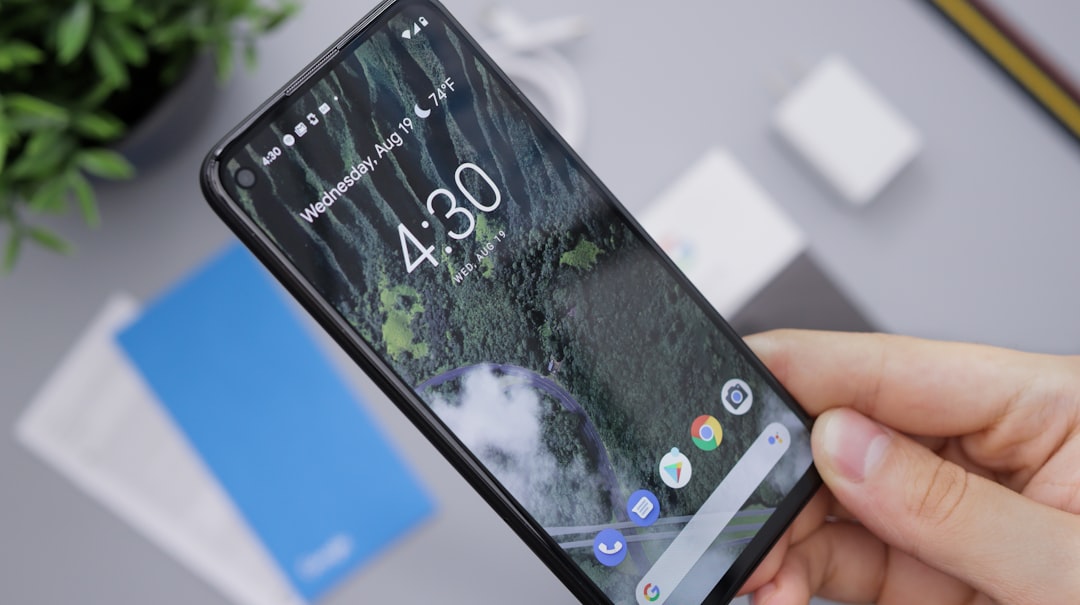
For years, anyone trying to capture a still frame from a video on an iPhone had to rely on a clunky workaround: pause the clip, hide the playback controls, and take a screenshot. The result was a low-quality image, often with black bars and a cropped aspect ratio. With iOS 27, Apple finally fixes this annoyance by introducing a native feature that saves a frame as a full-resolution photo directly from the Photos app.
How frame extraction works in iOS 27
The process is remarkably simple. While playing a video saved in Photos, pause at the desired moment. Tap the three-dot menu icon in the top-right corner, and select the "Save Frame as Photo" option. One tap saves the frame as a standalone image in the main library. Quality is maximized because the system extracts data directly from the original video file, bypassing the screen.
Sponsored Protocol
Superior quality compared to traditional screenshots
A standard screenshot is limited by screen resolution and interface controls. In contrast, iOS 27's new tool produces an image at the full video resolution, whether 1080p or 4K. The result is a crisp frame with no added artifacts or compression, ideal for preserving a precise moment from personal or professional footage. Moreover, the image retains the original color profile, eliminating the need for post-processing.
Availability and device compatibility
The feature will be available on all iPhones compatible with iOS 27, which according to leaks will include models after the iPhone 16. Apple has integrated this update seamlessly, making it accessible without any additional settings. For users already leveraging artificial intelligence tools for photo management, this feature complements advanced AI solutions like those discussed in autonomous AI, though here it is purely local and secure.
Sponsored Protocol
This new functionality demonstrates Apple's attention to user needs, solving a long-standing problem without requiring third-party apps. For more information on iOS operations, refer to the official Apple documentation.