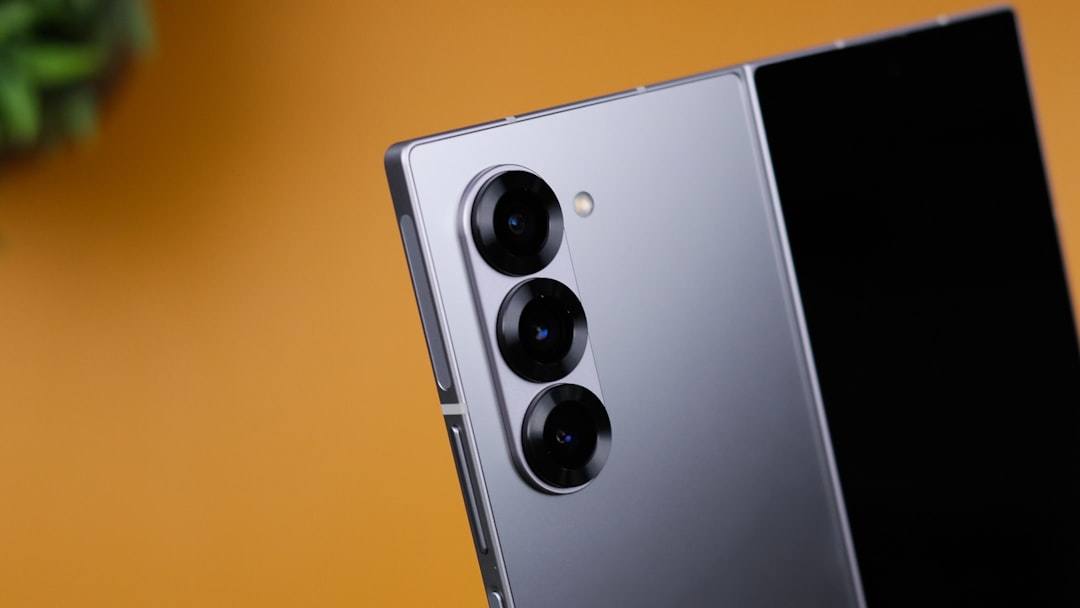
Samsung has extended the webcam feature that turns a smartphone into a PC webcam to its latest foldable lineup: the Galaxy Z Fold 8, Galaxy Z Fold 8 Ultra, and Galaxy Z Flip 8. Originally introduced with One UI 8.5 on the Galaxy S26 series, the capability now arrives preinstalled with One UI 9.0 on these new foldables. A simple USB-C cable connection is all that is needed, with no additional apps or drivers required.
A straightforward yet powerful upgrade for video calls
Using the phone's rear camera as a webcam offers a significant improvement over most built-in laptop webcams, thanks to larger sensors and better low-light performance. Samsung confirms that the included USB-C cable works perfectly, and the phone prompts the user to enable webcam mode upon connection. Once activated, the PC recognizes the device as an external webcam, compatible with Zoom, Microsoft Teams, Google Meet, and other conferencing software. No software installation is needed, making the process seamless even for non-technical users.
Sponsored Protocol
Comparison with Galaxy S26 series and older models
The feature was initially exclusive to the Galaxy S26 with One UI 8.5, and even after updating to that version, older models like the Galaxy S25 did not receive it. This suggests that hardware or software optimizations in the new foldables enable the feature. With One UI 9.0, Samsung bridges the gap, offering a practical solution for those wanting an instant webcam upgrade without purchasing additional hardware. The foldables now join the S26 as devices that can replace a dedicated webcam, which is particularly useful for remote workers and streamers.
Step-by-step activation process
Using the feature is intuitive. Connect the phone to the computer via the USB-C cable. A notification appears on the phone screen to enter webcam mode; tap to confirm. The computer automatically detects the phone as a webcam, and it appears in the list of available cameras in any video application. Users can toggle between the ultra-wide, wide, and telephoto lenses (where available) to frame their shot. For a detailed guide, refer to our earlier article on how to use your Galaxy phone as a webcam, which covers optimal settings and troubleshooting.
Sponsored Protocol
Broader implications for productivity and ecosystem integration
This move aligns with a growing trend to minimize accessories and leverage existing devices. Many users are exploring ways to reduce artificial light exposure for better sleep, as discussed in our piece on eliminating artificial light for two weeks, and having a high-quality camera built into a device already carried daily reduces clutter. Similarly, the innovation echoes the design philosophy seen in gadgets like the DJI Lito 1, which combines portability with advanced sensors. Samsung continues to build a cohesive ecosystem where each device enhances the others, offering tangible benefits without extra cost.
Sponsored Protocol
For a deeper dive into the technical specifications of the Galaxy Z Fold 8 and Flip 8, the Wikipedia page on the Samsung Galaxy Z series provides comprehensive details. With this feature, Samsung reinforces its leadership in smartphone-PC integration, delivering a practical upgrade for professionals and casual users alike.