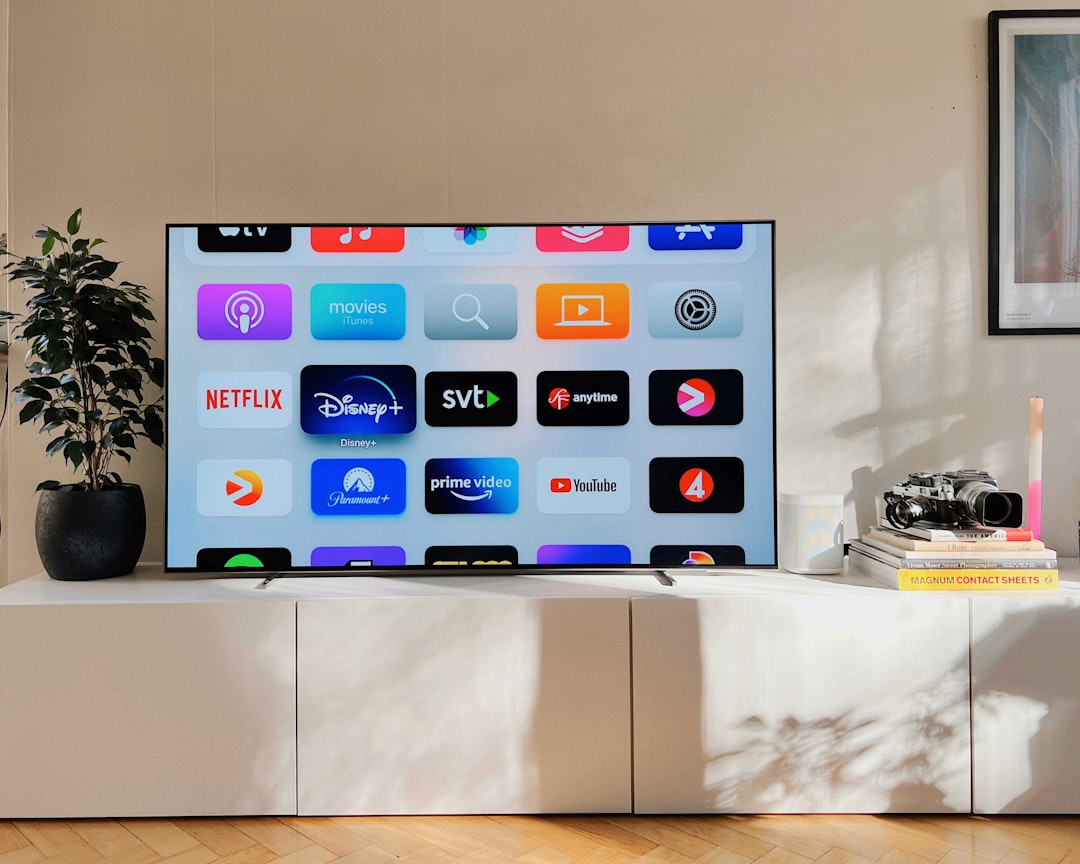
Smart TVs have long been a privacy concern. From being called a 'privacy nightmare' to a 'mass surveillance system', users have faced numerous scandals over data collection and telemetry. The latest incident last week involved LG TVs and PC monitors, with voice features and a McAfee pop-up ad in Windows 11 drawing criticism. LG defended its position, but the pop-up was retracted. Regardless, this event prompted many to reconsider whether their smart TV needs to stay online.
Why disconnecting your smart TV makes sense for privacy
If you use an external streaming device like a Fire TV Stick or Apple TV, your television's internet connection becomes unnecessary. Many users never touch the TV's smart hub, preferring better interfaces. In this case, the only reason to keep your TV online is to receive firmware updates from the manufacturer. However, for older TVs, updates become rare and trivial. I own a four-year-old Sony TV: updates have slowed to minor tweaks with no real benefit. An update could even introduce bugs or reset settings, as has happened before. By disconnecting your TV, you eliminate any risk of unauthorized data transmission. Security is absolute when the device is completely offline.
Sponsored Protocol
How to take your smart TV offline in simple steps
The process is straightforward. If your TV is connected via Wi-Fi, go to the network settings menu and turn off wireless connectivity. Usually found under 'Settings' > 'Network' or 'Internet'. It's advisable to 'forget' the Wi-Fi network, removing it permanently from the TV's memory. If you use an Ethernet cable, simply unplug it. This ensures your TV has no internet access, guaranteeing maximum privacy. You will lose features like built-in voice commands, but if you use a streaming stick, you can rely on its voice search instead.
Sponsored Protocol
Installing firmware updates offline using a USB drive
If you want to keep your TV updated without reconnecting to the internet, you can manually download the firmware on a PC and transfer it via USB. First, find your exact TV model, visible on the invoice or in the 'About' menu. On a computer, search the manufacturer's support site with the model name and 'firmware'. Download the appropriate file and save it to a USB drive formatted as FAT32. Insert the drive into the TV, go to settings, and select 'Software update' or 'Update from USB'. Follow on-screen instructions. This method works for most brands, though exact steps may vary. Sony, for instance, provides detailed guides. This way, your TV stays offline yet updated, without compromising privacy.
Sponsored Protocol
For those concerned about digital security, it's worth exploring common cloud misconfigurations, another weak point. Additionally, for a deeper understanding of smart TV privacy issues, refer to the Wikipedia page on Smart TV privacy concerns.