 Ing. Calogero Bono
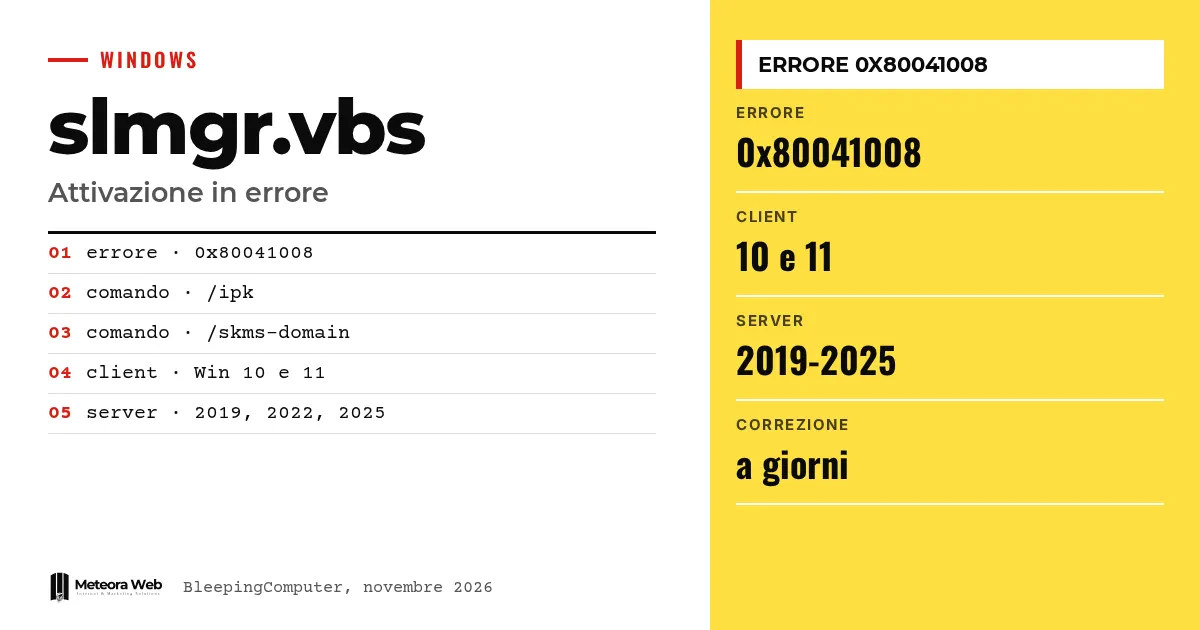
Microsoft has confirmed that the November Patch Tuesday security updates cause activation and licensing errors in Windows, with code 0x80041008. The problem mainly affects businesses that automate activation or use the slmgr command-line tool. It hits both clients and servers. It matters because anyone preparing new machines or system images can get stuck exactly when activating them.
A few terms before we get into the facts. Slmgr.vbs is the script included in Windows to manage licenses and activation from the command line. KMS (Key Management Service) is the service organizations use to activate computers from an internal server. GVLK is the generic volume license key used by KMS clients. Product key is the license code that the /ipk command installs. WMI is the Windows management interface these scripts rely on.
What happens after the November updates?
According to a service notice seen by BleepingComputer, affected devices may encounter error 0x80041008, "Invalid parameter (SWbemObjectEx)", when running commands to activate Windows, configure KMS or manage product keys.
Microsoft specifies that devices being configured for KMS activation may have errors when they try to start it. Devices already activated remain activated. As the company states, KMS devices generally stay active for up to 180 days after a successful activation.
Which commands and which versions of Windows are involved?
Activations fail after running the commands slmgr.vbs /skms-domain and slmgr.vbs /ipk. The versions indicated are Windows 10 21H2 and 22H2, Windows 11 23H2 and Windows Server 2019, 2022 and 2025.
In the official Microsoft documentation, the /ipk option attempts to install a 5x5 key, checks its validity and, if one already exists, replaces it without warnings. It is precisely this kind of operation that breaks with the update.
Who should not have problems?
According to Microsoft, no problems are expected for those who already have the correct KMS client key and KMS configuration and do not need to run the affected Slmgr.vbs commands. The same goes for those who have the KMS key in the image and do not use SLMGR to manage licenses.
In practice, environments with deployment scripts, images built from scratch and procedures that reset the key at every new installation are more exposed.
Is there a fix?
Microsoft indicates that a fix will be available in the coming days. Those who need an immediate solution should contact Microsoft business support.
It is not the first recent case. In January, BleepingComputer writes, Microsoft had fixed a license migration problem during updates. On the update front there is also the November Windows 11 update that does not install on some PCs, and a broader picture in the November 2026 Patch Tuesday.
Limits to know
We know about the problem only from the Microsoft notice reported by BleepingComputer. The number of affected devices is unknown, and so is the exact day of the fix, which is only described as coming in the next few days. It is not clear which specific updates trigger the error, and other affected commands could still emerge.
What changes for those working with digital tools
If you manage fleets of machines with activation scripts, pause for now any deployments that run /ipk or /skms-domain on Windows updated in November. Machines that are already active should be left alone. For corporate servers, consider delaying update installation on staging environments, as already suggested by the case of Exchange Server becoming unstable after October's updates. If your servers are in managed hosting, ask your provider how it is handling the issue.
Our take
A security update that breaks activation shows a known limit in how patches are managed. Testing of administrative commands, the ones businesses use every day, seems less carefully done than features for the end user. Here the damage is contained because those already active stay active. But yet another known problem within a few weeks, between failed installations and SQL Server performance issues, is reason enough never to install patches across the whole infrastructure on the same day.
Frequently asked questions
What is error 0x80041008 in Windows?
It is an invalid parameter error that appears when running activation, KMS or key management commands. Microsoft links it to the November updates. It mainly affects those who use slmgr.vbs.
Will my already activated Windows stop working?
No. Microsoft states that devices already activated remain activated. The problem appears when you try to configure or activate again.
Which versions of Windows are affected?
Windows 10 21H2 and 22H2, Windows 11 23H2 and Windows Server 2019, 2022 and 2025. These are the versions Microsoft lists in its notice.
When will the fix arrive?
Microsoft speaks of the coming days, without a precise date. For an immediate solution, businesses can contact Microsoft support.
Is anyone using only the KMS key in the image at risk?
They should not be. Microsoft says that those who already have the correct client key and KMS configuration, and do not run the affected Slmgr commands, are not expected to be affected.
What to check until Microsoft's fix arrives
The promised patch should arrive soon, but it is worth preparing without waiting. A few checks can prevent blockages at your next deployment.
- Check Microsoft service notices for the fix date and installation instructions.
- Review your scripts to see which ones use /ipk or /skms-domain and flag the points where they could fail.
- After the fix, test activation on a test machine before resuming deployments.