
 Ing. Calogero Bono
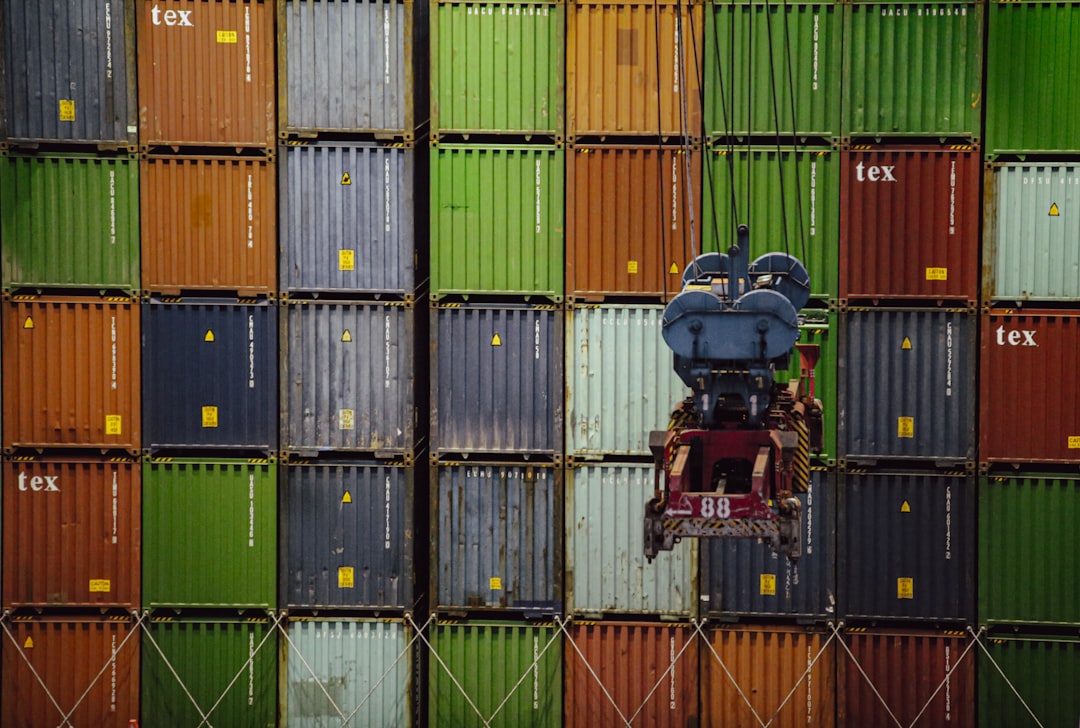
You have a Node.js backend and a React frontend. Locally, everything runs smoothly. Then comes the moment to make it work on a server or to onboard a colleague. Problems start: "it works on my machine", missing dependencies, wrong Node versions, React build fails. We've been there too — at Meteora Web, handling projects from AI chatbots to SaaS dashboards. The solution is Docker: a way to package each component with its exact environment, making them talk to each other without friction.
In this operational guide, we show you how to containerize a full-stack app with Node.js and React, using Docker and Docker Compose. No expertise required: we start from the problem and get to a setup you can copy and adapt immediately.
Why Containerize a Full-Stack App with Docker?
Imagine having two tools that must live on the same machine but with different dependencies. The Node.js backend requires version 18, while the React frontend needs Node 20 for build tools. Without containers, you're stuck installing multiple versions via nvm, managing port conflicts, and praying nothing breaks when you update a package.
With Docker, each service is isolated in its container. You can have Node 18 for the backend and Node 20 for the frontend (though we'll use a multi-stage build for React that produces static files served by Nginx). No conflict. And if a colleague clones the repo and runs docker-compose up, everything starts identically.
We use Docker on every project that goes beyond prototype — and even for prototypes if there's a backend. The reason is simple: a site is measured in revenue, not compliments. If you waste time configuring environments, you're not developing. You're fighting fires.
Moreover, Docker prepares you for production. The setup you'll see here can be deployed on any Linux server (or VPS, AWS, etc.) with a few tweaks.
How to Structure Dockerfiles for Node.js and React?
Start with the building blocks: Dockerfiles. A Dockerfile tells Docker how to build the container image. For a full-stack app you need two images: one for the backend (Node.js/Express) and one for the frontend (React).
Dockerfile for Node.js Backend
Here's an example we use in our projects. We use multi-stage build to keep the final image lightweight: first install dev dependencies (e.g. TypeScript), compile, then copy only necessary files for production.
# Stage 1: Build
FROM node:18-alpine AS builder
WORKDIR /app
COPY package*.json ./
RUN npm ci --only=production
COPY . .
# If you use TypeScript or a build tool
RUN npm run build 2>/dev/null || true

# Stage 2: Production
FROM node:18-alpine
WORKDIR /app
# Copy only node_modules and compiled code
COPY --from=builder /app/node_modules ./node_modules
COPY --from=builder /app/dist ./dist
COPY --from=builder /app/package*.json ./
EXPOSE 3000
CMD ["node", "dist/index.js"]
Why Alpine? It reduces image size from ~1GB to ~200MB. Less disk space, faster download. Be careful: some native dependencies (e.g. bcrypt) require build tools. In that case, use node:18 (Debian slim) and install g++ make python3 in the builder.
Common mistake: copying all development code (entire node_modules, IDE config files) into the final image. Use .dockerignore to exclude:
node_modules
.git
.gitignore
.env.local
.env.development
Dockerfile for React Frontend
The React frontend produces static files (HTML, JS, CSS). In production, we serve them with Nginx, much more performant than a Node server. Again, multi-stage build.
# Stage 1: Build React
FROM node:20-alpine AS build
WORKDIR /app
COPY package*.json ./
RUN npm ci
COPY . .
RUN npm run build

# Stage 2: Serve with Nginx
FROM nginx:alpine
COPY --from=build /app/build /usr/share/nginx/html
# Copy custom configuration if needed
COPY nginx.conf /etc/nginx/conf.d/default.conf
EXPOSE 80
CMD ["nginx", "-g", "daemon off;"]
Nginx config note: for client-side routing (React Router), you need fallback to index.html. Here's a minimal nginx.conf:
server {
    listen 80;
    server_name _;
    root /usr/share/nginx/html;
    index index.html;

    location / {
        try_files $uri $uri/ /index.html;
    }

    # Aggressive caching for static assets
    location ~* \.(js|css|png|jpg|jpeg|gif|ico|svg)$ {
        expires 1y;
        add_header Cache-Control "public, immutable";
    }
}
How to Orchestrate Services with Docker Compose?
Now that we have the Dockerfiles, we need them to work together. Docker Compose is the right tool: define services (backend, frontend, database) in a single docker-compose.yml and start them with one command.
version: '3.8'

services:
  backend:
    build:
      context: ./backend
      dockerfile: Dockerfile
    container_name: app-backend
    ports:
      - "3000:3000"
    environment:
      - NODE_ENV=production
      - DB_HOST=db
      - DB_PORT=5432
      - DB_NAME=mydb
      - DB_USER=user
      - DB_PASSWORD=secret
    depends_on:
      db:
        condition: service_healthy
    volumes:
      # volume for logs or file uploads
      - backend_data:/app/uploads
    networks:
      - app-network

  frontend:
    build:
      context: ./frontend
      dockerfile: Dockerfile
    container_name: app-frontend
    ports:
      - "80:80"
    depends_on:
      - backend
    networks:
      - app-network

  db:
    image: postgres:15-alpine
    container_name: app-db
    environment:
      POSTGRES_DB: mydb
      POSTGRES_USER: user
      POSTGRES_PASSWORD: secret
    volumes:
      - postgres_data:/var/lib/postgresql/data
    healthcheck:
      test: ["CMD-SHELL", "pg_isready -U user -d mydb"]
      interval: 10s
      timeout: 5s
      retries: 5
    networks:
      - app-network

volumes:
  backend_data:
  postgres_data:

networks:
  app-network:
    driver: bridge
Explanation:
- backend and frontend are built from their Dockerfiles.
- depends_on ensures the database starts before the backend (with healthcheck for safety).
- volumes persistent: database data and backend uploads survive container recreation.
- common network: services communicate using hostnames (e.g.,
backendfrom frontend,dbfrom backend). - Environment variables (DB_HOST, password) should be managed via
.envfile or Docker secrets in production. Never hard-coded.
Start everything with:
docker-compose up --build -d
Real example from one of our projects: a client's e-commerce site had images weighing 5MB. By isolating the Express backend for image processing and a React frontend for the catalog using Docker, and adding Nginx caching, we reduced load times by 40%. We saw the improvement in Google Search Console reports.
How to Handle Environment Variables and Volumes in Production?
Locally, docker-compose with variables in the file works fine. In production, you must separate configuration from the image. Two approaches:
1. .env file for docker-compose
Docker Compose automatically reads a .env file in the same directory. Place sensitive variables there and keep it out of the repository. On production servers, use a separate file with restricted permissions (chmod 600).
2. Docker Secrets (Swarm or Compose with secrets)
For more secure environments, use secrets. Docker Swarm has docker secret create. In docker-compose v3.8 you can declare:
secrets:
  db_password:
    file: ./secrets/db_password.txt

services:
  backend:
    secrets:
      - db_password
    environment:
      DB_PASSWORD_FILE: /run/secrets/db_password
Then in Node.js code read the file. Never expose passwords in process env.
Persistent Volumes
Named volumes (like postgres_data) are managed by Docker. Back them up periodically. We at Meteora Web automate backups with a script that saves volumes to S3 every night. We consider this part of security: security in Italian SMEs is systematically underestimated.
How to Debug a Containerized App?
When something fails, logs are your best friends:
# View logs of all services
docker-compose logs -f

# Logs only for backend
docker-compose logs backend -f

# Access the running container
docker exec -it app-backend sh
For the frontend, verify Nginx is serving correctly: make a curl inside the container. If the backend doesn't respond, check the network and environment variables. A common mistake: the frontend calls http://localhost:3000/api but in Docker, localhost refers to its own container. The frontend must use the service name: http://backend:3000/api. This works inside the Docker network. For the outside (browser), you'll use an Nginx proxy or reverse proxy.
What Best Practices for Deployment?
Docker Compose is great for development and staging. For production, consider:
- Orchestration: Docker Swarm (native, simple) or Kubernetes (complex, powerful). We often use Swarm for SMEs: three commands to scale.
- Reverse proxy: add an Nginx or Traefik service on top to handle HTTPS (Let's Encrypt) and routing.
- Healthchecks: implement a
/healthendpoint in the backend and configure it in Compose. - Resource limits: set
deploy.resources.limitsto prevent a container from eating all RAM.
Example resource limits in docker-compose:
deploy:
  resources:
    limits:
      cpus: '0.5'
      memory: 256M
We, at Meteora Web, built our proprietary platform precisely by using Docker to isolate each client. Every stack (Node + React + DB) is a separate set of containers. Independent updates, no conflicts. You can adopt the same approach for your project.
What to Do Now
- Download Docker Desktop or install Docker Engine on Linux.
- Create a folder structure:
backend/,frontend/,docker-compose.yml. Insert the Dockerfiles above. - Add .gitignore and .dockerignore to exclude node_modules and sensitive files.
- Run docker-compose up --build. Verify backend and frontend respond.
- Customize: replace PostgreSQL with MySQL or MongoDB as needed. Modify environment variables.
- Read our pillar on Docker and Containerization for a full picture: Docker and Containerization — From Prototyping to Production for Italian SMEs.
- Official documentation: Docker Compose for deeper dives.
Now you have a working setup to containerize a full-stack app with Node.js and React. No more worrying about divergent environments. The code you produce today will be identical on every machine. And when the client asks "does it work in production?", you can answer "yes, because we tested that exact image".






