 Ing. Calogero Bono
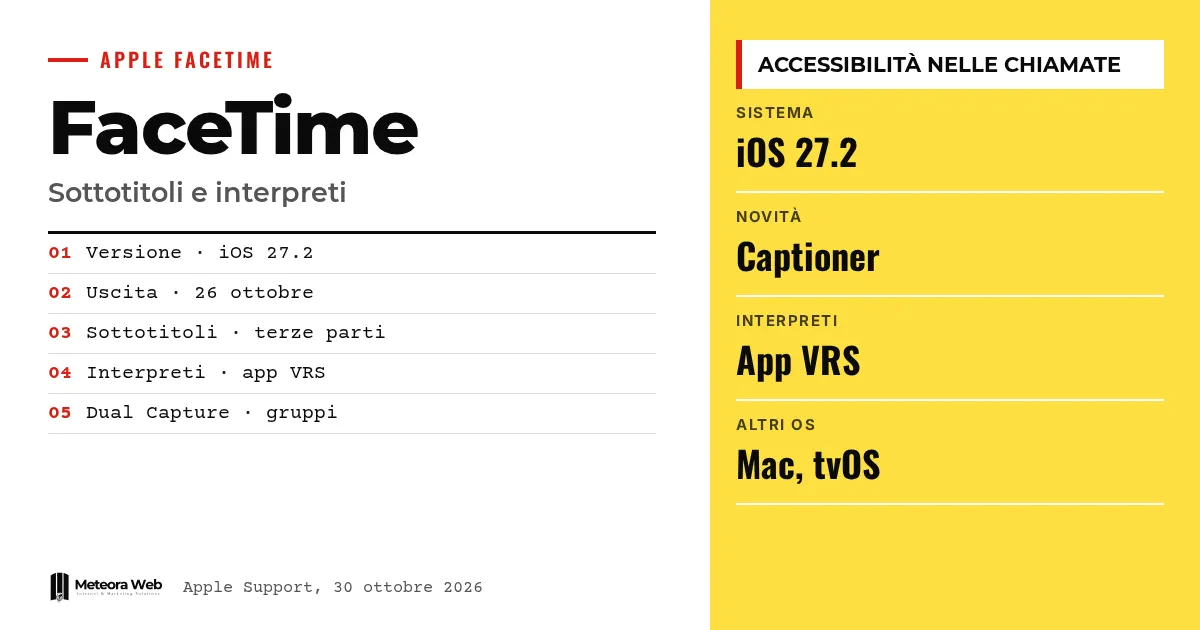
With iOS 27.2, released on October 26, FaceTime lets you invite a third-party captioner or sign language interpreter into a call. Apple documents this on a dedicated support page, and the feature also arrives on iPadOS, macOS, tvOS and visionOS. It matters for accessibility, but also for anyone running meetings with clients and colleagues who are deaf or hard of hearing. The update also brings Dual Capture to group calls.
A few terms before we get into the facts. Captioner is a person or service that transcribes the conversation in real time. VRS is Video Relay Service, a service that connects the user to a sign language interpreter over video. Live Captions are automatic subtitles generated by the device. Dual Capture transmits the front and rear cameras together. Edge Light is a ring of light along the edge of the screen that lights up the face.
How do you request third-party captions in FaceTime?
According to the Apple support page, you first need the latest version of iOS or iPadOS. During the call, tap the participant's name at the top and then Invite with FaceTime Link, to send the link to the captioner.
Choose how to send it and accept the captioner's request to join. Finally, from the call screen menu, tap Live Captions.
Apple warns that third-party services may require a subscription or a separate account. For privacy and data use, refer to the service provider.
What changes for sign language interpreters?
According to 9to5Mac, the menu with the three dots includes a Sign Language button. It lets you choose an installed VRS app to reach an interpreter directly.
The app appears as a participant tile with the status "Waiting for Interpreter". When the interpreter joins, their name appears.
The built-in Live Captions feature remains available, with automatic subtitles. You can find it in Settings, App, FaceTime.
Which devices does it work on?
Apple says third-party captions are available on macOS, tvOS and visionOS from version 27.2 onward. Engadget confirms the arrival on Apple TV, where FaceTime links make it easier to join calls, although the iPhone still acts as a webcam via Continuity Camera.
A geographic note. Apple writes that FaceTime links are not supported in mainland China, and that they cannot be created on iPhones purchased there.
What is Dual Capture and why does it arrive in groups?
According to MacRumors, iOS 27.2 brings Dual Capture to group FaceTime calls. By turning the camera, the feature activates automatically on compatible devices, such as iPhone 17 and iPhone Air.
9to5Mac points out the practical limit. All participants must have iOS 27, iPadOS 27 or macOS 27.
The new iPhone Duo also gets Edge Light, which can be turned on from Control Center during the call. We also cover it in this article on the iPhone Duo.
Limits to know
Our sources do not say which captioning services or VRS apps are already compatible, or whether they are active in Italy. Apple does not specify costs and terms for external services. The Siri AI features cited by MacRumors are not available in the EU, and we do not know whether other iOS 27.2 features will have regional limits. Apple maintains a list of availability by region.
What changes for those who work with digital tools
If you organize meetings, consultations or customer support via FaceTime, you can now include deaf or hard of hearing people with a dedicated interpreter or captioner. There is no need to change platform, just a link.
For developers, accessibility becomes concrete in apps that handle calls too. If you are designing an app, iOS and Android app development should consider captions, contrast and voice alternatives from the start. On the update side, remember that Dual Capture requires iOS 27 for all participants.
Our take
It is a smart move. Apple is not building its own interpreting service, but opening FaceTime to those who already provide one, with a link and a button. The advantage is speed of adoption. The risk is that the experience depends on paid services and privacy terms that Apple leaves to providers. For an Italian user the real question is whether local providers exist. Until we know, the feature remains more promise than tool.
Frequently asked questions
How do I turn on third-party captions in FaceTime?
During the call, tap the participant's name, choose Invite with FaceTime Link and send the link to the captioner. Accept their request to join, then tap Live Captions from the call screen.
Are third-party captions free?
Not necessarily. Apple warns that these services may require a subscription or a separate account. For privacy and data use you need to contact the provider.
Does FaceTime have an option for sign language interpreters?
Yes. According to 9to5Mac, the menu with the three dots includes a Sign Language button, which lets you choose an installed VRS app. The interpreter appears as a participant in the call.
Does it also work on Mac and Apple TV?
Yes. Apple lists macOS, tvOS and visionOS from version 27.2 onward, in addition to iPhone and iPad. On Apple TV the iPhone still acts as a webcam via Continuity Camera.
Does Dual Capture work on all iPhones?
No. MacRumors cites iPhone 17, iPhone Air and other recent models. In addition, all call participants must have iOS 27, iPadOS 27 or macOS 27.
Which captioning and interpreting services will come to FaceTime
The value of this news will depend on who connects to FaceTime. In the coming months it is worth watching which providers join and under what conditions.
- Update company devices to iOS 27.2 and test the feature with a trial call.
- Before using an external service, check costs, required accounts and how personal data is handled.
- If you offer video support, ask customers whether they need captions or interpreters and plan to send them the link.